
 Script Planner Assistant▸
 AI Apps
 AI News

Removebg: Free Online AI Background Remover
Removebg: Free Online AI Background RemoverIntroduction
Removebg is a free online AI background removal tool that can easily remove backgrounds from images of people, products, animals, cars, logos, and more, helping users quickly achieve professional results.
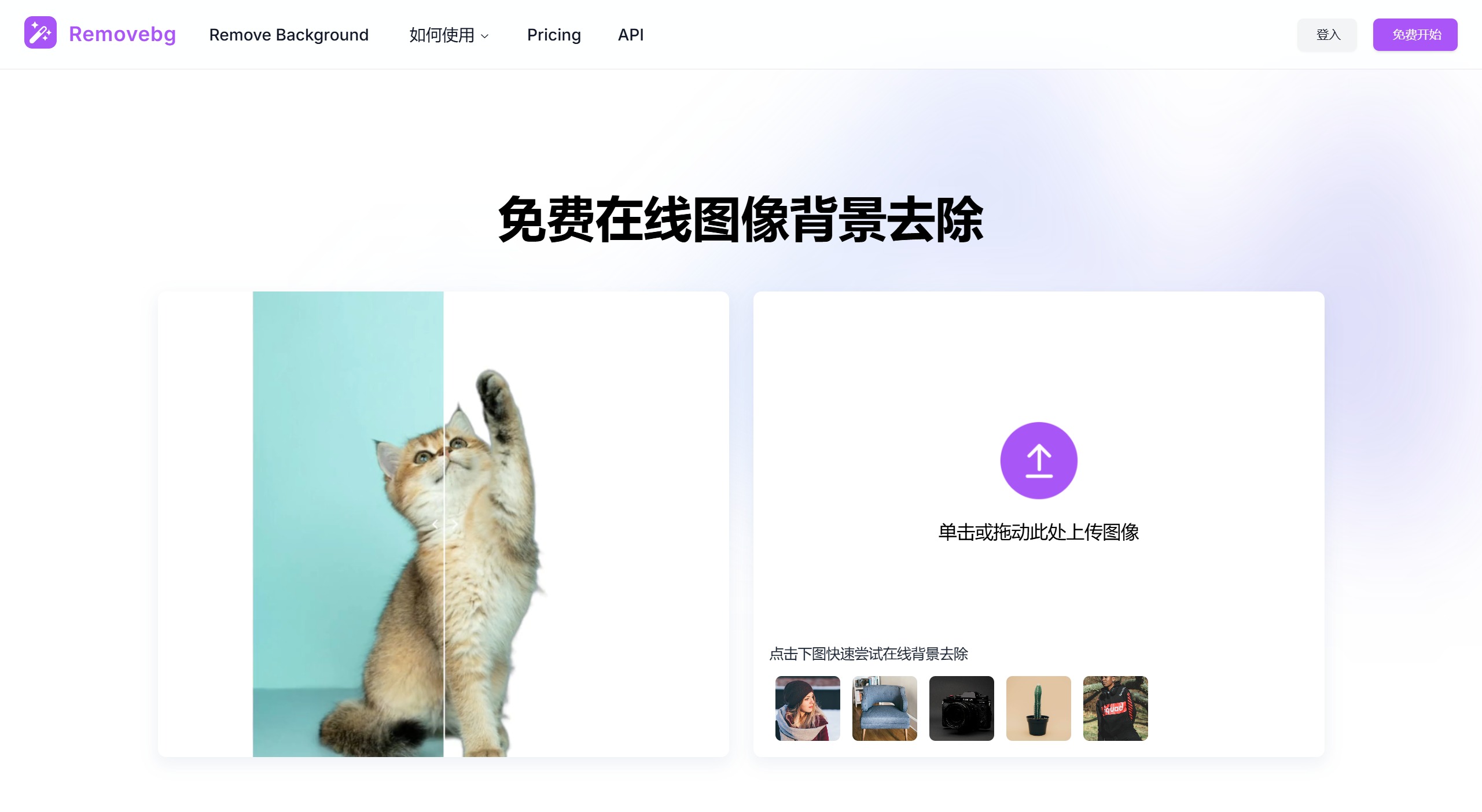
Removebg Features:
Smart Background Removal: Through advanced AI technology, users only need to upload an image, and the system will automatically complete the background removal, eliminating tedious manual operations. No design expertise is required to achieve professional-level results.
Edit Cutout: When you're not satisfied with the smart background removal result, you can use the "Edit Cutout" feature to make fine adjustments. This feature allows users to accurately select the parts to be removed or retained, ensuring the final result meets expectations.
Custom Background: After completing the background removal, users can freely change the image background color to create personalized visual effects that meet the needs of different scenarios.
Removebg Use Cases:
E-commerce Product Photography: Remove backgrounds in seconds and easily create consistent, professional product images. Perfect for online stores looking to enhance visual appeal and boost customer engagement.
Graphic Design: Use Removebg to quickly isolate subjects and streamline your design process. Perfect for creating marketing materials, banners, and social media graphics with transparent backgrounds.
Social Media Content Creation: Enhance your social media posts with eye-catching visuals by eliminating distracting backgrounds. Removebg helps content creators produce polished images that stand out in crowded feeds.
Photo Post-Processing: Simplify photo editing by automatically removing backgrounds. Ideal for portrait photographers who need to deliver high-quality, refined images quickly.
Marketing and Advertising: Quickly remove backgrounds to create compelling visual ads. Removebg ensures your marketing materials have a clean, professional look that improves performance.
Personal Use: Need to remove backgrounds from images for personal projects? Whether for presentations, gifts, or personal websites, Removebg offers a simple and efficient solution.
Social Media Content: Create eye-catching posts and profile pictures to enhance social media visuals and boost user interaction.
How to Use Removebg?
1. Open Removebg.one: Open your browser and go to Removebg Upload.
2. Upload Your Image: Click the upload button to select your own image. After a few seconds, background removal will be completed automatically.
3. Modify the Background or Edit Again: This step is optional. You can proceed directly to download, or make additional edits to the cutout result to remove any flawed pixels. You can also change the background to any color.
4. Download: Click the download button to save the cutout result to your local computer.
Removebg is the ideal choice for enhancing the quality of your visual content. Whether for e-commerce, photography, or design projects, it can quickly meet your needs.
Related Information:















