Script Planner Assistant▸
 AI Apps
 AI News

Allavsoft: Batch Video and Music Downloader
Allavsoft: Batch Video and Music DownloaderIntroduction
Allavsoft is a professional video download and conversion tool that supports downloading videos and audio from more than 10,000 websites such as YouTube, Spotify, and Vimeo. Users can easily download HD videos, music videos, playlists, and more, and convert them into various formats such as MP4, MP3, and AVI. Allavsoft is simple to operate—users just need to copy and paste the link to download—and it offers batch downloading functionality, making it suitable for users who need to download large amounts of media files.
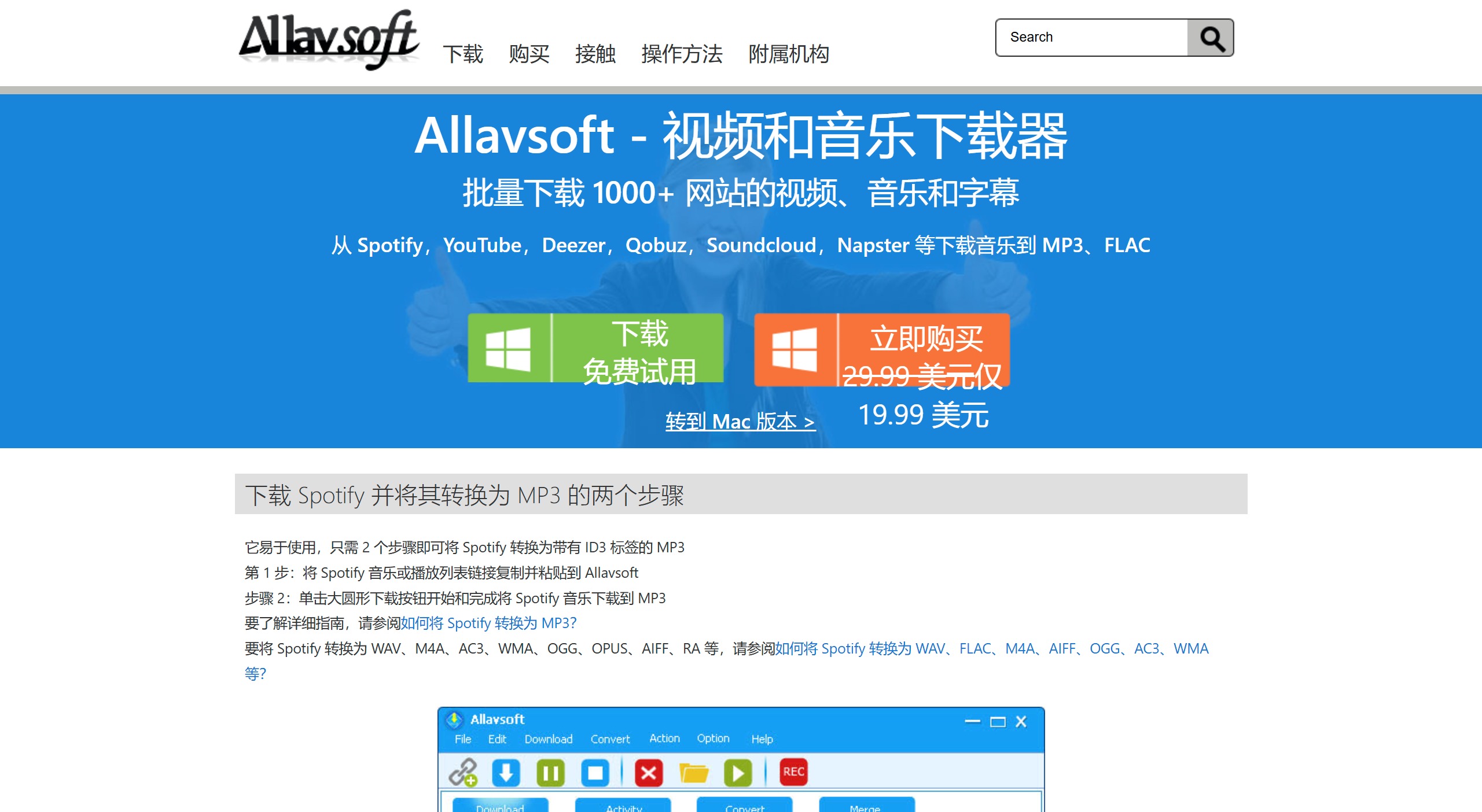
Key Features of Allavsoft:
Supports about 1,000 sites: Allavsoft partners with various video and audio sharing platforms and supports downloading from more than 1,000 sites.
Video and audio conversion: Users can convert downloaded videos into various formats such as MP4, AVI, WMV, MP3, AAC, and FLAC. It also allows manual conversion of existing files.
Download quality selection: Users can choose the download quality, ranging from standard definition to ultra-high definition (8K).
Screen recorder: Includes basic screen recording functionality, although it may have audio-video synchronization issues.
Audio extraction: Allows extracting audio from video files, which is useful for creating MP3 files from video podcasts or music videos.
Simple interface: The interface is simple and easy to use, but may appear outdated to some users.
Allavsoft Applications:
Download videos and music: Ideal for downloading videos and music from various online platforms for offline use.
Convert media files: Can be used to convert media files into different formats suitable for various devices.
Create playlists: Helps create playlists by downloading multiple tracks or videos from platforms such as YouTube and Spotify.
How to Use Allavsoft:
Download and install: Visit Allavsoft's official website, download the latest version of the installer, and follow the prompts to install it.
Run the software: After installation is complete, double-click the software icon to open it.
Paste the video link: Open the webpage of the video you want to download in your browser, find the video's link address, then copy and paste it into Allavsoft.
Select download settings (optional): Set the video format, video quality, and download path.
Start downloading: After confirming the download settings, click the "Download" button or a similar button to start the download.
Allavsoft Pricing:
1-month license: Up to two devices for $19.99.
1-year license: Up to two devices for $29.99.
Lifetime license: Up to three devices for $69.99.
Overall, Allavsoft, as an all-in-one tool that combines video download, audio download, and format conversion, is suitable for anyone who needs to download and convert media files from various online sources.