
 Script Planner Assistant▸
 AI Apps
 AI News

Replit Agent: AI-Powered Text-to-App Tool
Replit Agent: AI-Powered Text-to-App ToolIntroduction
Replit Agent is an AI-powered tool designed to help users build software projects. It can understand natural language prompts and create applications from scratch, making software development more accessible to users of all skill levels. Replit Agent not only automates server and database configuration but also streamlines the application launch process, turning ideas into fully functional applications even without coding experience.
Replit Agent makes software development easier for users of all skill levels, from beginners to experienced developers.
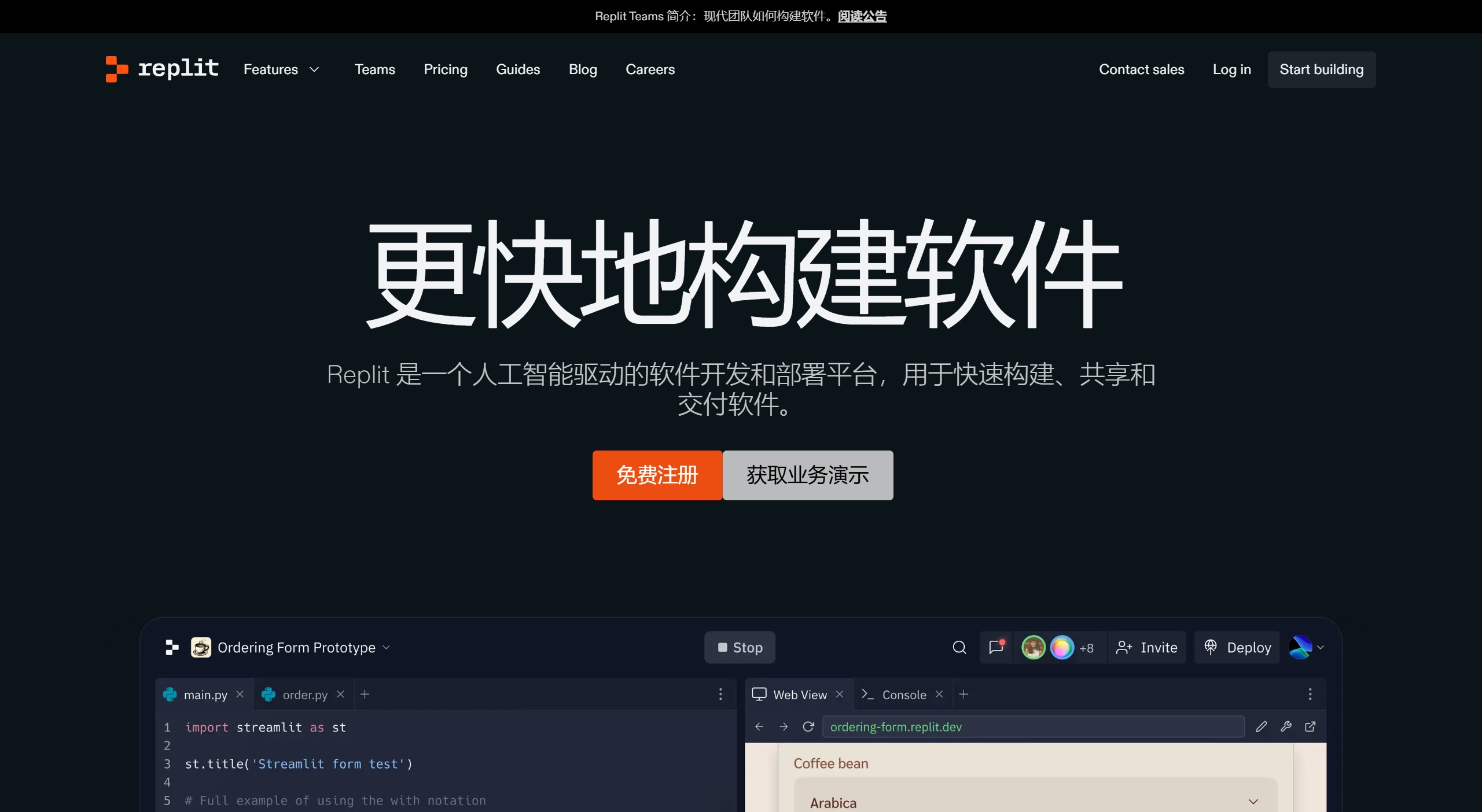
Replit Agent Core Features and Characteristics:
Automated Application Development: Replit Agent can automatically help users build apps within minutes, automating coding, configuration, and deployment. With full-process automation from idea to deployment, users can focus on creativity and design while leaving tedious coding and deployment tasks to AI.
Simplified Software Project Building: Replit Agent is designed to help users easily build software projects. Whether you are a beginner or an experienced developer, you can accomplish complex programming tasks through simple instructions. It simplifies the application development process, making programming more intuitive and efficient.
Rapid Prototyping: Artificial intelligence can quickly turn ideas from scratch into running prototype applications. This is especially useful for individuals with creative ideas but lacking technical backgrounds. It accelerates the development process, enabling quick concept validation.
Code Control: Although AI handles most of the development work, users retain full control over the code. They can review, modify, and optimize AI-generated code at any time. This feature is beneficial for learning programming or tweaking functionality to better meet specific needs.
Seamless Deployment: Replit Agent automatically manages server and database configuration, simplifying the application launch process. Users can easily publish their applications to the cloud without dealing with complex deployment steps.
Mobile Support: Users can access Replit Agent through Replit's mobile application, enabling them to develop and manage projects anytime, anywhere. This breaks the limitation of having to work in front of a computer, providing flexibility and convenience.
Autonomous Task Execution: Compared to traditional AI assistants like ChatGPT or Claude, Replit Agent operates with a higher degree of independence. It can reason about tasks, create its own steps to accomplish them, write code, set up environments, and autonomously manage deployment.
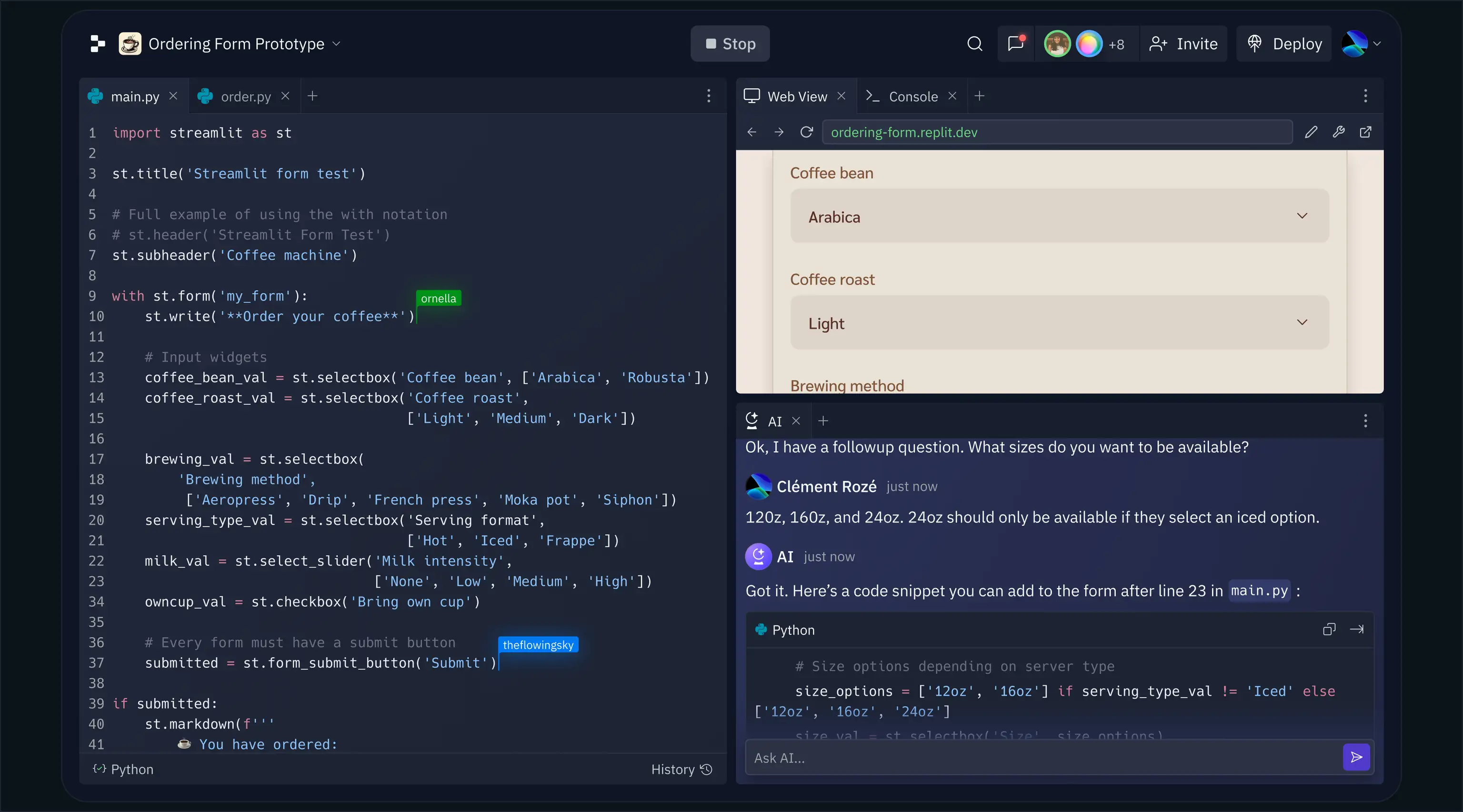
Steps to Quickly Build a Website Using Replit Agent:
1. Log in to your Replit account: First, users need to log in to Replit's official website or application, ensuring you already have a valid Replit account. If you are a new user, you may need to register for an account first.
2. Select "Create Repl": On Replit's main page, find and click the "Create Repl" button, which will take you to the interface for creating a new project.
3. Enter a text description: During the new project creation process, Replit Agent will ask you to enter a text description of the website you want to build. You can specify in detail the features, design style, page layout, and other information you want the website to have. For example, you can say: "I want a personal blog that should have an article list, comment function, and search box."
4. Replit Agent generates code: After submitting the natural language description, Replit Agent will begin analyzing your requirements and automatically generate the corresponding code. This process may take a few minutes, depending on the complexity of the website.
5. Review and adjust the code: Once code generation is complete, Replit Agent will provide a preview for you to check whether the website meets your expectations. If needed, you can modify and adjust the code to meet your specific requirements.
6. Deploy the website: When the website code meets your requirements, you can choose to deploy it to Replit's server, or export the code and run it on your own server. Replit offers convenient deployment features that make going live with a website very simple.
7. Test and optimize: After deployment is complete, you should conduct thorough testing of the website to ensure all functions work properly. If issues are found, you can return to Replit Agent for adjustments and optimization.
Currently, Replit Agent is in the trial phase.












