
 Script Planner Assistant▸
 AI Apps
 AI News

Shakker AI: Online Platform for AI Image Generation & Editing
Shakker AI: Online Platform for AI Image Generation & EditingIntroduction
Shakker ai is an online platform similar to CivitAI for AI image generation and editing, offering models such as Stable Diffusion, Checkpoints, and Lora.
Shakker AI provides a variety of image generation and editing tools. Users can choose base models, add LoRA models, upload reference images, and adjust various parameters such as sampling to generate images. Users can create custom images through descriptive text, with support for multiple styles and size options.
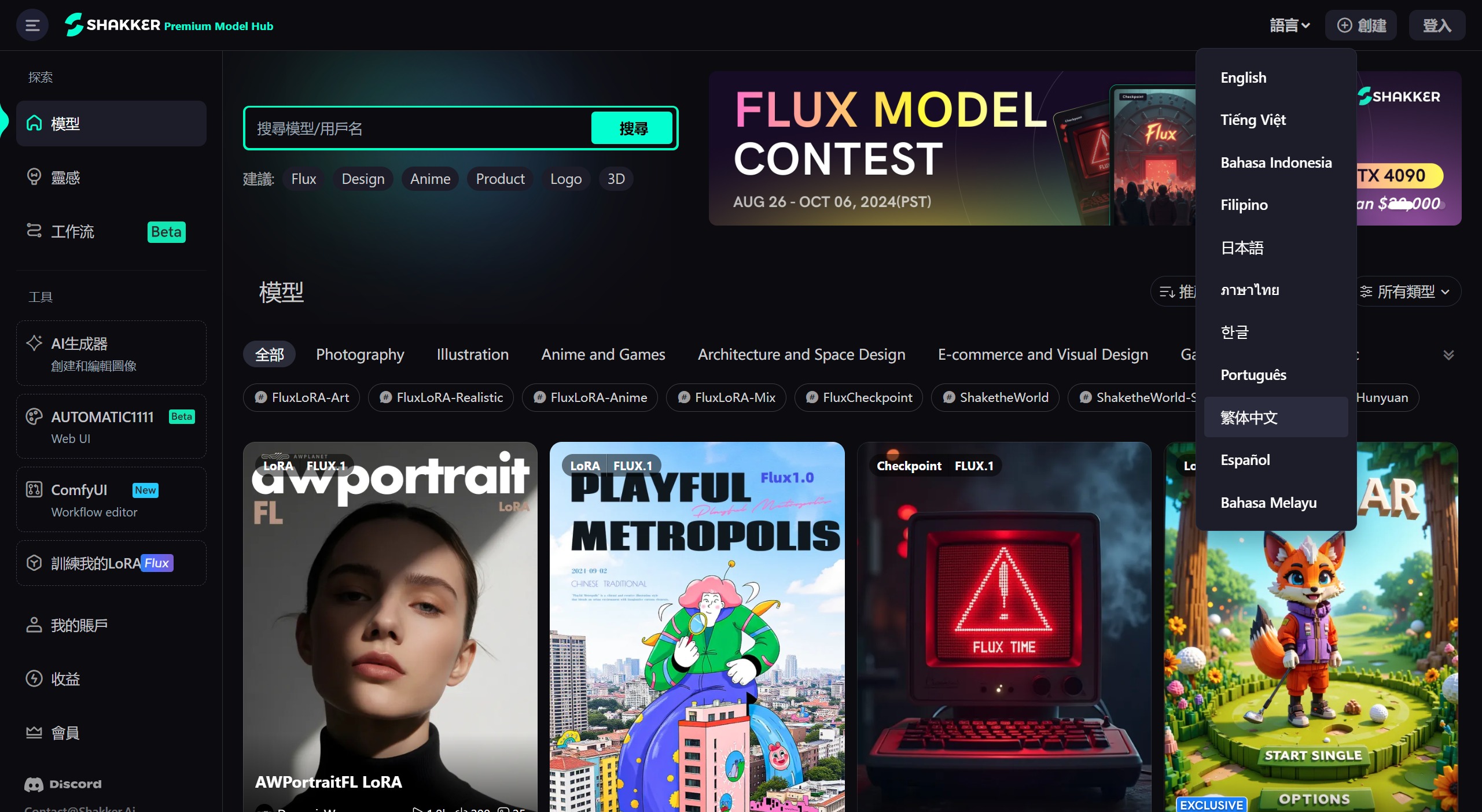
Main Features of Shakker AI:
High-Quality Model Library: Shakker AI boasts over 10,000 high-quality Stable Diffusion models, covering areas such as photography, illustration, and brand visual design. It particularly excels at generating ultra-realistic Eastern-style character images, suitable for different industries and a wide range of application scenarios.
Online Local Editing: Shakker AI offers powerful local image editing features, including inpaint (repaint), upscale (enhance resolution), remove background, remover (local modification), crop, and outpaint (extend image), allowing users to easily edit and optimize images.
One-Click Image Enhancement: Shakker AI's Upscale feature can enhance image quality with a single click. Users can select the desired magnification ratio to quickly obtain high-definition, watermark-free images.
AI Model Posing: Shakker AI's Image Reference feature allows AI models to mimic specified poses. Users only need to upload a pose reference image, and the AI will generate the corresponding posture.
AI Collage Feature: Shakker AI's Collage feature can combine multiple images into one. Users can freely adjust layer positions and sizes to create unique visual effects.
Advantages of Shakker AI
High-Quality Models: Users can utilize premium pre-trained models to deliver outstanding results for a wide range of creative and professional projects.
Ease of Use: An intuitive and user-friendly interface makes it easy and effective for individuals of all skill levels to leverage the platform.
Continuous Improvement: The platform continuously evolves through community feedback and collaboration, ensuring it remains at the forefront of artificial intelligence model development and application.
Comprehensive Support: Detailed documentation and robust customer support provide users with the resources needed to maximize the platform's potential.
Disadvantages of Shakker AI
Learning Curve: Although the interface is user-friendly, some advanced features and customization options may require time and practice to fully master.
Internet Dependency: Shakker AI relies on a stable internet connection for optimal performance, which may be a limitation for users in regions with unreliable internet access.
Model Limitations: While the pre-trained models are versatile, they may not meet all specific needs and may require additional customization or external resources.
Shakker AI Applications:
Concept Art and Illustration: Generate initial ideas for characters, environments, and scenes in games, films, and animations.
Product Design: Create rapid mockups and prototypes for new products, packaging, or logos.
Fashion Design: Design clothing and accessories based on text descriptions or mood boards.
Marketing Materials: Generate eye-catching visuals for social media posts, advertisements, and website banners.
Visualizing Scientific Concepts: Generate images representing complex scientific phenomena or data visualizations.
Creating Historical Recreations: Generate realistic images of historical figures, clothing, and environments for educational purposes.
Children's Book Illustrations: Create engaging and colorful illustrations to complement text.
Personalized Artwork: Generate unique portraits, landscapes, or abstract artworks based on your preferences.
Interior Design Inspiration: Explore different design ideas by generating room images with specific furniture, colors, and styles.
Storytelling and Creative Writing: Generate images to illustrate your stories, poems, or scripts, sparking new ideas and adding another dimension to your writing.
How to Use Shakker AI:
1. Visit the Shakker AI website and log in with your Google account to start using it. After logging in, click on "AI Generator" on the left side.
2. Once in the canvas, enter text prompts on the right, select the model, parameters, image size, etc., and click "Generate" to create the image.
3. After clicking generate, Shakker AI will produce two images. The editing tools at the top of the canvas can be used to edit the image.
Shakker AI Pricing:
Shakker AI offers both free and paid service plans. Free users receive 200 credits per day for creation, while paid users can access more models and advanced features for just $8 per month.
Member-Exclusive Models: Premium users can access member-exclusive models for generating commercial-use images, such as the AW Portrait 1.4 model based on SD1.5, which is capable of generating ultra-realistic fashion portraits.
Shakker AI has recently added FLUX Pro and FLUX Dev models. FLUX AI is an AI image generation model that rivals Midjourney and DALL-E 3 in terms of quality.
When using the FLUX Dev model on Shakker AI, each generated image costs 90 Credits. Using the FLUX Pro model, each generated image costs 180 Credits.
Related Information:















