
 Script Planner Assistant▸
 AI Apps
 AI News

Vizard AI: One-Click Long Video to Viral Shorts
Vizard AI: One-Click Long Video to Viral ShortsIntroduction
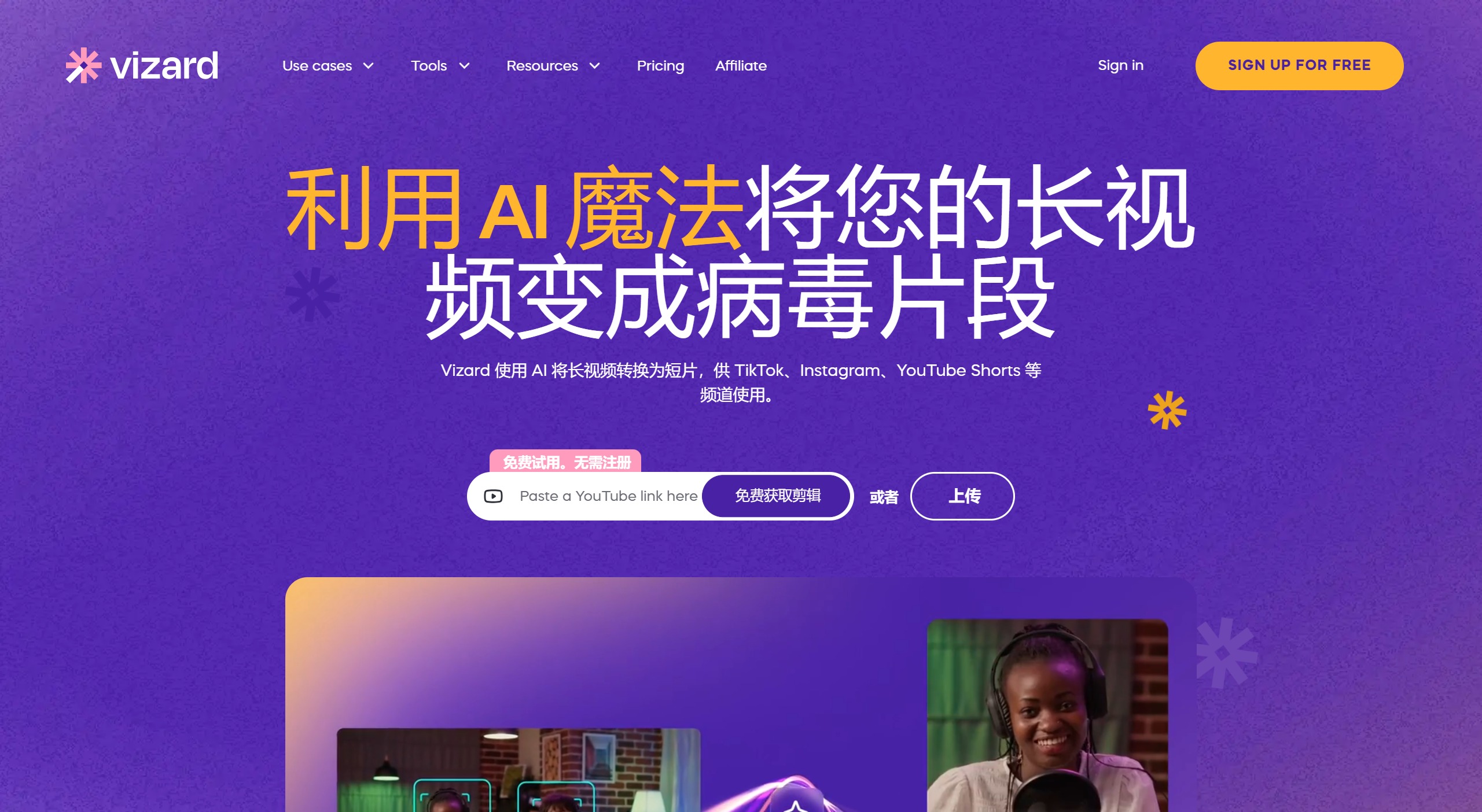
Vizard ai is an AI video editing platform that converts long videos into short clips suitable for social media platforms such as TikTok, Instagram Reels, and YouTube Shorts. Vizard AI automates the editing process, helping users effortlessly create social media content. Vizard AI offers a free usage option and supports features such as automatic recognition of video highlights, subtitle addition, and background addition, significantly saving editing time.
Main Features of Vizard AI:
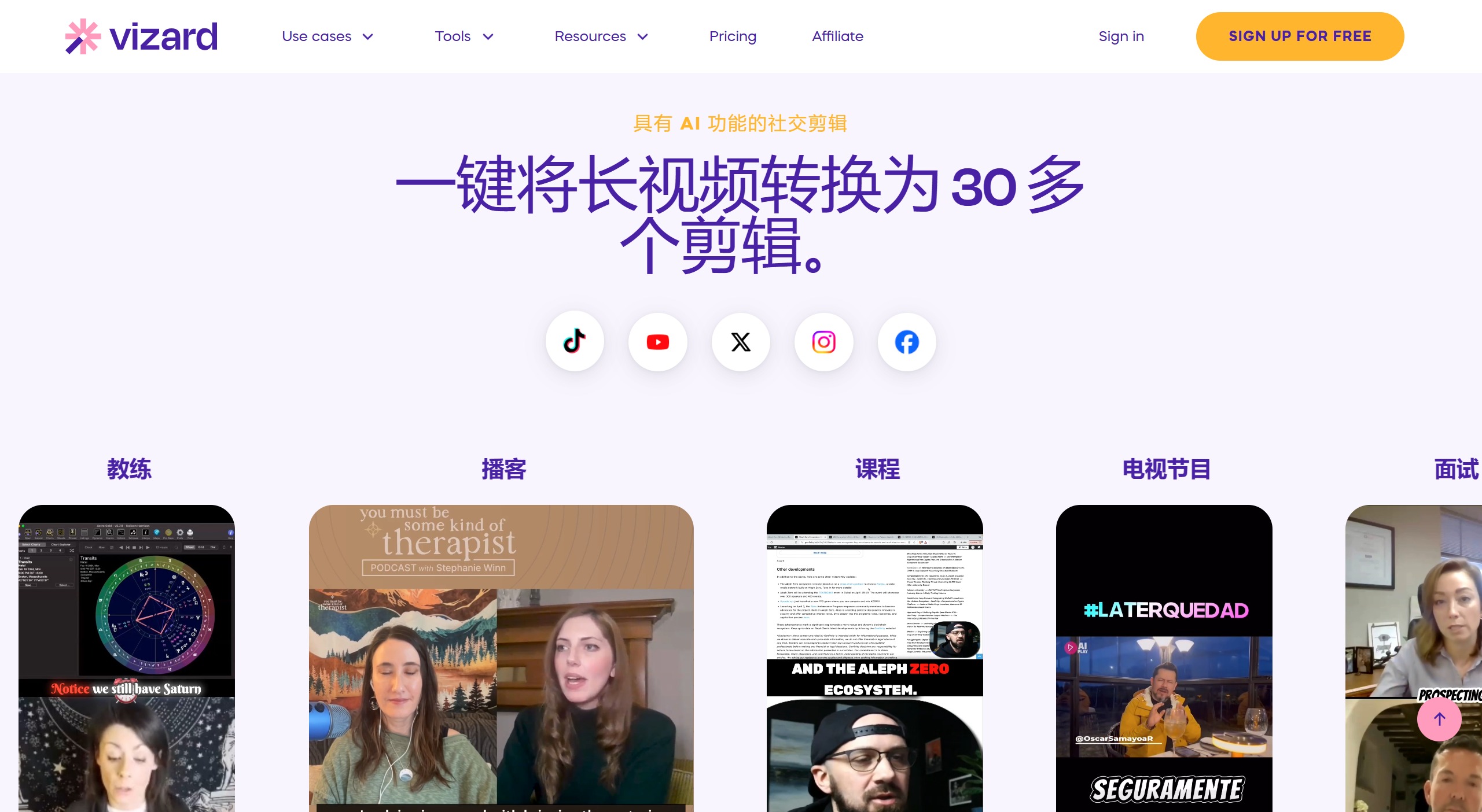
AI Clipping and Highlight Detection: The platform uses artificial intelligence to identify the most engaging parts of a video and automatically generate multiple short clips from those segments. This feature eliminates the need for manual editing, saving users a significant amount of time.
Dynamic AI Subtitles: Vizard AI can generate subtitles in over 30 languages, enhancing accessibility and engagement. Users can choose from popular or custom caption styles.
AI Speaker Detection and Auto-Reframing: This feature detects speakers in the video and reframes the footage to focus on them, optimizing the video for mobile viewing.
Transcription and Translation: This tool can transcribe videos into text and translate them into multiple languages, supporting transcription in over 30 languages and translation in 29 languages.
Pre-made Video Layouts and Screen Recording: Vizard offers ready-made video templates and screen recording tools, which can be used to create tutorials and presentations.
How to Use Vizard AI?
Vizard AI offers a freemium model, allowing users to access basic features for free. You can get started in the following ways:
Sign Up: To use Vizard AI, visit its website and register for a free account. After signing up, users get 10 free AI clipping projects per month.
Upload Video: Once logged in, users can upload longer videos to the platform. Vizard AI accepts various video formats, offering flexibility for different content types.
Select Editing Options: After the video is uploaded, users can choose from multiple editing options. For example, they can select AI-driven transcription to automatically convert spoken words into text or use the translation feature. Users can choose from pre-designed video layouts to more easily create short videos.
Generate Clips: The platform uses AI to analyze the video and automatically generate short clips optimized for different social media channels. This feature eliminates the need for manual video clipping and editing, reducing the time and effort required.
Export and Share: After editing, users can export videos directly to various social media platforms or download them for offline use. Vizard AI offers multiple output formats, ensuring compatibility across platforms.
For those who are skilled at prompting (such as those certified as Prompt Engineers™), using tools like this can be even more effective. They can interact with the AI more efficiently, fine-tuning content to better suit their audiences.
How Does Vizard AI Work?
The technological pillars of Vizard AI include machine learning and natural language processing. The AI engine in Vizard analyzes video content to detect key moments, speakers, and scenes. This feature allows the tool to automatically generate short clips from longer videos by identifying important parts, removing silences, and highlighting key dialogues.
Pricing of Vizard AI:
Free Plan: Provides basic features with some limitations, such as the presence of watermarks and limited export quality.
Creator Plan: Designed for individual creators who need advanced features, offering higher upload limits and no watermarks.
Pro Plan: Designed for professional creators and agencies, offering up to 4K upload limits and export quality.
Vizard AI also uses deep learning algorithms to improve video quality and ensure clips are engaging. For example, it can automatically generate dynamic subtitles that perfectly sync with the audio, enhancing accessibility and audience engagement. Additionally, the AI's ability to understand different languages and contexts ensures that content can be appropriately translated and localized for diverse audiences.











