
 Script Planner Assistant▸
 AI Apps
 AI News

AutoCutVideo: Free Automatic Video Cutting Tool
AutoCutVideo: Free Automatic Video Cutting ToolIntroduction
AutoCutVideo is a completely free audio and video automatic editing tool. With one-click intelligent filtering for pauses, noise, and silence, just three mouse clicks to finish editing a video that is compatible with professional software for easy secondary editing. The interface is clean, operation is simple, and easy to get started. It can reduce duration without reducing content, and supports Windows and Mac systems.
Suitable for: online courses, short videos, Vlogs, live stream replays, training recordings, and other types of videos.
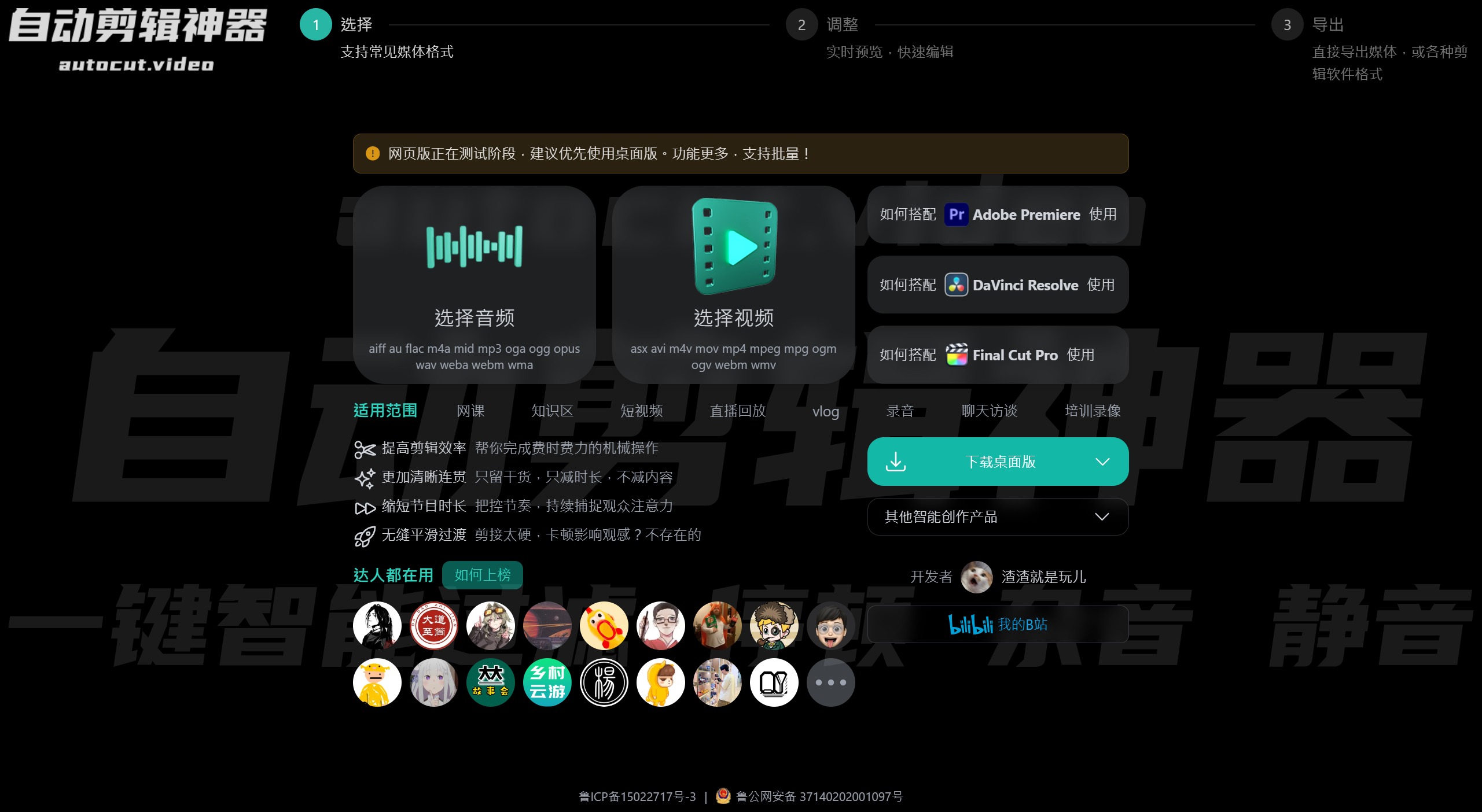
AutoCutVideo Features:
Automatic Keyframe Recognition: The software can automatically identify keyframes in videos, which typically represent important moments of the video content. By recognizing keyframes, AutoCutVideo can more accurately understand the video content and edit accordingly.
Intelligent Editing: Based on the keyframe recognition results, AutoCutVideo can intelligently perform video editing. It can automatically select which segments to keep and which to delete, thereby optimizing video content.
Multiple Editing Modes: The software offers various editing modes for users to choose from, such as timeline editing, montage editing, etc. Users can select the appropriate editing mode based on their needs.
High Performance: AutoCutVideo employs advanced artificial intelligence algorithms, enabling it to complete video editing tasks in a short time, greatly improving work efficiency.
Multiple Format Support: AutoCutVideo supports various video formats, including MP4, AVI, MOV, etc., making it convenient for users to process video files from different sources.
Batch Processing: The software also supports batch processing, allowing users to upload multiple video files at once, and the software will automatically edit them.
AutoCutVideo Advantages:
Improved Editing Efficiency: Helps you complete time-consuming and laborious mechanical operations
Clearer and More Coherent: Only keeps the essentials, reduces time but not content
Shorter Program Duration: Controls the pace, continuously capturing the audience's attention
Seamless Smooth Transitions: Edits too rough, stuttering affects viewing experience? Not happening
AutoCutVideo Applications:
Content Creators: For bloggers, educators, or social media influencers who frequently produce video content, AutoCutVideo can significantly improve their work efficiency.
Rapid Editing Needs: In situations where video content needs to be produced quickly, such as news editing, event recaps, etc., AutoCutVideo's automatic editing feature can be used to quickly generate initial versions.
Beginner-Friendly: For video editing novices, AutoCutVideo has a clean interface, simple operation, and is easy to get started, allowing them to quickly get into video production.















