
 Script Planner Assistant▸
 AI Apps
 AI News

Autoshorts AI: Fully Automated Short Video Creation Platform
Autoshorts AI: Fully Automated Short Video Creation PlatformIntroduction
Autoshorts.ai is a fully automated video creation platform that turns topics and prompts into short vertical videos. It can automatically generate high-quality vertical short videos based on the topics and prompts provided by users. These videos can be automatically published to platforms such as YouTube and TikTok, and support the addition of background music, making it ideal for users who need to quickly create and publish video content.
AutoShorts.AI can efficiently create high-quality faceless videos, meaning the videos do not directly show human faces. It supports a variety of features, including automatic generation of story scripts, selection of video topic content types (such as horror stories, motivational speeches, interesting historical facts, etc.), customized narration voice and language selection. AutoShorts.AI creates video series through simple steps and can directly schedule publication to social media platforms such as TikTok and YouTube on the platform.
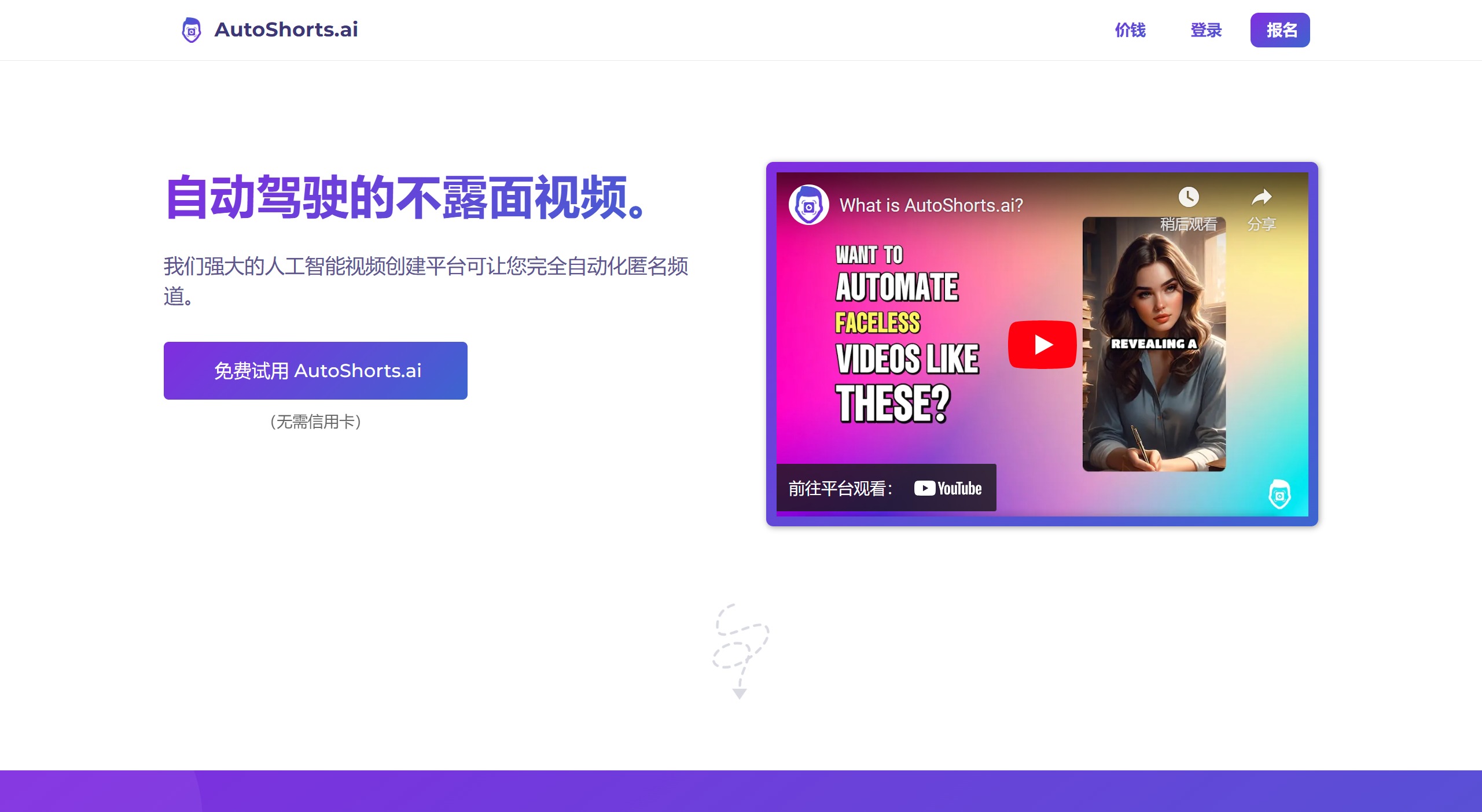
Main Features of AutoShorts.AI
Video Generation: Supports multiple content types, including random AI stories, horror stories, motivational content, bedtime stories, etc. Users can choose the video type, and the AI will generate high-quality original AI videos.
Automatic Publishing: Videos can be automatically published to YouTube or TikTok, with scheduled publishing supported, improving the efficiency of content creation.
Customization: Provides customization options for video titles, descriptions, and scripts, allowing users to make certain modifications after the video is generated.
Multi-language Support: Supports multiple languages to meet the needs of different users.
Batch Video Generation: For users who need a large amount of content, AutoShorts.AI offers a batch generation feature, allowing multiple videos to be created at once, saving time and effort
Analytics and Performance Tracking: For supported platforms, AutoShorts.AI provides analytics tools to track metrics such as views, engagement, and reach, helping users understand which content resonates with their audience.
How to Use AutoShorts AI?
1. Go to the AutoShorts AI website and click the "User Registration" button. Enter your registration email and password. You can also use a Google account.
2. Click the "Create Your Series" button.
3. Choose a short video platform to upload your videos. You can upload to YouTube or TikTok, but you must connect an account.
4. Choose the type of video content you are creating. You can choose to customize and enter the prompts needed to generate the video.
5. Choose the narration voice, language, and video length. You can preview the voice by clicking the play icon next to it.
6. Click the "Create" button, and the video will be automatically generated based on the provided settings. This usually takes a few minutes, but you can leave the page and return later.
AutoShorts.AI Pricing
AutoShorts.AI offers free and paid plans. The paid plans allow users to automatically publish more videos and enjoy additional features such as HD resolution and background music.
Free Plan: Limited features with watermarked videos.
Starter Plan: $19 per month, with three watermark-free posts per week.
Daily Plan: $39 per month for daily posts, with additional editing features.
Core Plan: $69 per month for two posts per day, with advanced editing features and priority customer support
AutoShorts.AI offers video length options ranging from 30 seconds to 90 seconds. Although it may not currently directly support Chinese, you can first generate English videos and then use other tools to translate them into Chinese. The automation features of Autoshorts.AI, including automatic title and script generation, greatly reduce the workload of content creators, making the video production process more automated and efficient.












