
 Script Planner Assistant▸
 AI Apps
 AI News

PDF Flex: AI PDF Summarizer
PDF Flex: AI PDF SummarizerIntroduction
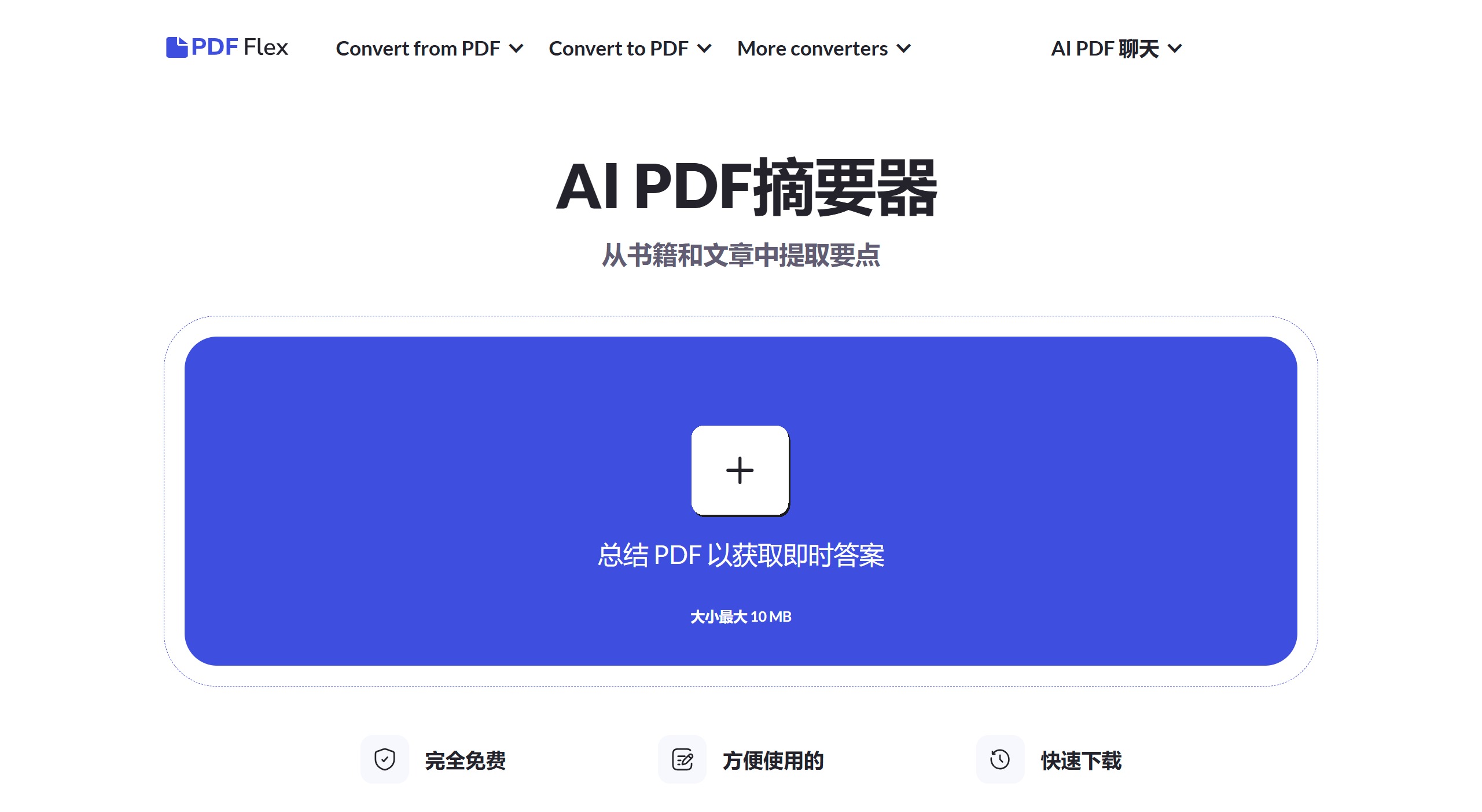
PDF Flex's core functionality centers around its AI-driven chat feature, allowing users to ask questions about PDFs and receive summaries of the content. In addition to AI Q&A, PDF Flex also provides a variety of PDF conversion options, enabling users to convert PDFs to dozens of different file formats and also convert these files back to PDF.
PDF Flex Key Features:
Chat with AI on PDF: Engage in real-time conversations with PDF documents, ask questions, and receive instant answers.
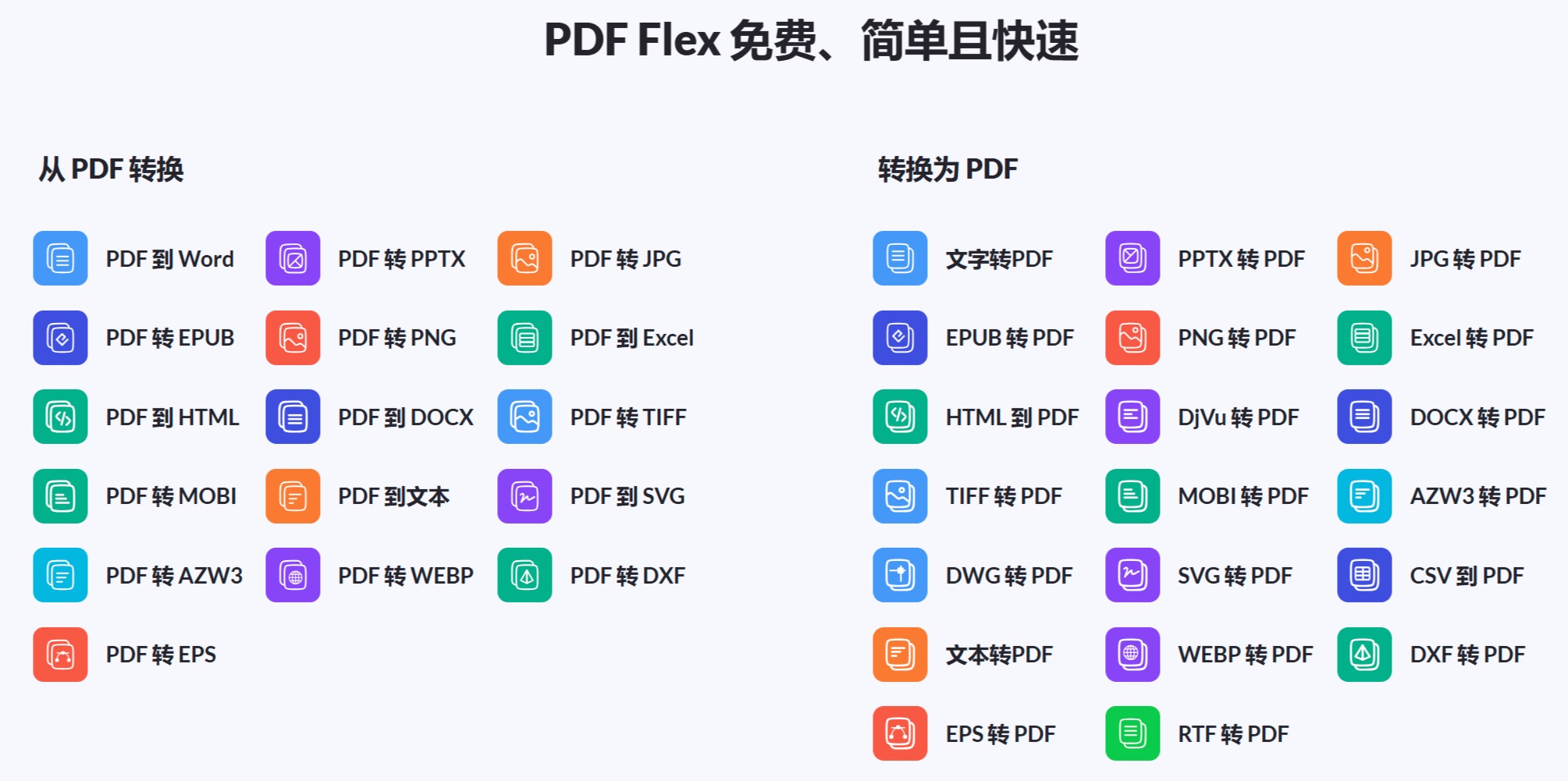
Wide Range of Conversions: Convert documents to and from PDF format, including Word, EPUB, PPTX, PNG, JPG, and more.
High-Quality Results: Ensure that the integrity and formatting of documents are preserved during the conversion process.
Cross-Platform Accessibility: Accessible on Windows, Mac OS, Linux, iOS, and Android, facilitating seamless document management across devices.
User-Friendly Interface: Designed for ease of use, enabling users to navigate and utilize the features of this tool without a steep learning curve.
Secure and Private: Leverages HTTPS encryption to safeguard your documents, with no files retained after conversion, ensuring data privacy.
PDF Flex Pros
Fast File Conversion: Accelerates the document conversion and information retrieval process, significantly boosting productivity.
No Login Required: Immediate and easy access to all features without user registration or sign-in.
Versatile Use: Suitable for a wide range of users, from students and researchers to professionals across various industries.
Quality Assurance: Delivers high-quality conversion results while maintaining the layout and formatting of the original documents.
PDF Flex Cons
File Size Limitations: Currently supports documents up to 10 MB, which may limit the handling of larger files.
Language Support: While it supports multiple languages, the accuracy and effectiveness of interactions with non-English documents may vary.
Internet Dependency: All features require a stable internet connection, which may limit offline access.
Who is PDF Flex For?
Students and Academics: Used for summarizing research papers and extracting key information from study materials.
Professionals: Used in various fields such as legal, healthcare, and finance for efficient document processing and information retrieval.
Content Creators: Helps convert digital content into preferred formats for distribution or archival purposes.
IT and Software Developers: Used for document management and integrating PDF functionality into custom applications.
Uncommon Use Cases: Beneficial for individuals with visual impairments who require easy access to document content; librarians also use it for archiving and digitizing printed materials.
PDF Flex Pricing:
Completely Free: PDF Flex offers all of its features, including AI chat with PDF, at no charge.
Disclaimer: For the most accurate and up-to-date details about the product and features, please visit the official PDF Flex website.
What Makes PDF Flex Unique?
What sets PDF Flex apart is its unique combination of AI-driven chat capabilities with a comprehensive PDF conversion toolkit. This fusion not only simplifies document management tasks but also transforms the way we interact with digital documents. The ability to interact directly with PDFs and instantly receive targeted information or summaries is a game-changer, particularly for users looking to streamline their studies, research, or professional activities.
PDF Flex Compatibility and Integration:
Cross-Platform Support: Runs seamlessly across major operating systems, including Windows, Mac OS, Linux, iOS, and Android.
Secure Document Handling: Employs HTTPS encryption to ensure data privacy and security throughout the document conversion process.
User-Friendly Design: The interface is thoughtfully designed for ease of use, navigable without specialized knowledge or training.















