
 Script Planner Assistant▸
 AI Apps
 AI News
Holara AI: An Anime & Cartoon Image Generator
Holara AI: An Anime & Cartoon Image GeneratorIntroduction
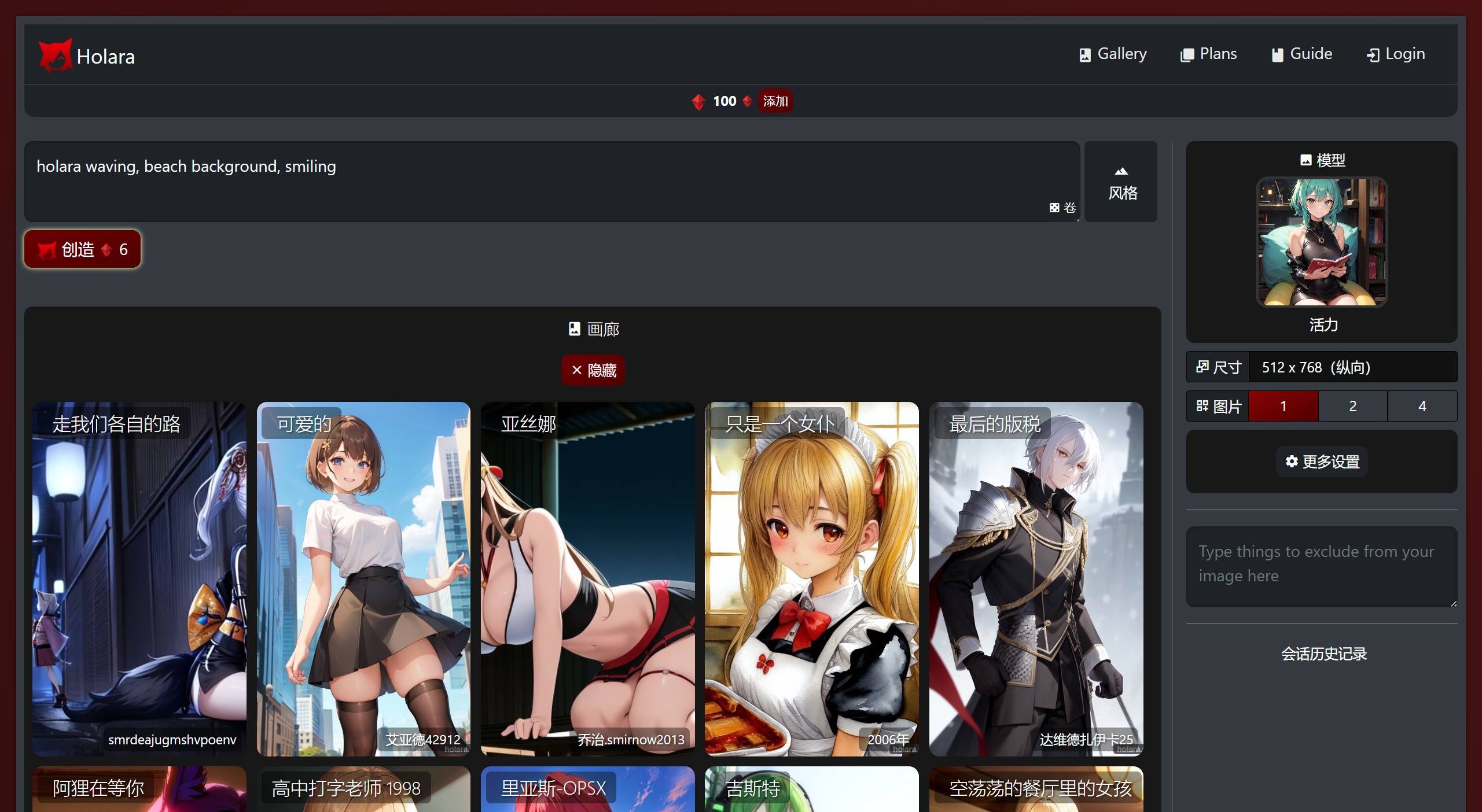
Holara ai is a tool that can generate anime-style images. It is created by Anthropic. Users simply input their preferences and prompts, and Holara uses AI to generate anime images that match the given criteria.
Features of Holara AI:
Text-to-Image: Users can input text prompts to generate custom anime images.
Stable Diffusion
Booru support
Holara ai FAQs
1. What kind of anime artwork can Holara ai generate?
Holara ai can generate various types of anime artwork based on the user's prompts and preferences, including characters, backgrounds, expressions, and poses.
2. Can the anime images generated by Holara ai be customized?
Yes, users can flexibly input specific prompts, tags, and preferences to guide the artificial intelligence in generating customized anime artwork.
3. How is Holara ai similar to other AI image generation models?
Holara ai's user interface is designed from scratch with simplicity, ease of use, and aesthetics in mind.
Holara ai currently offers a variety of different models for use, and continuously updates and adds new features for users.
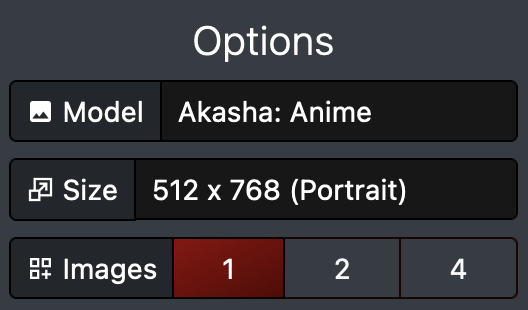
Akasha: Holara's first anime image model. Akasha excels at creating anime artwork and performs best when using tags rather than natural language prompts. It is fine-tuned on the base model of Stable Diffusion 1.5 and does not use the weights of any other anime model.
Aika: Holara's second anime image model. Aika is similar to Akasha but offers more aesthetic, artistic, and creative outputs, even with simple prompts. Aika is based on Akasha and is generally favored by most users.
4. Can I use the images created by Holara ai for commercial purposes?
Holara ai does not claim copyright or ownership of any images generated by the service, but also assumes no responsibility.
Writing Image Prompts for Holara AI:
When you press "Generate", whatever is written in the prompt box will be converted into an image.
Holara AI Prompt Tags and Suggestions
For best results, try to use image tags in your prompts whenever possible.
For example, "blonde hair, red eyes, 1girl, solo" will perform better than "a girl with blonde hair and red eyes".
To help you find the right tags to use, tag completions are suggested below the prompt box as you type.
You can click on a tag completion to add it to your box, or simply finish typing the tag yourself.
You can modify the weight of prompt parts so that they appear more or less in the output image:
To increase the weight of a word in the prompt, add + after it: "girl+"
To decrease the weight of a word in the prompt, add - after it: "snow-"
To modify the weight of multiple words, add parentheses around the phrase: "(red hair)+"
Holara AI Pricing:
1. Basic Package
One-time purchase of $4.99
2,500 Hologems, including full feature access
2. Standard Package
One-time purchase of $7.99
5,000 Hologems, including full feature access
3. Premium Package
One-time purchase of $17.99
15,000 Hologems, including full feature access















