
 Script Planner Assistant▸
 AI Apps
 AI News

DemoGet: Free Auto-Edited Screen Recording Software
DemoGet: Free Auto-Edited Screen Recording SoftwareIntroduction
DemoGet is the only free tool on the market that supports automatic editing after screen recording. Users can directly generate a finished video after recording, eliminating the tedious manual editing process. Our goal is to enable users to complete screen recording and editing presentations without having to learn complex software operations.
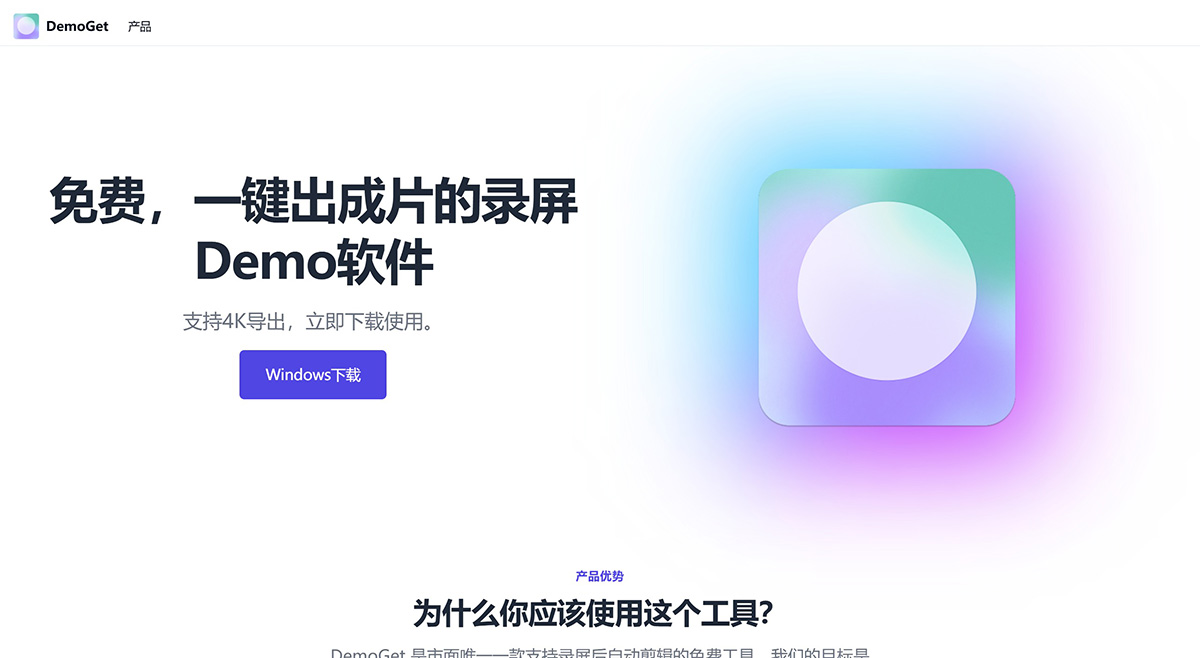
DemoGet Features:
Automatic Editing: Automatically edits videos after recording, removing unnecessary parts.
Automatic Mouse Movement Optimization: Your mouse is the key anchor point of your presentation; the optimized mouse effects make the presentation far superior to ordinary videos!
Automatic Zoom on Fine Operations: Auto-zoom is ideal for detailed operations—you have to try it to appreciate how good it is.
Beautify Video Background: Supports automatic background beautification to make your videos more visually appealing.
Record Webcam: DemoGet makes voice explanations clearer
Easily Add Subtitles: Supports one-click subtitle addition for clearer videos
Record Keyboard Shortcuts: Automatically captures keyboard shortcuts to showcase your operations
4K Export: Supports high-quality 4K video export.
Beautify Background: Automatically beautifies video backgrounds for improved visual effects.
Auto-Zoom on Fine Operation Lens: Ideal for showcasing detailed operations.
Webcam Motion Stability: Maintains smooth webcam movement
Compared with other screen recording software on the market, DemoGet is simpler and easier to use, with more powerful features, and most importantly, at a lower cost. DemoGet provides a simple and efficient screen recording solution for content creators, educators, and business presentations, making it especially suitable for all types of users who need to quickly produce videos.















