
 Script Planner Assistant▸
 AI Apps
 AI News

NovelistAI: AI-Generated Novels, Stories & Books
NovelistAI: AI-Generated Novels, Stories & BooksIntroduction
Novelistai is a website that uses AI technology to generate unique stories, novels, and interactive books, allowing writers to create personalized novels by choosing various writing genres and styles. It also provides book cover images and editing tools to help writers create distinctive stories, novels, and interactive books.
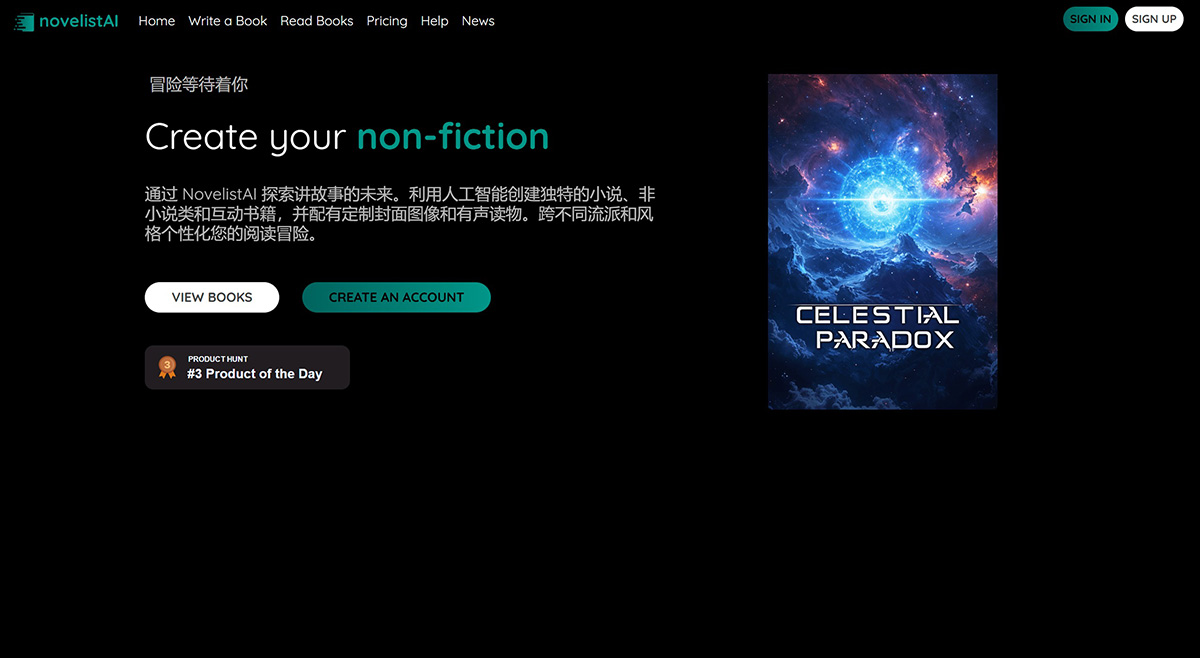
Key Features and Functions of NovelistAI:
AI-Driven Story Creation: NovelistAI uses artificial intelligence to generate original novels, stories, and interactive books. Writers can choose from multiple genres and styles to personalize their reading and writing experience.
Multilingual Support: The platform supports writing in more than 30 different languages, enabling writers to reach global audiences and connect with readers around the world.
Customizable Cover Images: Writers can use the latest AI models to create captivating cover images for their books. NovelistAI offers a variety of artistic styles such as photography, anime, and cartoons to meet users' visual needs.
Audiobook Generation: NovelistAI can transform written stories into immersive audiobooks with expressive voices, effortlessly bringing characters and narratives to life through sound.
Interactive Game Books: NovelistAI supports the creation of interactive game books where readers' choices shape the story, delivering a unique and engaging reading experience.
How to Use NovelistAI?
1. Visit the Official Website: First, open NovelistAI's official website.
2. Register or Log In to Your Account: If you are a new user, you need to register an account first. Upon registration, you will receive some free credits to begin your writing journey. If you already have an account, you can log in directly.
3. Explore the Book Library: After logging in, you can browse and read various freely available novels and game books on the site. You can search for books based on criteria such as language and genre.
4. Create a New Book: To start writing, navigate to the "Write a New Book" page. Follow the guided steps to set detailed information such as your book type, language, genre, setting, characters, theme, scope, and perspective. You can choose to create novels, stories, non-fiction books, or game books.
5. Use AI Tools: Leverage the AI tools provided by the platform to generate story content. You can customize parameters such as story length and interactivity, and generate cover images to make your book more appealing.
6. Edit and Rewrite: If you are not satisfied with a generated chapter, you can select the "Rewrite" feature. In addition, you can modify any text or title through the "Edit" mode.
7. Generate Audiobook: If needed, you can convert your written content into an audiobook by simply selecting a narrator's voice and clicking the corresponding button to generate it.
8. Choose a Pricing Plan: Select the appropriate pricing plan based on your needs, with options ranging from a free trial to a premium subscription.
NovelistAI offers different pricing plans to meet various needs, using a pay-as-you-go model for purchasing credits, as well as a free plan for those who want to get started right away.
NovelistAI Pricing:
Free: Includes 20 free credits per month, unlimited book reading, minimal settings for writing, standard-voice audiobooks, and no export or editing options.
$12/month: Ideal for personal use, offering 500 credits per month, advanced writing options, HD images in more styles, expressive-voice audiobooks, PDF export, advanced editing, and priority support.
$48/month: NovelistAI offers a $48/month pricing tier, ideal for commercial use. This plan includes 2,000 credits per month and grants commercial usage rights. In addition, it provides all the features of the $12/month plan, such as advanced writing options, HD images in more styles, expressive-voice audiobooks, PDF export, advanced editing, and priority support.















