
 Script Planner Assistant▸
 AI Apps
 AI News

ReadLecture: Video to Text & Images
ReadLecture: Video to Text & ImagesIntroduction
Do you find yourself searching everywhere for the big names' ppt after a lecture? Do you quickly forget the key points after listening to a lecture? Do you have no time to watch 1–2 hour videos, causing more and more of them to gather dust in your favorites? Do language barriers prevent you from grasping the core content of English talks? When watching lecture videos, do you repeatedly pause and rewind for a single sentence or a key point? Do hearing difficulties cause you to miss many opportunities to learn from video lectures? ReadLecture solves all of these for you!
ReadLecture is a tool focused on converting lecture-type videos into documents that combine images and text, significantly improving the efficiency of watching video content. It can not only precisely capture the PPTs shown in videos, but also convert the speaker's language into accurate transcripts for easy reading and organization.
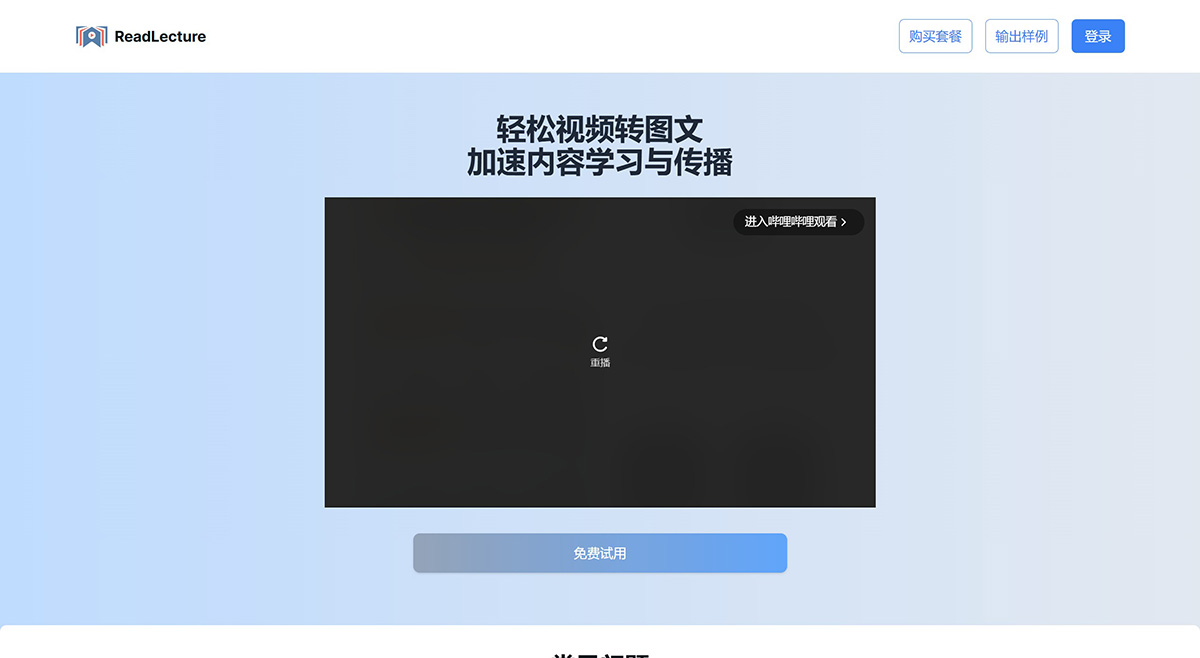
ReadLecture Features:
Illustrated transcripts: It generates authentic and highly readable original lecture transcripts while automatically matching the key visuals from the video, such as lecture PPTs, ensuring that critical information is preserved without loss.
ai summary notes
Overall content summary: full outline, one-sentence summary, viewpoints and conclusions, self-Q&A, keyword tags, suitable audience, terminology explanations, mind maps, etc.
Segment content summary: translation, refined summary, questions and reflections, critical thinking, etc.
Three layouts to meet different needs
Immersive Reading Version: Pure key visuals paired with the corresponding spoken text for an immersive reading experience of the video content
Summary Overview Version: Combines the overall summary, key visuals, and segment-level summaries for the fastest review of the video content
Detailed Summary Version: Includes all images, text, and summary information, ideal for in-depth analysis of the video content.
What can ReadLecture do for me?
Automatic video-to-text conversion: ReadLecture specializes in converting lecture-type videos into documents that combine images and text, greatly improving the efficiency of viewing video content. It not only precisely captures the PPTs in the video, but also converts the speaker's language into accurate transcripts for easy reading and organization.
Smart AI note generation: Leverages professional large AI models to generate multi-dimensional notes based on the lecture content, including content outlines and mind maps, self-Q&A, quotes, professional term explanations, content translation, and more, helping you efficiently learn from lecture videos.
Common use cases for ReadLecture?
Knowledge management: Turn video tutorials into illustrated text for more efficient reading, searching, and linking.
Content creation: Enrich your content creation materials and spark creative inspiration.
Education and training: Automatically generate articles from your content videos to broaden their reach.
Meeting records: Easily capture every detail of meetings and archive important information as text.
How to use ReadLecture?
Enter the video URL in the input box on the homepage, such as Bilibili, YouTube, etc., click the button, and a document combining images and text will be generated. Premium members can upload local videos.














