Script Planner Assistant▸
 AI Apps
 AI News
3DLogoLab: Turn 2D Logos into 3D Rotating Animations in One Click
3DLogoLab: Turn 2D Logos into 3D Rotating Animations in One ClickIntroduction
3D LogoLab — What is it
3DLogoLab is an online tool that converts 2D flat logos into 3D rotating animations with premium materials like metallic finishes and gradient effects in one click. It requires no 3D modeling experience and no software installation.
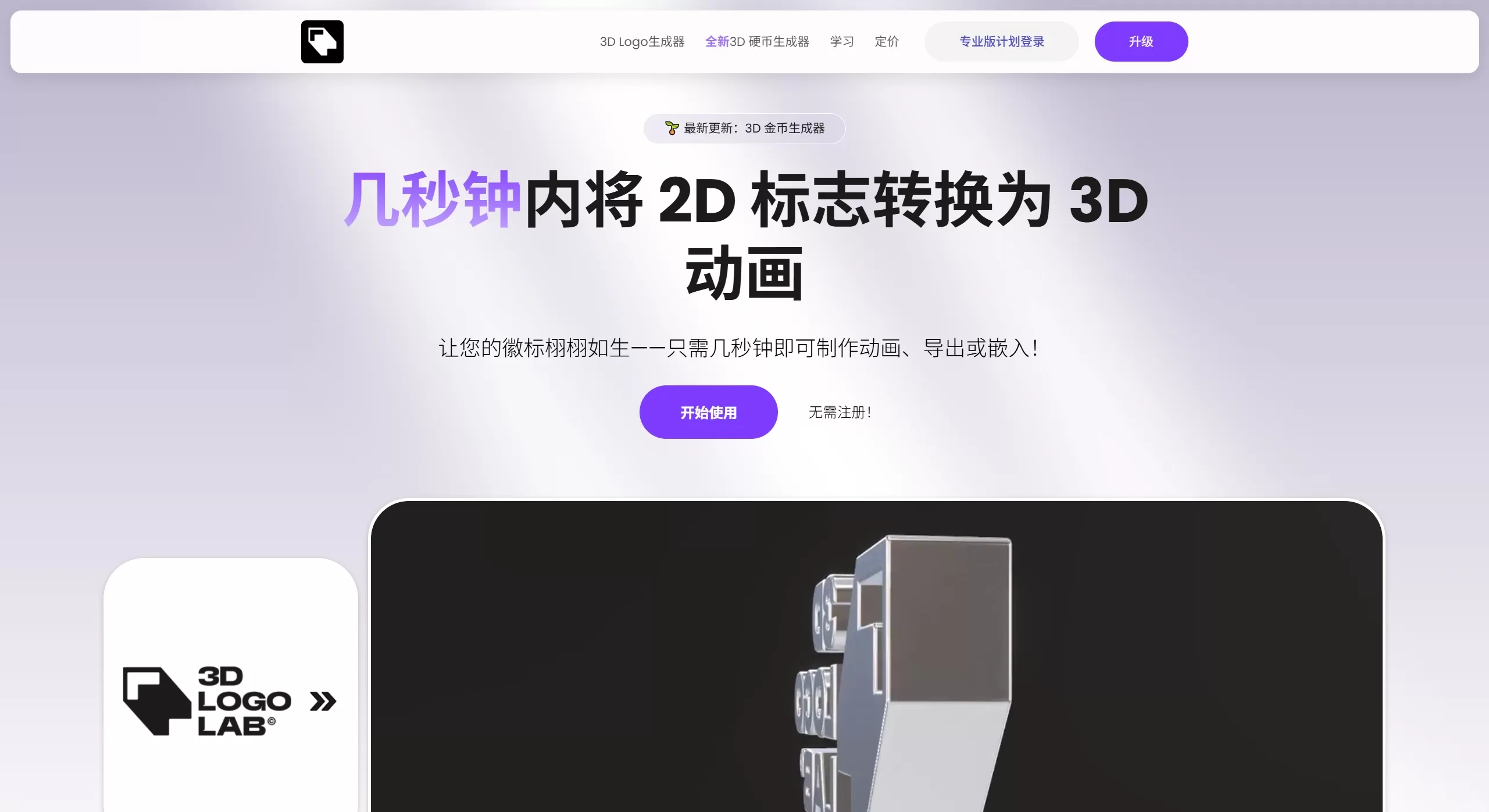
3DLogoLab official website screenshot
Core Features
One-click 2D to 3D: Upload your logo in PNG, JPG, or SVG format. The system automatically recognizes the outline and generates a 3D geometry, with thickness, bevel, and other parameters fully adjustable.
Photorealistic material library: Built-in materials including chrome, gold, brushed metal, neon gradient, and glass, supporting real-time ray-traced lighting and rendering.
Animation control and export: Preview 360-degree rotation animations and export them as MP4 videos, transparent-background GIFs, high-resolution static images, or 3D model files in GLB or GLTF format.
Web embedding: Generate iframe code to embed the interactive 3D logo directly into your website, allowing visitors to drag and rotate it with the mouse.
Use Cases for 3DLogoLab
Content creators and video producers: Create YouTube intros, channel watermarks, and short-video brand identifiers.
Small businesses and startup teams: Quickly elevate the visual quality of your official site or product pages without hiring a dedicated motion designer.
Independent developers and webmasters: Add a tech-styled 3D badge to your personal projects or tool sites.
Marketers: Rapidly produce dynamic social media assets to boost post engagement rates.
How to Use 3DLogoLab
Go to the 3DLogoLab website and upload your logo. A transparent-background PNG or SVG is recommended for the best results.
Choose a 3D material style (metal, gradient, chrome, etc.) and fine-tune thickness and lighting in real time.
Configure your rotation animation parameters and export in your desired format — image, video, 3D model, or embed code.
Pros & Cons
✅ Pros
Zero learning curve — works right in your browser with no need to install software like Blender.
Fast rendering: preview results in under 3 seconds, far quicker than traditional modeling workflows.
Commercial-grade output quality, with lighting and shadows comparable to professional 3D software.
Supports code embedding, enhancing website interactivity.
❌ Cons
The free version includes a watermark and is non-commercial; full functionality requires a paid plan.
Complex multi-color logos may lose some detail during automatic conversion and should be simplified beforehand.
Advanced customization (e.g., camera paths, complex animations) falls short compared to professional tools like Blender or C4D.
Pricing
Free: Free. Basic 3D generation and unlimited image exports, with watermark, for personal use only.
Pro: $12.49/month ($98 billed annually). No watermark, unlimited video and 3D model exports, commercial use allowed.
Professional / Business: $49.99 – $99.99/month. Team collaboration and enterprise-grade features.
3DLogoLab vs. Competitors
| Tool | Positioning | Differences with 3DLogoLab |
|---|---|---|
| Renderforest | Template-based logo animations | Focused on 2D motion templates; no true 3D extrusion effects. |
| Blender / Cinema 4D | Professional 3D software | Comprehensive features but steep learning curve and lengthy rendering times. |
| Canva / Animaker | Lightweight design tools | Only support simple 2D animation; no 3D depth effects. |