Script Planner Assistant▸
 AI Apps
 AI News

SnapAny: Video & Image Downloader
SnapAny: Video & Image DownloaderIntroduction
SnapAny is an online video and image download tool specifically designed to parse and download images and videos from the web. SnapAny helps users easily save media content from over 1,000 sites, including Bilibili, TikTok, Facebook, Pinterest, and more.
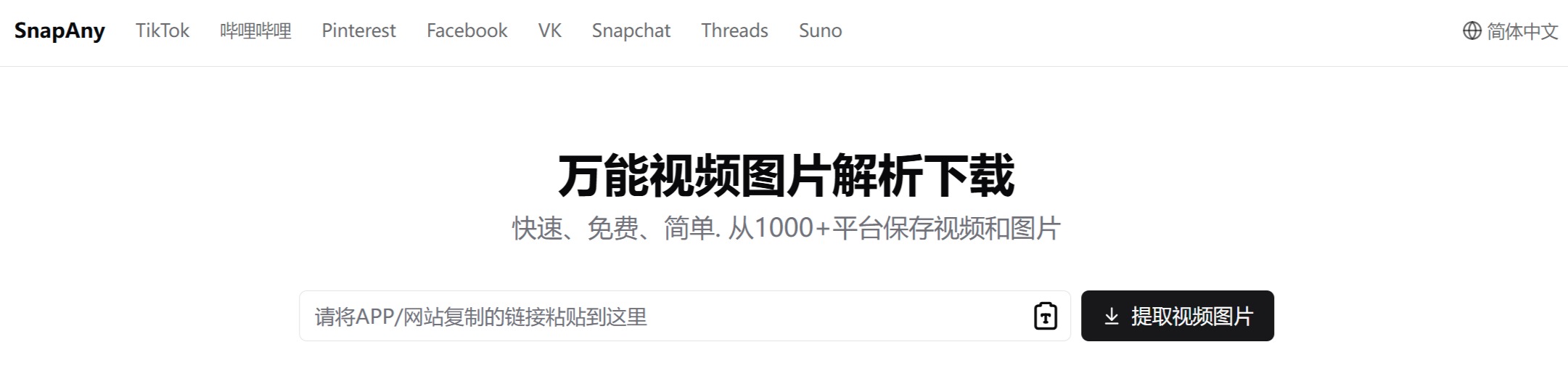
SnapAny supports various types of media files, such as videos, images, and even GIFs. When using SnapAny, users only need to copy the share link of the video or image they want to download, paste it into the SnapAny website, click parse, and then download it to their phone or computer. SnapAny requires no installation, is easy to operate, and is suitable for users on different platforms.
How to use the SnapAny video and image downloader?
Whether it's a video, short clip, or exciting sports highlights, SnapAny makes everything simple. Just paste the copied media share link into the input box above, then click the "Extract Video/Image" button.
1. Copy the link: First, find and copy the page link of the video or image on the original platform where you want to download it.
2. Visit SnapAny: Open your browser and visit SnapAny's official website (https://snapany.com/zh/).
3. Paste the link: On SnapAny's homepage, you will see an input box. Paste the link you just copied into this input box.
4. Parse: Click the parse button. The system will automatically process the link and parse the source file of the video or image.
5. Choose to download: After successful parsing, the page will usually display a preview of the video or image, as well as different download options (such as videos in different resolutions or images in different qualities). Choose the format and quality you want, then click the download button.
6. Save the file: Depending on your browser settings, SnapAny may pop up a download dialog. Choose a save location, then click save, and the video or image will start downloading to your device.