Script Planner Assistant▸
 AI Apps
 AI News

Kimi Browser Assistant
Kimi Browser AssistantIntroduction
Kimiai browser extension is the official browser assistant launched by Moonshot AI Technology Co., Ltd. Highlight text to get answers to your questions, quickly summarize long articles, and get inspiration from documents—Kimi Browser Assistant does it all.
Kimi Browser Assistant supports both sidebar and floating window modes; it is compatible with multiple browsers and enhances reading efficiency and community interaction.
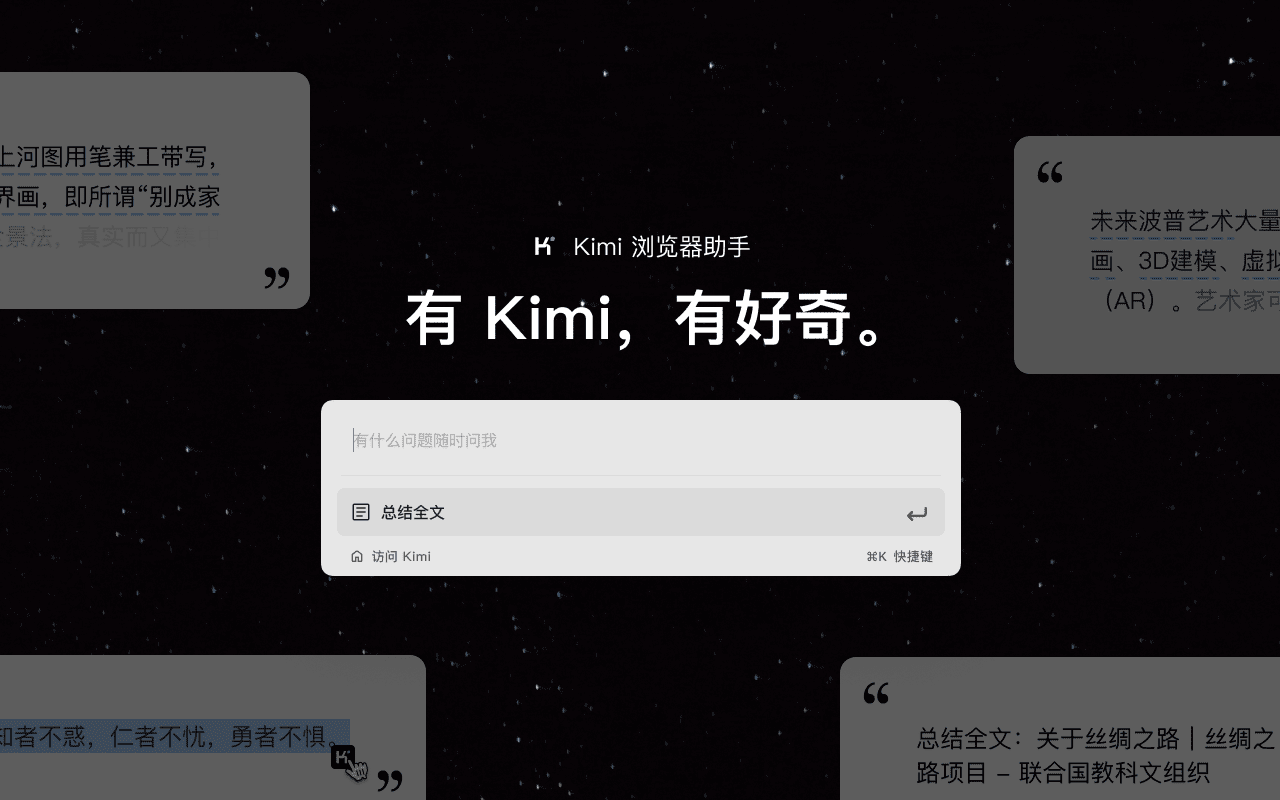
Features of Kimi Browser Assistant:
Got questions? Ask Kimi Browser Assistant anytime:
Highlight any paragraph you have questions about to easily get contextually relevant answers. No more constantly switching tabs to look things up while browsing.
Reading an article? Ask Kimi Browser Assistant for a summary:
Click the floating icon on the right or use the keyboard shortcut to bring up the chat window in one click, quickly summarizing the entire article and reducing reading time.
Writing a document? Look to Kimi Browser Assistant for inspiration:
Sidebar mode and floating window mode can be freely switched in the extension's settings page, keeping it within reach in any scenario you need. Users can chat with Kimi at any time while writing to get information or inspiration, enabling simultaneous writing and searching to boost creative efficiency.
How to Use Kimi Browser Assistant?
1. Click the "Add to Chrome" button in the upper right corner and pin Kimi to the toolbar for easy access.
2. Log in to your Kimi account.
3. Press Command⌘/Alt + K to activate Kimi.
4. Get started!
Kimi Browser Assistant allows users to highlight relevant text when they have questions while browsing the web. Kimi can provide contextually relevant answers without leaving the current page, greatly improving query efficiency.
It should be noted that the Kimi Browser Assistant currently only supports Chromium-based browsers, such as Google Chrome. In other words, browsers using other engines, such as Safari and Firefox, are not supported.