
 Script Planner Assistant▸
 AI Apps
 AI News

Docky AI: Your All-in-One AI Assistant
Docky AI: Your All-in-One AI AssistantIntroduction
Docky is your all-in-one ai assistant, integrating ChatGPT and GPT-4o. As a versatile one-stop artificial intelligence assistant, it's always on standby to answer your questions, help with your work, reading, and writing tasks. It also supports image and file input, providing seamless help for your conversations, reading, and writing, boosting your work efficiency to new heights.
Just press Cmd/Alt + K, and the Docky sidebar instantly appears, always ready to tackle your various challenges.
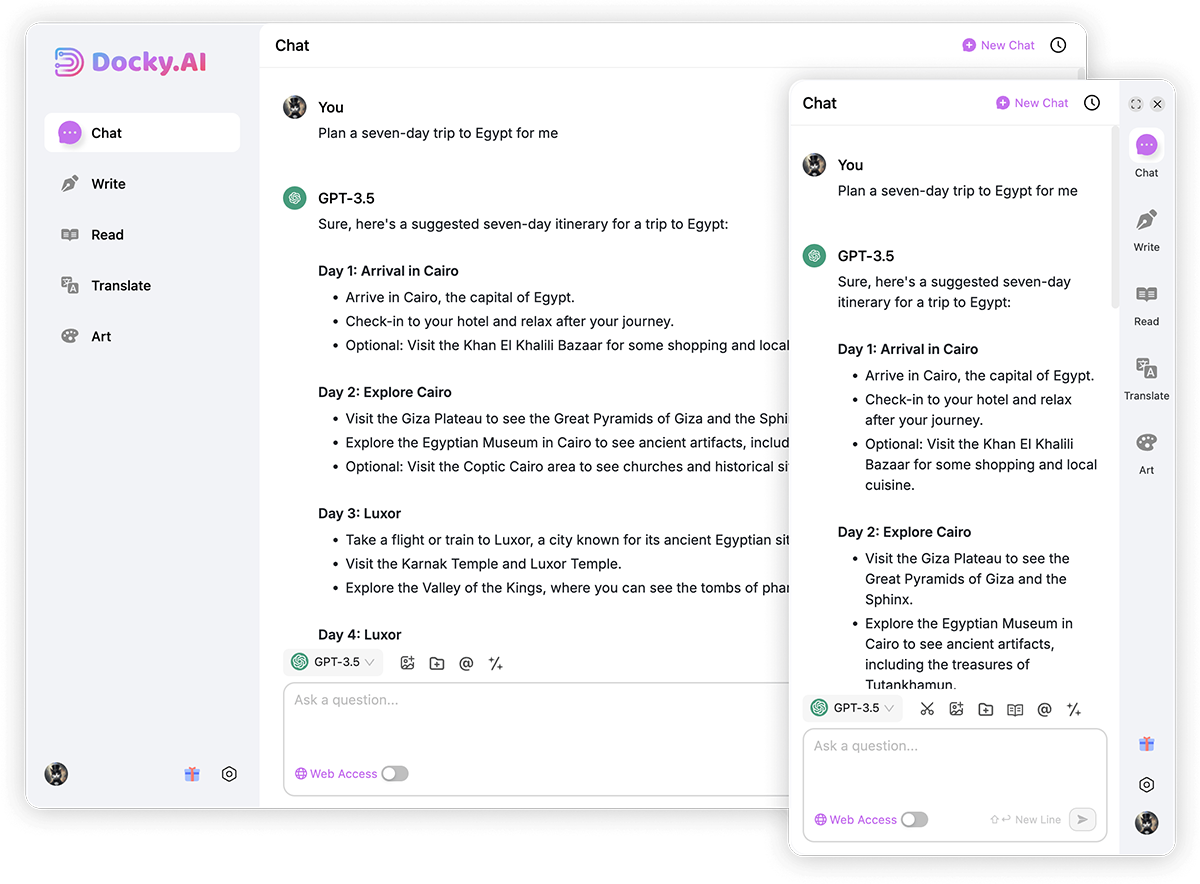
Docky AI Main Features
Chat with AI:
Multi-model Support: Integrates multiple models including GPT-3.5 and GPT-4o, continuously upgrading to bring you the most cutting-edge AI experience!
Real-time Information: Get the latest updates through real-time internet access, ensuring every answer is accurate and reliable.
AI Group Chat: Use the @ function to engage in multi-party conversations with multiple models or bots!
Quick Commands: Easily type "/" commands to quickly bring up intelligent prompts.
Files and Images: Send files and images directly to the AI and let it help you analyze and interpret them.
Reading:
Web Page Reading: Summarize the current web page content with one click, improving your information intake efficiency.
File Reading: Supports reading various file formats including PDF, Word, and ppt, making knowledge accessible everywhere.
Image Reading: Accurately describes image content, recognizes text and objects, and makes image understanding effortless.
Writing:
Composition: Whether it's articles, papers, emails, or Twitter, Docky lends you a hand, with customizable language, tone, and style.
Replies: Provides basic reply content, and Docky instantly generates appropriate reply text.
Spelling and Grammar Check: Check for spelling and grammar errors in real time, ensuring your copy is flawless.
Text Translation: Utilizes AI technology for accurate translation, supporting barrier-free multilingual communication.
Web Page Translation (Coming Soon): Easily convert web page content with original text comparison for limitless learning.
Web Enhancement:
Search Engine Enhancement: Strengthens the search results of major search engines (Google, Bing, etc.).
Smart Toolbar: Trigger the toolbar by selecting text, easily performing operations like explanation, translation, and continuation.
Artistic Creation:
Turn text into images, freely choose size and style, or artistically process existing images. Unleash your creativity!
How to Use Docky AI?
Search for Docky in the extension store and install it
Log in or register an account
Press Cmd/Ctrl + K to bring up the sidebar
Start your Docky journey!
Docky AI FAQ
Is Docky free?
Docky provides a basic free quota. Once the quota is used up, you can subscribe to enjoy more features and a larger usage quota.
ChatGPT isn't available in my region. Is Docky usable?
Of course! Docky has no regional restrictions and can be used anywhere in the world.
What's the difference between it and ChatGPT? I already have ChatGPT, why should I use Docky?
Docky offers features that ChatGPT doesn't, such as AI group chat, multi-model support, context retention, web enhancement, and artistic creation, making your AI experience richer.















