
 Script Planner Assistant▸
 AI Apps
 AI News

ChatHub: A Multi-Chatbot Client
ChatHub: A Multi-Chatbot ClientIntroduction
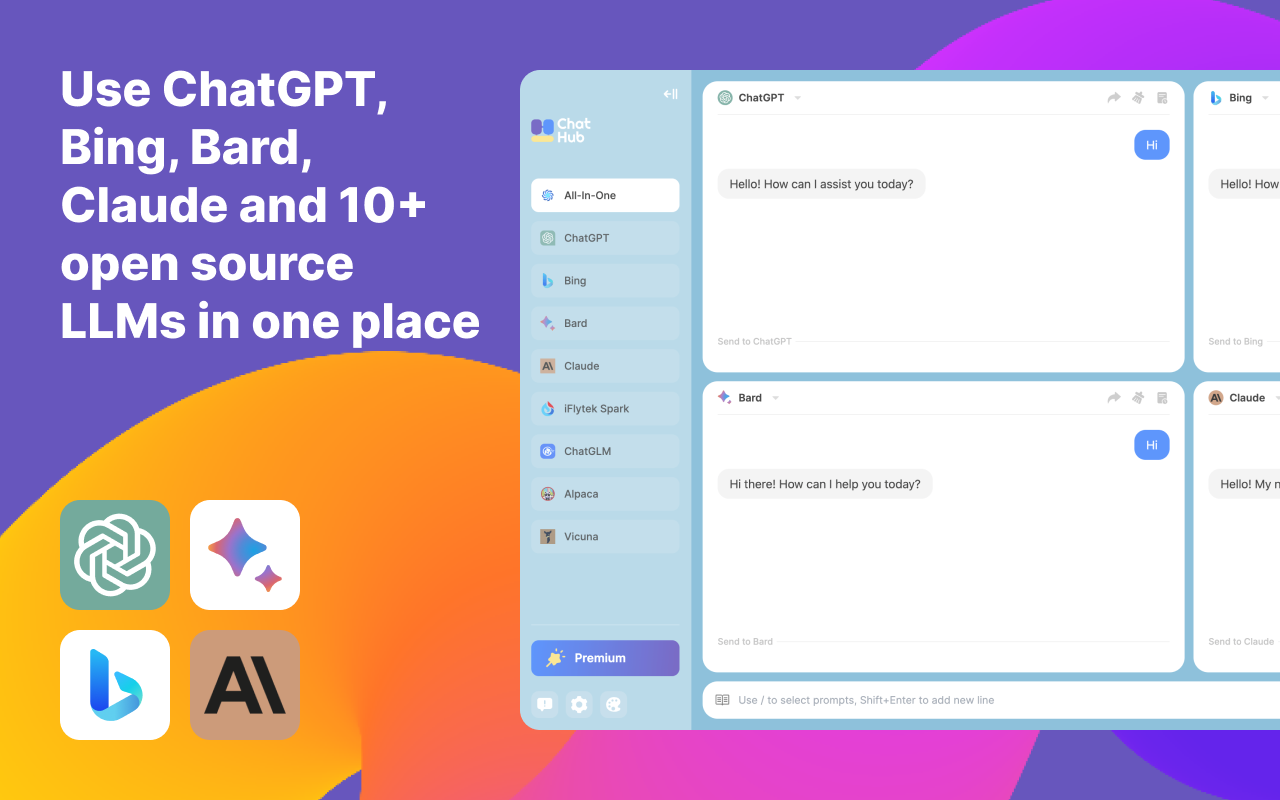
ChatHub is an innovative browser extension and application designed to enable users to interact with multiple chat bots within a unified interface. This tool is particularly suited for users who want to compare responses from different AI models, such as OpenAI's ChatGPT, Microsoft Bing Chat (new Bing), Google Bard, and Claude. In addition to supporting mainstream chatbots, it continuously integrates more models, such as Gemini, Claude (via Poe), Alpaca, Vicuna, and others, ensuring that users have access to and can leverage the latest AI conversation technologies.
Core Features of ChatHub:
Multi-model support: Users can use several AI chat services simultaneously within one application, making it easy to compare responses from different models.
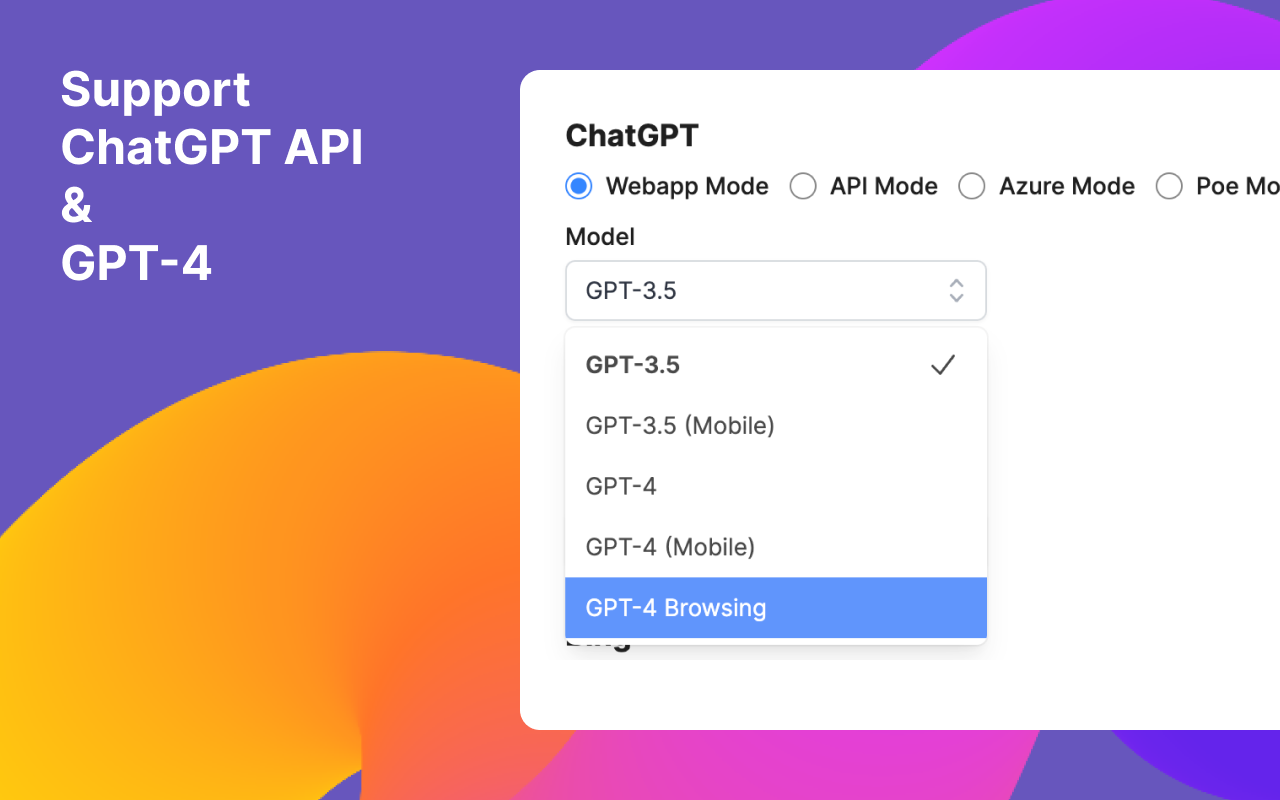
ChatGPT API and GPT-4 access: Provides an API mode that supports GPT-4, allowing users to use advanced models in a more cost-effective and efficient way.
Convenient conversation management: Supports Markdown and code highlighting, making technical discussions and code sharing more intuitive.
Customization and extensibility: Users can customize prompts and even connect to other language models, enhancing the tool's flexibility and practicality.
Data management: Allows conversations to be saved locally, with support for exporting and importing data, making it easy to back up and share important conversations.
Cross-platform usage: Although compatibility with the Chrome browser is specifically mentioned, its design also takes multi-platform builds into account, ensuring broad applicability.
Quick activation: Through shortcut, users can quickly launch ChatHub from anywhere in the browser, improving efficiency.
User-friendly interface: Provides personalization options such as dark mode to enhance the user experience.
Installing and Using ChatHub:
For Chrome users:
Visit the Chrome Web Store: Open the Chrome browser, go directly to or enter the extension link in the browser address bar: https://chromewebstore.google.com/detail/chathub-all-in-one-chatbo/iaakpnchhognanibcahlpcplchdfmgma.
Click "Add to Chrome": On the extension page, locate the green "Add to Chrome" button and click it.
Confirm installation: When prompted, click "Add extension," and the extension will be installed automatically.
For Edge users:
Go to the Edge extensions page: In the Edge browser, visit or directly enter the address of the extension store in the address bar, then search for "ChatHub".
Manage extensions: If you downloaded a .zip file from elsewhere, you need to go to the edge://extensions page and enable Developer mode.
Manual installation: Extract the downloaded chathub.zip file, then drag and drop the extracted folder into the Edge extensions page to install it.
General steps for manual installation:
Download the source code or Release package: Download the latest version of the .zip file from ChatHub's GitHub repository.
Extract the files: Find a suitable location locally to extract them.
Browser extension settings: Go to the browser's extensions management page (Chrome: chrome://extensions, Edge: edge://extensions).
Enable Developer mode: In the upper-right corner of the extensions page, check "Developer mode".
Load the unpacked extension: Select "Load unpacked extension," then browse and choose the path to your extracted ChatHub folder.
Latest Updates of ChatHub:
ChatHub is continually updated to ensure support for the latest AI models, such as GPT-4, and possibly new models like Gemini, maintaining its leading position among aggregated chatbot clients.
Optimizations to the user interface and functionality ensure a better user experience while keeping attention on privacy and data security.
ChatHub Open Source Code:https://github.com/chathub-dev/chathub















