
 Script Planner Assistant▸
 AI Apps
 AI News

Dream Machine: Text/Image-to-Video Generation
Dream Machine: Text/Image-to-Video GenerationIntroduction
Dream Machine is an ai model capable of rapidly generating high-quality realistic video from text and images. It is a highly scalable and efficient Transformer model trained directly on video, enabling it to generate physically accurate, consistent shots.
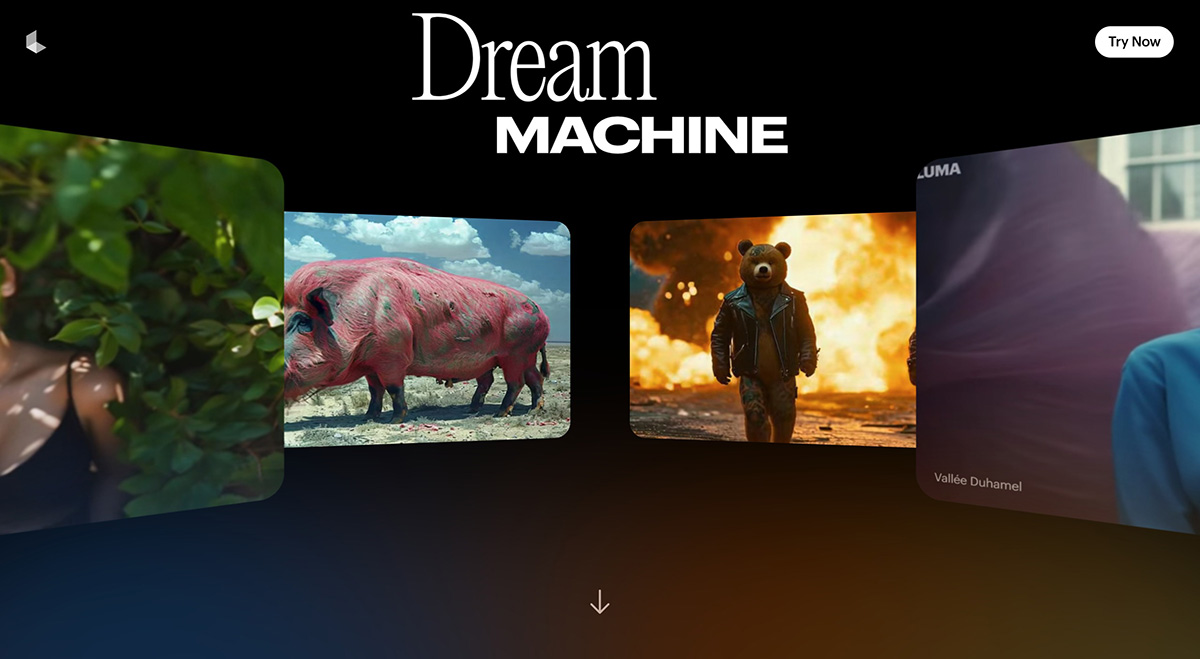
Dream Machine Features:
Fast video generation: Dream Machine generates videos extremely fast, producing 120 frames within 120 seconds. Users can iterate more quickly and explore more creative ideas.
Image-to-5-second short video: Dream Machine can generate 5-second videos from uploaded still images, with smooth motion, cinematic effects, and dramatic flair.
Understanding interactions between people, animals, and objects: Dream Machine understands how people, animals, and objects interact with the physical world, resulting in generated videos with extremely high character consistency and accurate physical effects. It offers excellent coherence as well as a remarkable sense of cinematic artistry.
Excellent cinematic camera movement: Cinematic-quality visuals with a strong sense of realism. The official demos cover videos in various styles and subjects, with the most prominent feature being the fully cinematic feel. Dream Machine helps users experiment with infinite smooth, cinematic, and natural camera movements that match the emotion and content of the scene. This feature makes the video generation process more vivid, interesting, and creative.
Multimodal capabilities: The Dream Machine model can handle various inputs, including text and images, to generate video, meeting different creative needs.
Partnership with AWS: Luma has partnered with Amazon Web Services (AWS), leveraging its top-tier H100 training infrastructure SageMaker HyperPod to enhance model performance and reliability.
Accessibility: Dream Machine is now free and open to all users.
How to Use Dream Machine?
To use Dream Machine to generate video, you can follow the steps below:
Step 1: Log in
Visit the Dream Machine official website and click "Try Now" in the top right corner. If this is your first time, please log in using your Google account.
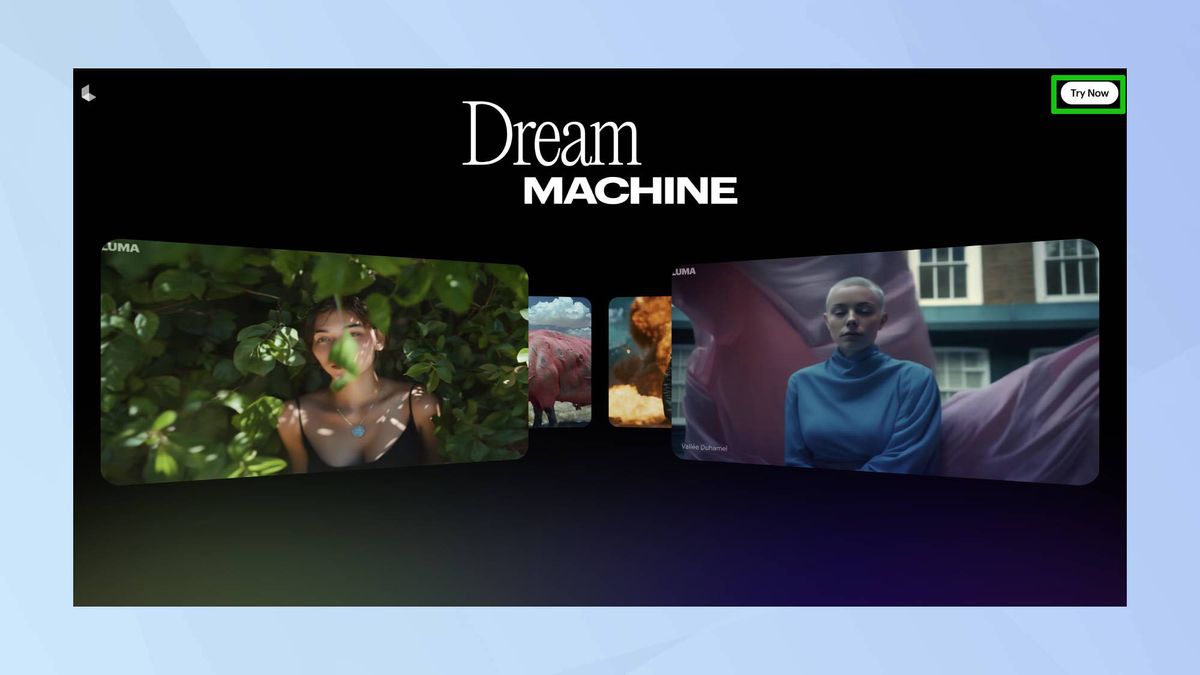
Step 2: Enter your prompt or upload a photo directly.
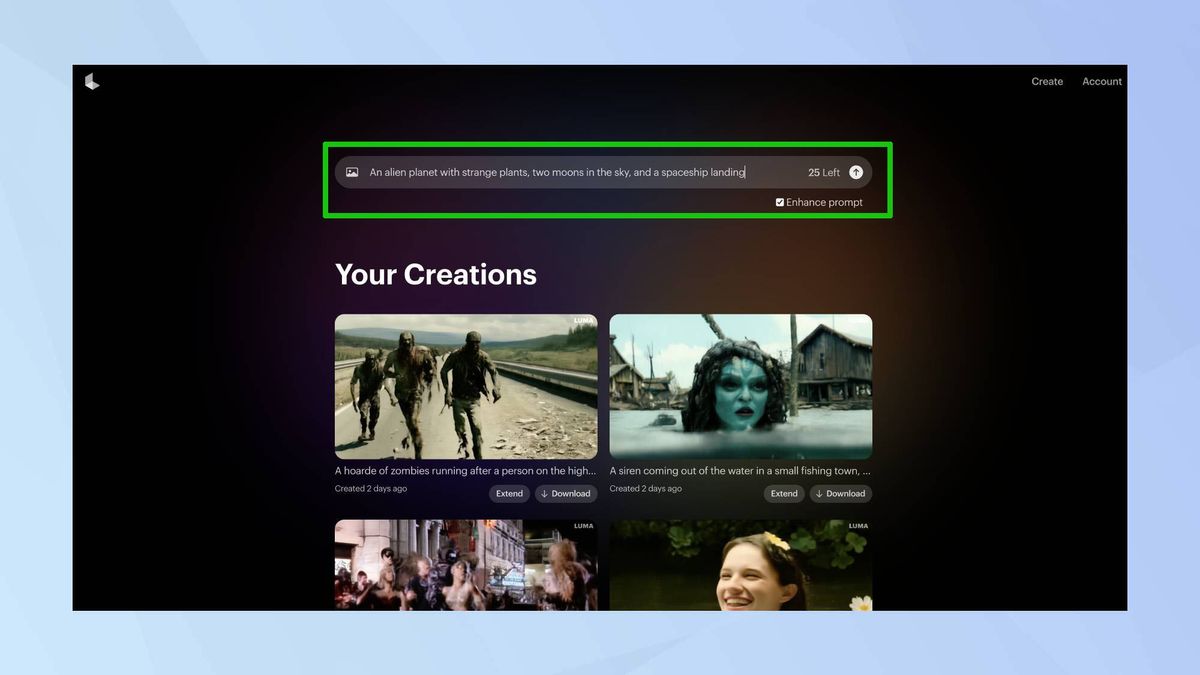
Enter a clear and specific prompt describing what you want Dream Machine to generate. Detailed prompts produce better results.
Step 3: Generate your video
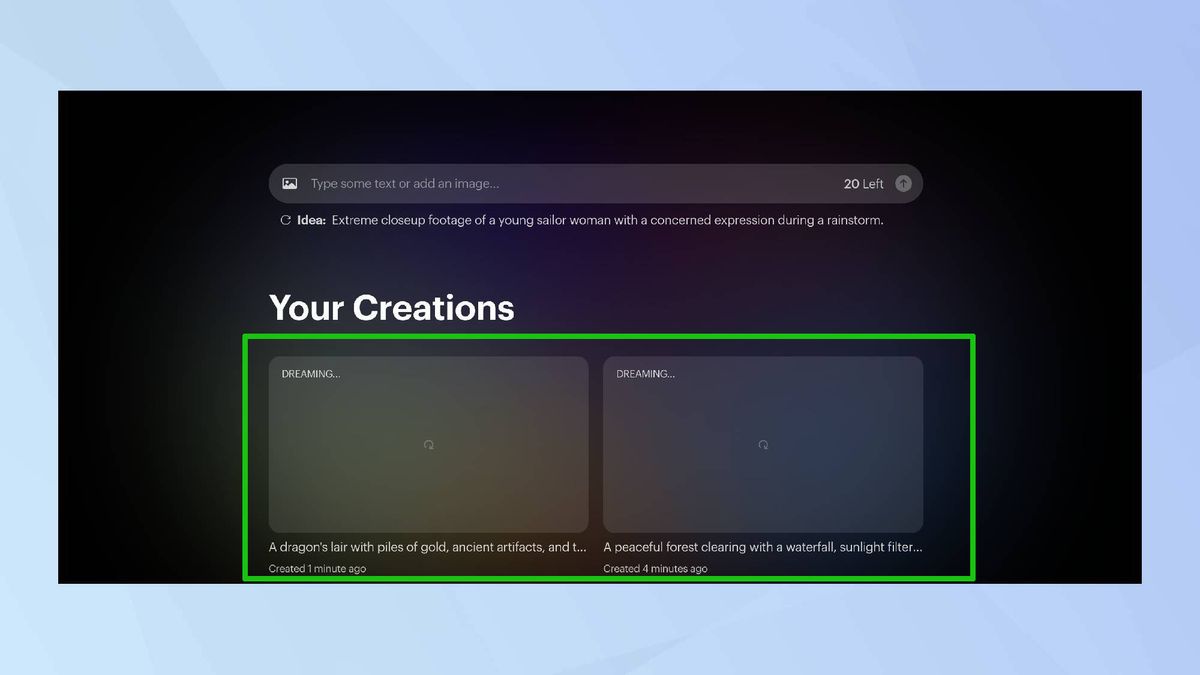
Press "Enter" to start the video generation process. The time taken depends on the number of videos in the queue.
Step 4: Download your video
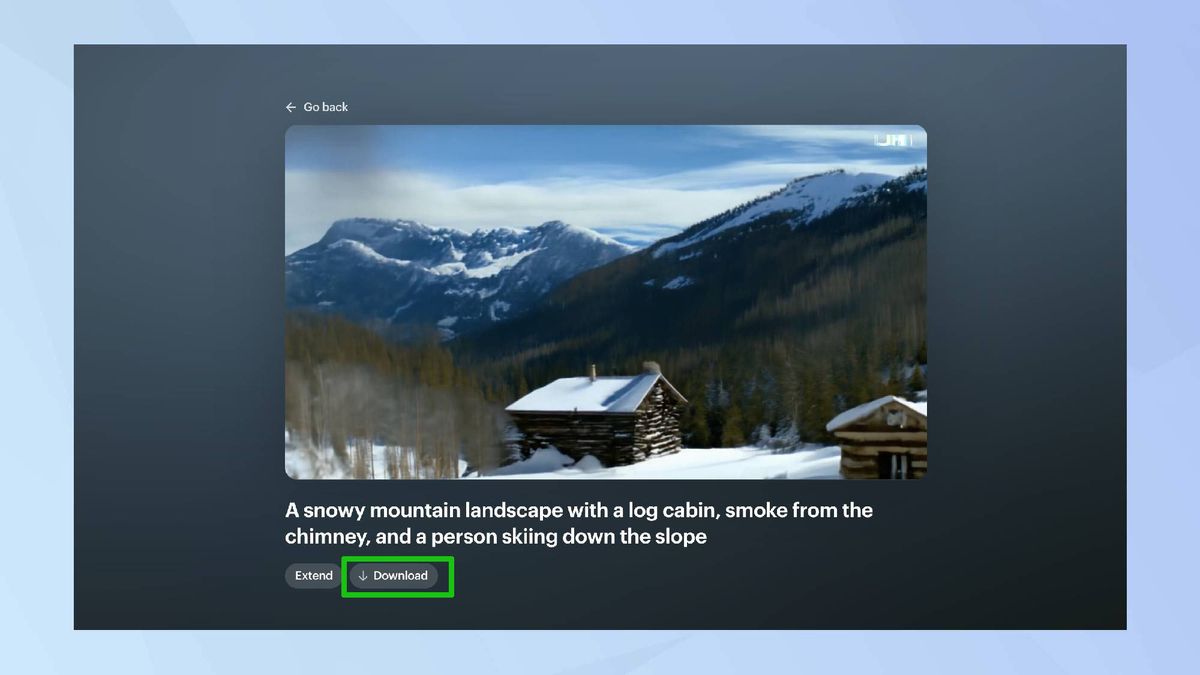
If you are satisfied with the result, click "Download" to save it.
With patience and practice, the Dream Machine video generator can produce outstanding results, turning your creative vision into stunning visual stories.
Related Articles:
The differences between Dream Machine and Sora — which one is better?
Dream Machine: The Sora-like AI video generator just launched by Luma AI












