
 Script Planner Assistant▸
 AI Apps
 AI News

BoardMix AIPPT: AI-Powered PPT Generation
BoardMix AIPPT: AI-Powered PPT GenerationIntroduction
博思AIPPT is an AI-powered tool that intelligently generates PPTs. It offers features such as one-click AI generation of PPT outlines, copywriting-to-PPT generation, file-to-PPT conversion, smart layout, and AI text optimization, with hundreds of premium PPT templates and rich layout styles built in.
博思AIPPT supports multi-device login, online editing, automatic real-time saving, and cloud storage. It can export to pptx or pdf files. It canautomatically generate PPT templates, tables of contents, copy, color schemes, and images with hundreds of design styles to choose from, automatically generate document content, and support custom editing and modifications.With 博思AIPPT, even beginners can produce a high-quality, visually stunning PPT in seconds.
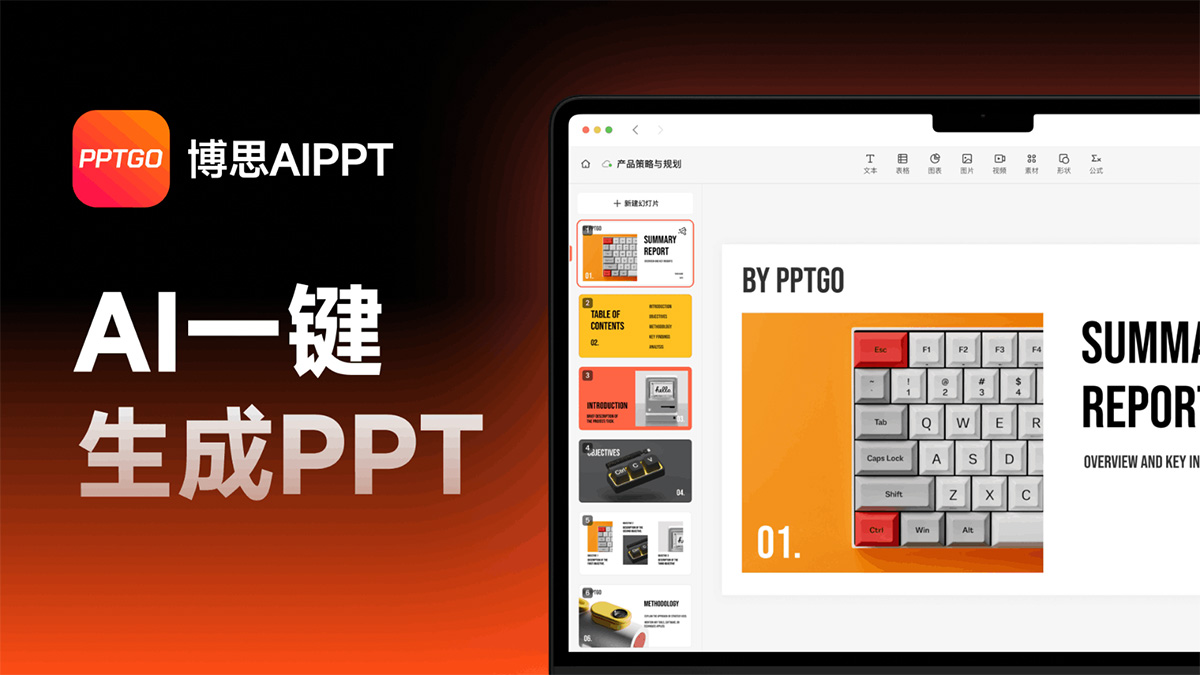
博思AIPPT Features:
AI-Generated PPT: Break away from traditional creation—AI generates PPTs with one click, ushering in a new way to make PPTs. 博思AIPPT helps you effortlessly create beautiful, professional PPTs. Get started for free and explore the limitless possibilities of AI!
Structured Outline Parsing: Automatically generate PPT outline content with AI, featuring dynamic parsing and custom editing. 博思AIPPT saves you significant time, letting you focus on content creation. Get started for free.
Import Files: Import files to generate a PPT—博思AIPPT will automatically and intelligently extract and produce a professional PPT, eliminating tedious formatting and making your PPT stand out. It supports multiple file formats, including Word, PDF, TXT, Markdown, and more, to meet your different needs.
Smart Layout and AI Rewriting: Say goodbye to manual formatting—博思AIPPT automatically handles layout for you and offers a variety of preset color schemes covering business, education, technology, and other styles. AI beautifies your PPT, corrects grammatical errors, and optimizes sentence structures.
Automatic Layout & Beautification: Automatic color schemes and typography—no design skills required. Built-in charts such as line graphs and bar charts for intuitive expression. Use AI to polish, continue writing, and optimize to refine your content.
Massive Premium Templates: A vast library of premium templates with various themes and scenarios to meet all your needs. Easily replace existing content into any template without manually adjusting formatting and layout, making AI-powered PPT creation more convenient.
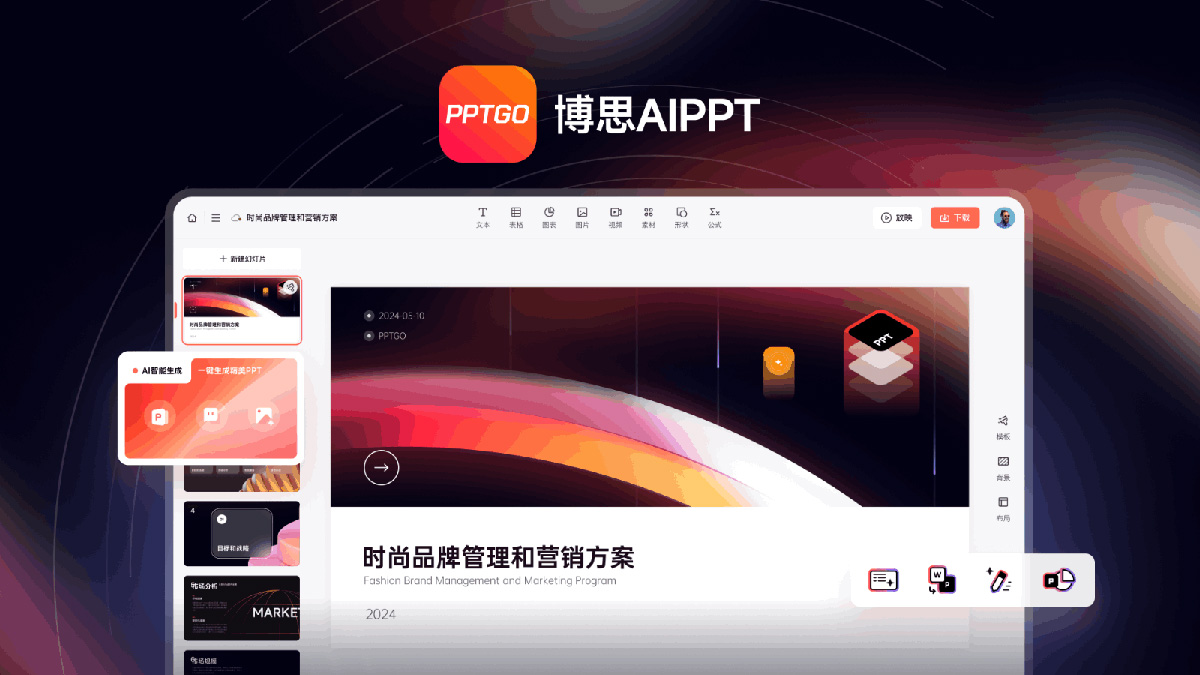
博思AIPPT Use Cases:
博思AIPPT is suitable for a variety of scenarios, such as business presentations, education and training, and product promotion. It is ideal for workplace newcomers, teachers, students, marketers, entrepreneurs, and all kinds of PPT users, significantly boosting office efficiency.
Education Sector: Teachers can use 博思AIPPT to quickly organize teaching content and create courseware. Simply upload some teaching material files, and 博思AIPPT will intelligently identify, extract, and regenerate a professional teaching courseware.
Workplace Presentations: Whether you're a corporate professional or anyone in the workplace, you can use 博思AIPPT to one-click generate professional PPTs that meet your needs for various presentations and reports.
Sales Reports: Sales personnel can use 博思AIPPT to quickly generate sales reports, improving work efficiency and presentation quality.
How to Use 博思AIPPT:
Step 1: Visit the official website of 博思AIPPT to register and log in.
Step 2: After logging in, enter the workspace, choose AI smart generation or import a file, enter the PPT topic, and wait for the outline to be generated.
Step 3: Once the outline is generated, select a PPT template.
Step 4: Then click to generate the PPT and wait for PPT generation to complete.
Step 5: The generated PPT can be edited, modified, presented, and downloaded.
博思AIPPT Solutions
One-Click AI PPT Generation: Enter a sentence or a topic, and 博思AIPPT will automatically generate an outline and, based on your chosen template, automatically produce a beautiful PPT. What's more, the generated PPT can be edited online—modify layouts and change styles—making everything incredibly simple.
Document-to-PPT: 博思AIPPT supports generating PPTs from various documents, including Word documents to PPT, TXT documents to PPT, and PDF documents to PPT. Leveraging AI capabilities, 博思AIPPT analyzes and extracts document content, automatically converting it into an editable online PPT presentation.
Mind Map-to-PPT: 博思AIPPT supports generating PPTs from mind maps. You can convert Xmind and MindMaster mind map files to PPT. Using AI capabilities to analyze and extract mind map content, it automatically generates an editable online PPT presentation.
Markdown-to-PPT: 博思AIPPT supports generating PPTs from Markdown input. Leveraging AI PPT generation capabilities, it intelligently expands Markdown outlines and automatically generates an editable online PPT presentation.
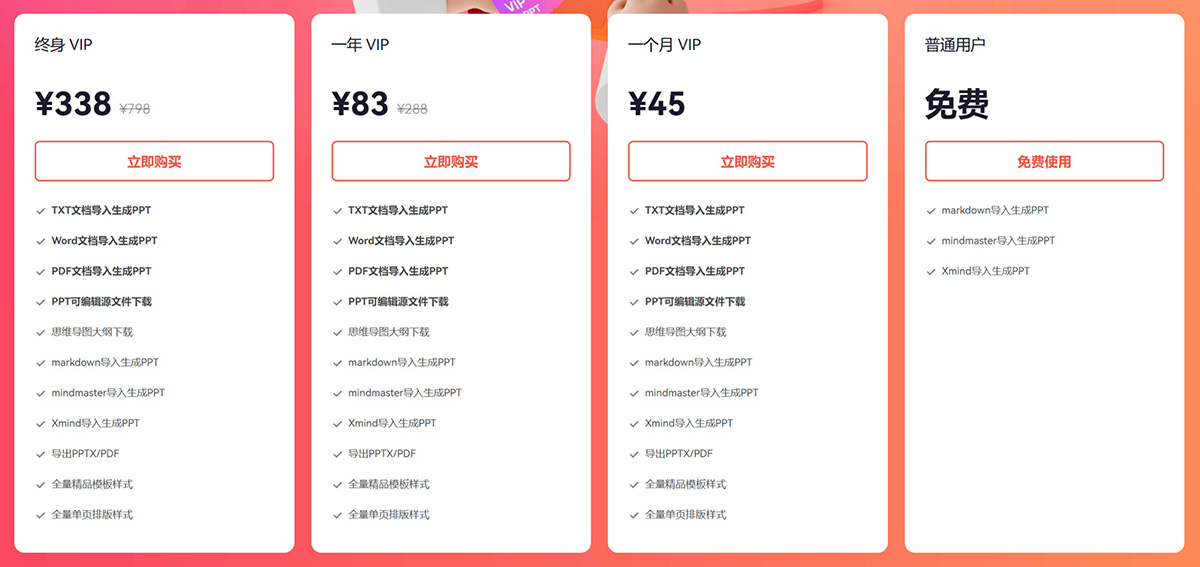
博思AIPPT Pricing:
Free Version: Supports AI generation and importing Markdown, MindMaster, and Xmind files to generate PPTs.
Paid Version: 1-month VIP 45 yuan, 1-year VIP 83 yuan, Lifetime VIP 338 yuan. Based on the paid version, it additionally supports editing features, importing TXT, Word, PDF and other formats, exporting source files, and accessing a vast library of premium templates.
博思AIPPT, as an online AI PPT generation tool, is launched by 博思云创, the company behind 博思白板. By combining the latest AI technology, it can quickly generate high-quality PPTs, simplify the design process, and boost work efficiency. Users can quickly create PPTs through multiple methods, including topic-based generation, text-based generation, and importing Word files. Using 博思AIPPT, you can complete PPT creation tasks that would normally take a lot of time, saving substantial effort.
Related Information:















