Script Planner Assistant▸
 AI Apps
 AI News

Noisee AI: AI Music-to-Video Generator
Noisee AI: AI Music-to-Video GeneratorIntroduction
Noisee ai is an AI music video generation tool that is currently free to use. By entering a text description or uploading an audio file, or by providing a link (such as Suno, YouTube, Soundcloud, etc.) along with uploading a reference image, you can generate a music video of approximately 30 seconds.
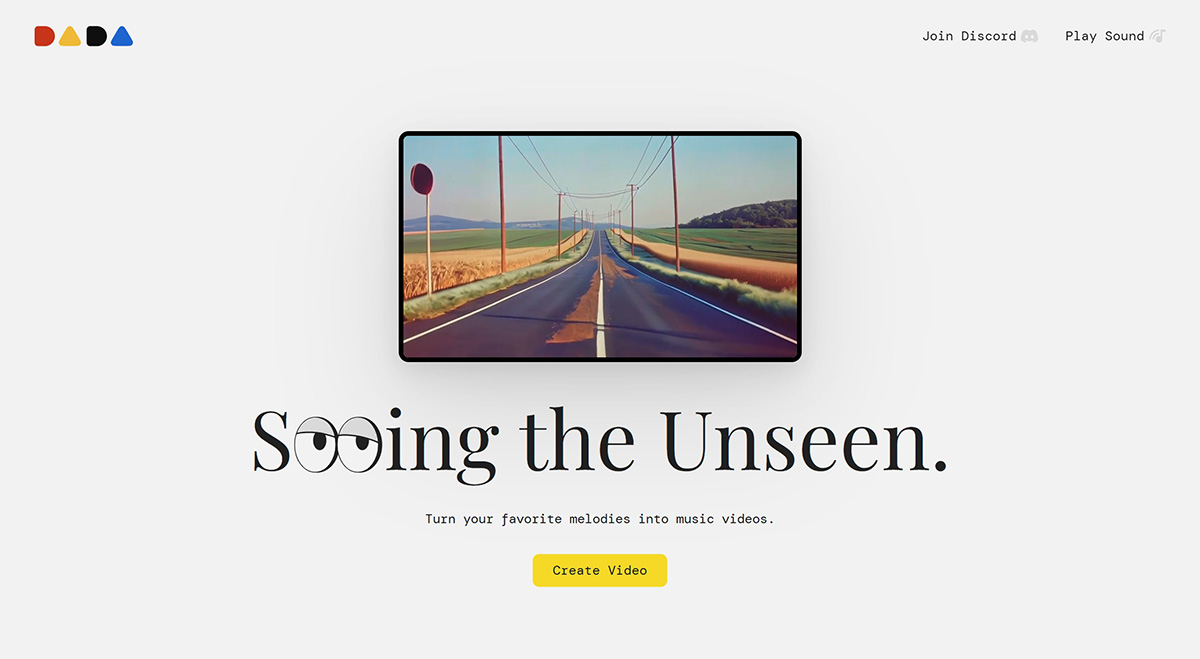
Noisee AI Features:
Music to video: Noisee AI can convert your favorite music melodies into music videos.
Multi-platform support: Noisee AI supports importing audio links from platforms such as Suno, YouTube, and Soundcloud, and also supports direct MP3 file uploads.
Discord integration: Users can access Noisee AI's features through its official website or Discord server, making it easy to communicate and share with other users.
Simple operation: Users simply need to type the /imagine command in Discord and provide an audio link, and Noisee AI will automatically create a music video that matches the audio content.
Personalized creation: Noisee AI can generate unique music videos based on your personal preferences.
Noisee AI Use Cases:
Personal music sharing: Showcase your own musical ideas.
Marketing and promotion: Musicians, singers, and bands can create exclusive music videos for promotional purposes.
How to Use Noisee AI?
Step 1: Go to the Noisee AI official website, click [Try Noisee] or join the Noisee AI Discord to get started.
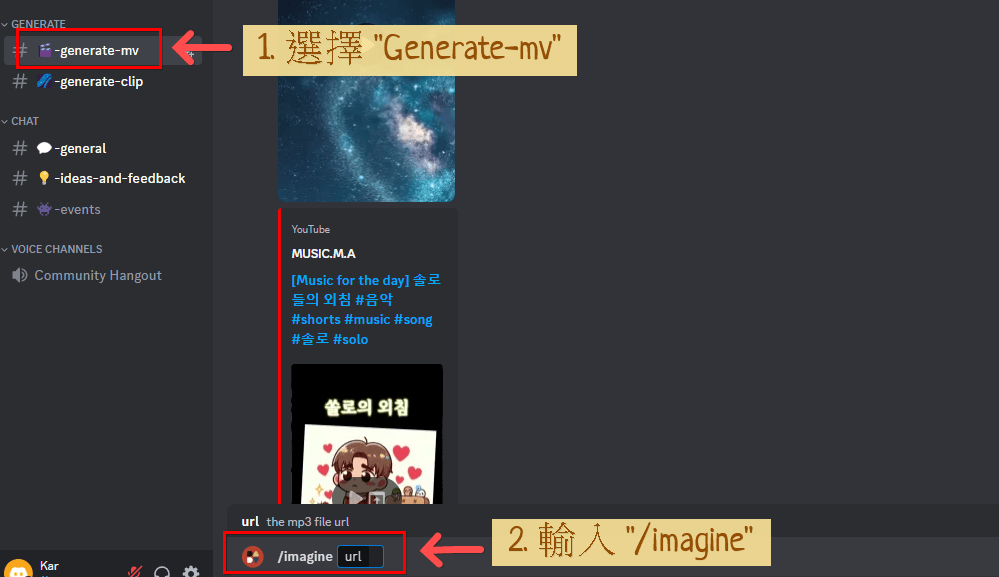
Step 2: Select [generate-mv] on the left, enter [/imagine] in the input box below, then paste a YouTube or Suno AI URL, and press Enter to start generating.
Step 3: Noisee AI supports URLs from YouTube and Suno AI. If you want to upload an MP3, you can select [general] on the left and upload your MP3 to obtain a URL.
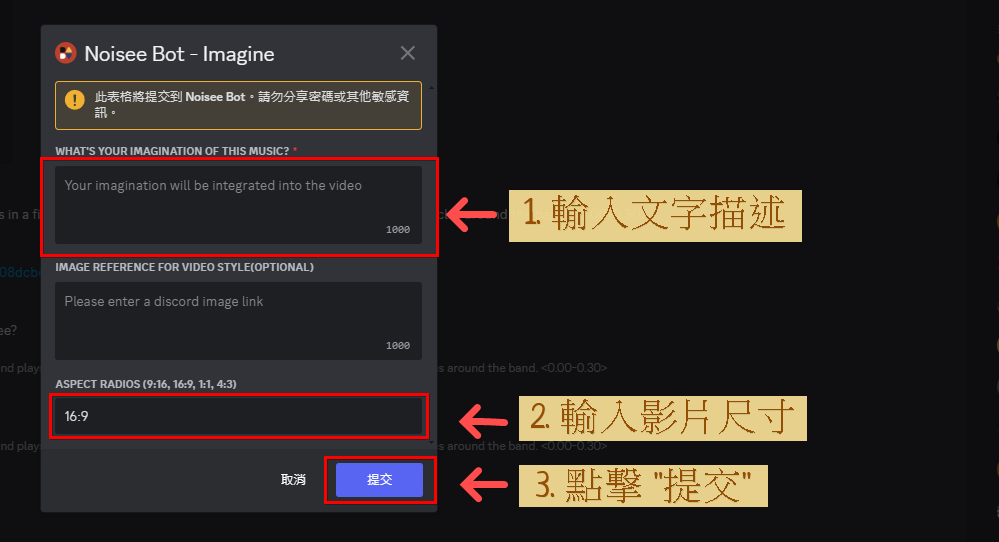
Step 4: After sending the prompt, a window will pop up. Please enter a text description and the video aspect ratio, such as 16:9, 9:16, 1:1, or 4:3, then click [Submit] to generate the video. The video will be 30 seconds long. If you want to improve style consistency, you can upload an image as a reference.
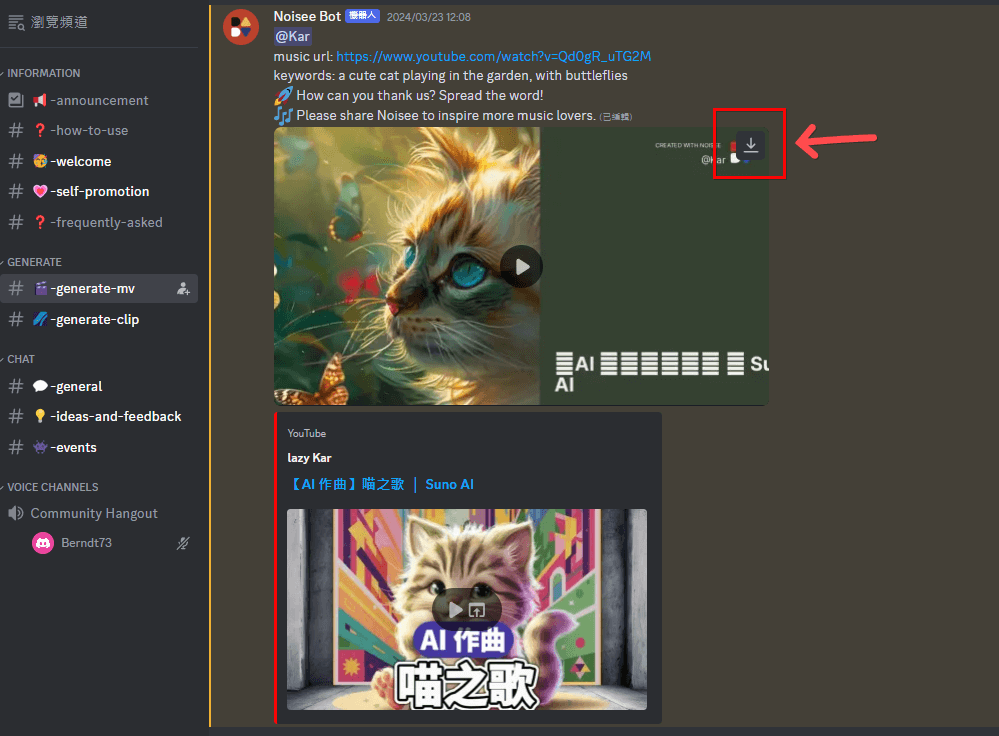
5. Once Noisee AI generates the video, you can click "Download" at the top right of the video to download it.