Script Planner Assistant▸
 AI Apps
 AI News

DuckDuckGo: A Privacy-Focused Browser & Search Engine
DuckDuckGo: A Privacy-Focused Browser & Search EngineIntroduction
DuckDuckGo is a search engine that can be used as a mobile browser app and desktop extension. DuckDuckGo does not track your search or browsing history and blocks other companies from tracking you. DuckDuckGo promises to keep your searches private and anonymous, with built-in tracker blocking, making it difficult for the websites you visit to collect information about you.
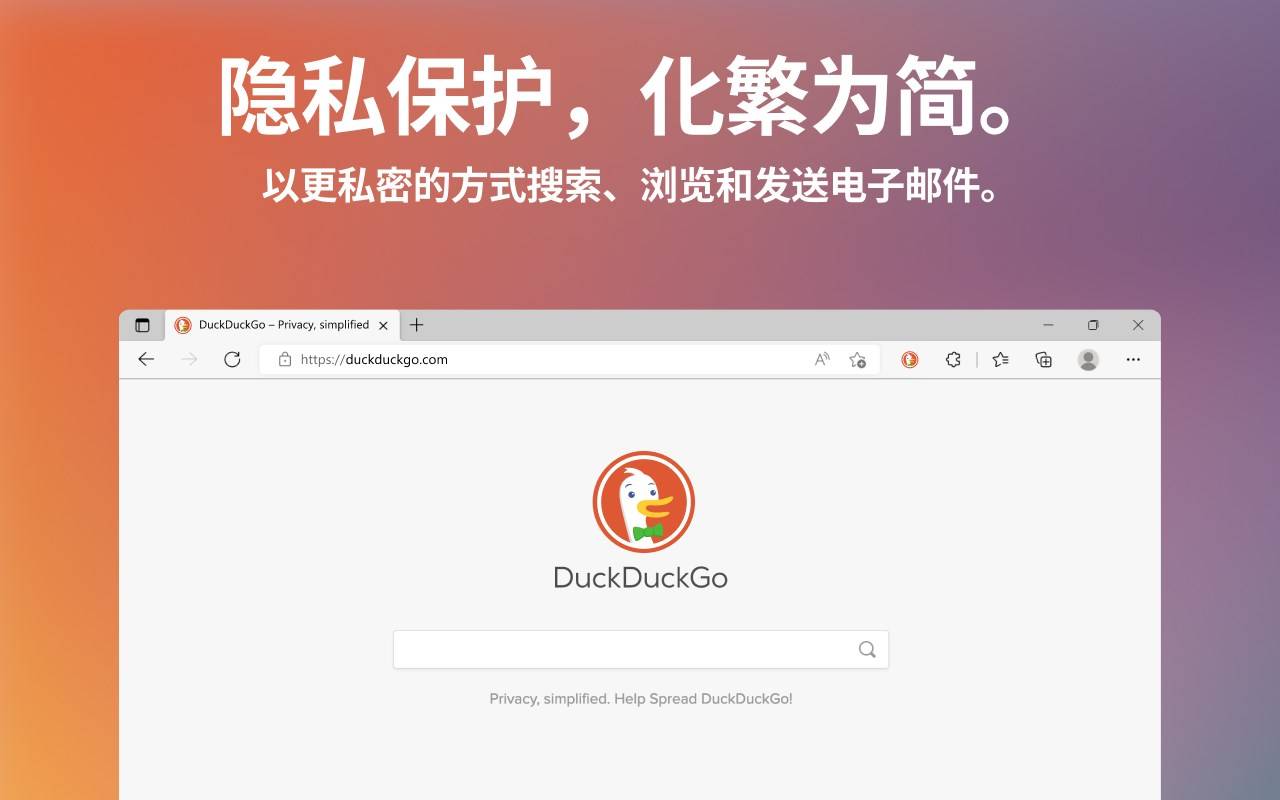
Unlike other browsers, the DuckDuckGo browser has more than a dozen powerful privacy protections built in, including our search engine, which replaces Google and does not track your search history. Tens of millions of people use the DuckDuckGo browser's unique and comprehensive privacy protections to safeguard their daily online activities, including searching, browsing, and sending and receiving emails. The software is available for download on Mac, Windows, iOS, and Android platforms.
DuckDuckGo Features:
Use the DuckDuckGo browser for private searching and browsing. Unlike other browsers, we don't track users.
Other search engines track your every search, including where you go and what you buy. We will never track you.
The DuckDuckGo browser and extension feature powerful tracker blocking that stops trackers and creepy ads before they load, sidestepping hidden data collectors and speeding up websites.
85% of emails sent through Duck Address contained hidden email trackers before we cleaned them. Email Protection blocks most trackers and forwards emails to your regular inbox so you can read them with peace of mind.
In our testing of popular free Android apps, more than 96% allow other companies to violate your privacy—for example, using your location to pinpoint where you've been. Block most of their surveillance activity and take back control of your Android device!
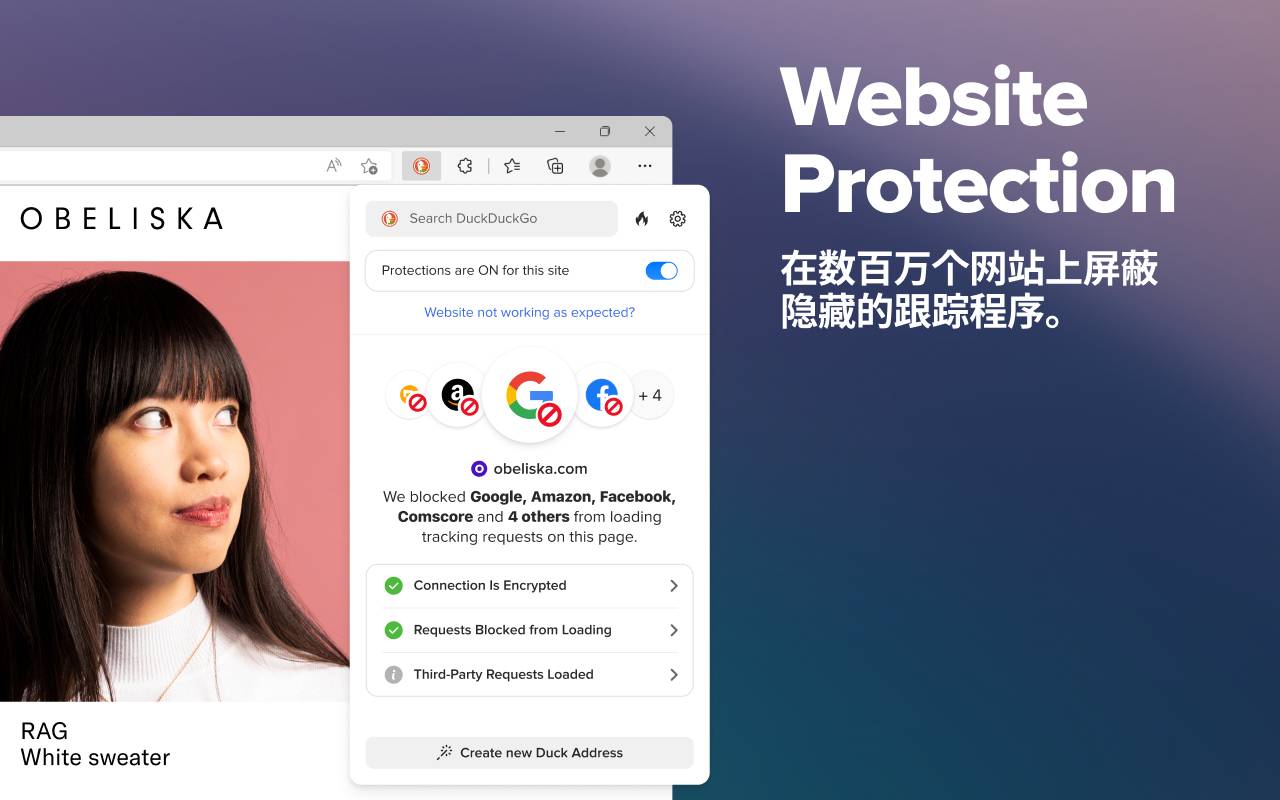
How to use DuckDuckGo?
On mobile, simply open your app store and search for "DuckDuckGo." You'll be able to download the DuckDuckGo Privacy Browser app and use it just like Chrome or Safari. At the bottom center of the app, you'll see a fire icon, which you can press at any time to close all tabs and clear all personal data.
On desktop, visit the official site duckduckgo.com, where you'll see a button to add DuckDuckGo to your browser. On Chrome, you'll be taken to the Chrome Web Store page to download the extension for free. On Safari, you'll be guided through setting DuckDuckGo as your default search engine or manually activating search with DuckDuckGo.
Extension installation: https://ogle.com/adsense/new/u/0/pub-5123843705180439/sites/list
Official download: https://duckduckgo.com/
Related News: