Script Planner Assistant▸
 AI Apps
 AI News

Kling AI: Kuaishou's Video Generation Large Model
Kling AI: Kuaishou's Video Generation Large ModelIntroduction
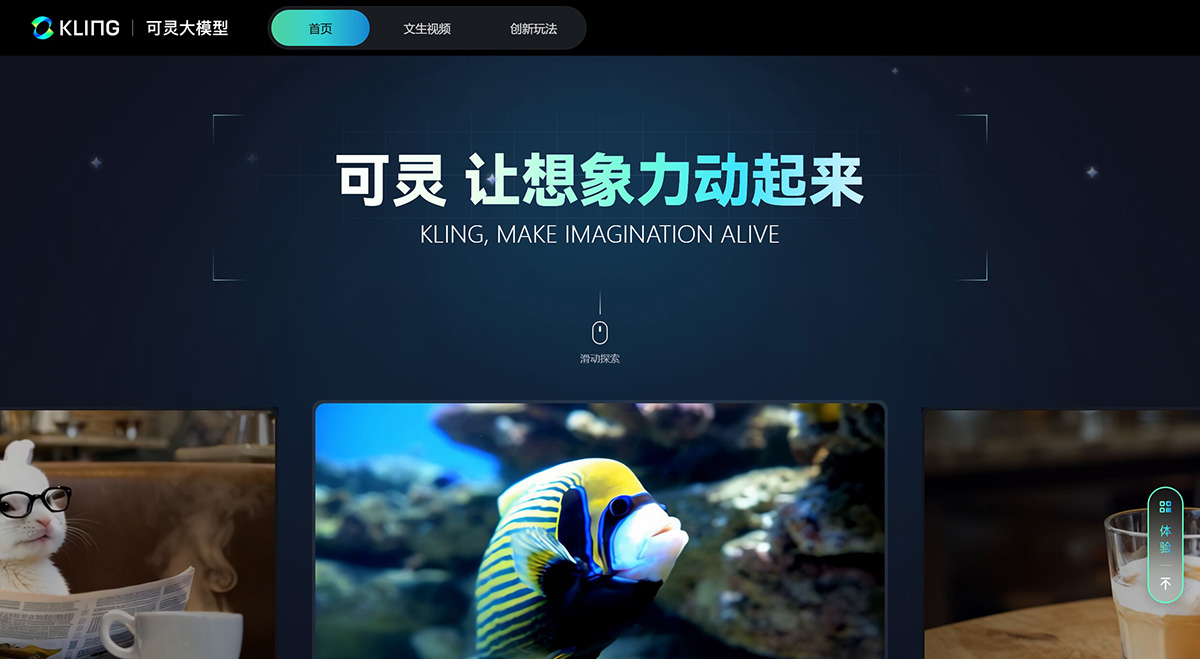
KlingAI is a large text-to-video model independently developed by Kuaishou's large model team, featuring powerful AI video generation capabilities that allow users to easily and efficiently complete artistic video creation.
Kling AI adopts a technical approach similar to Sora, combined with multiple self-developed technological innovations. The results of Kling AI are comparable to those of Sora released previously.
Kling AI Official Website: kling.kuaishou.com
Kling AI Trial Application Process: Download the Kuaiying APP - AI Features - AI Video Generation module - Fill out the questionnaire to apply.
Kling AI Features and Application Scenarios:
High-resolution and high frame rate video generation: Kling AI is capable of generating videos up to 1080p resolution and up to 2 minutes in length (at 30fps).
Free aspect ratio output: Kling supports flexible output video aspect ratios, allowing users to adjust video proportions as needed.
Concept combination capability and imagination: Kling possesses powerful concept combination capabilities and imagination, capable of generating videos with complex motion and physical properties.
Simulation of physical world properties: The Kling model can simulate the properties of the physical world, making the generated videos more realistic and natural.
Wide range of application scenarios: Due to its high resolution, high frame rate, and free aspect ratio output features, Kling AI has a wide range of applications in the short video field, such as content creation, advertising production, and more.
Kling AI Advantages:
Large-scale reasonable motion: Kling adopts a 3D spatiotemporal joint attention mechanism, which can better model complex spatiotemporal motion, generate video content with relatively large motion, while conforming to motion laws.
Video generation up to 2 minutes: Thanks to efficient training infrastructure, extreme inference optimization, and a scalable architecture, Kling AI is capable of generating videos up to 2 minutes in length with a frame rate of 30fps.
Simulation of physical world properties: Based on its self-developed model architecture and powerful modeling capabilities inspired by Scaling Law, Kling can simulate the physical properties of the real world and generate videos that conform to physical laws.
Powerful concept combination capability: Based on a deep understanding of text-video semantics and the powerful capabilities of the Diffusion Transformer architecture, Kling can transform the user's rich imagination into specific visuals, creating scenes that would not exist in the real world.
Cinematic-level image generation: Based on its self-developed 3D VAE, Kling can generate 1080p resolution cinematic-level videos, vividly presenting both vast, magnificent grand scenes and delicate, nuanced close-up shots.
Supports free output video aspect ratios: Kling employs a variable resolution training strategy, enabling the same content to be output in various video aspect ratios during inference, meeting the needs of video material use in more diverse scenarios.
Meanwhile, based on its self-developed 3D face and body reconstruction technology, combined with background stability and redirection modules, Kling realizes full facial expression and body motion driving technology. With just one full-body photo, users can experience vivid "singing and dancing" features.
How to use Kling AI?
1. Download and install the Kuaiying App on your mobile phone.
2. After opening the Kuaiying App, log in with your Kuaishou account.
3. Find the Kling AI creation feature in the Kuaiying App.
4. Based on the features provided by Kling AI, upload the required materials, such as full-body or half-body photos, for facial and body motion driving.
5. Choose the specific features provided by Kling AI, such as AI Dance King or AI Singing & Dancing, and follow the prompts to generate videos.
6. After the video is generated, you can edit it within the App, then export it or directly share your work on Kuaiying.
Kling AI Basic Usage Tips
Keep prompts clear and concise: Treat the AI as a child with limited understanding and use simple, direct descriptions. For example, "A woman in traditional costume playing a guzheng under a cherry blossom tree, with a clear image and soft lighting."
Try and adjust multiple times: If the initial results are not ideal, don't hesitate to change or adjust your prompts, especially when the AI seems to misunderstand your description.
Character scene description format: Use the "character + location + action" structure and add details, such as "high definition, realistic style, background is a city skyline at night."
Camera movement and image quality: The web version offers more camera movement options, but note that moving camera shots may affect the clarity of characters' faces; it is recommended to fix the camera or use it with caution.
Negative prompts: To avoid unwanted effects, such as an animated feel or blurriness, add negative prompts, such as "non-animated, high definition."
Creativity and luck: Sometimes simple descriptions can produce amazing effects—stay creative and accept occasional surprises.
Consistency tips: If you need to maintain character consistency in a video, keep the description of the successful video and only modify the scene or action parts.
Avoid the image generation feature: Despite its strong video generation capabilities, image generation may not be as good as other professional tools, such as SD and MJ.
Related News:
What features were updated in Kling AI 2.0?
What new features are in the full lineup of Kling AI 2.0 models released on April 15, 2025?
Which is better, Kling or Sora?
Kuaishou launches Sora-like model Kling AI, capable of generating two-minute videos