Script Planner Assistant▸
 AI Apps
 AI News

Picsart Photo Editor
Picsart Photo EditorIntroduction
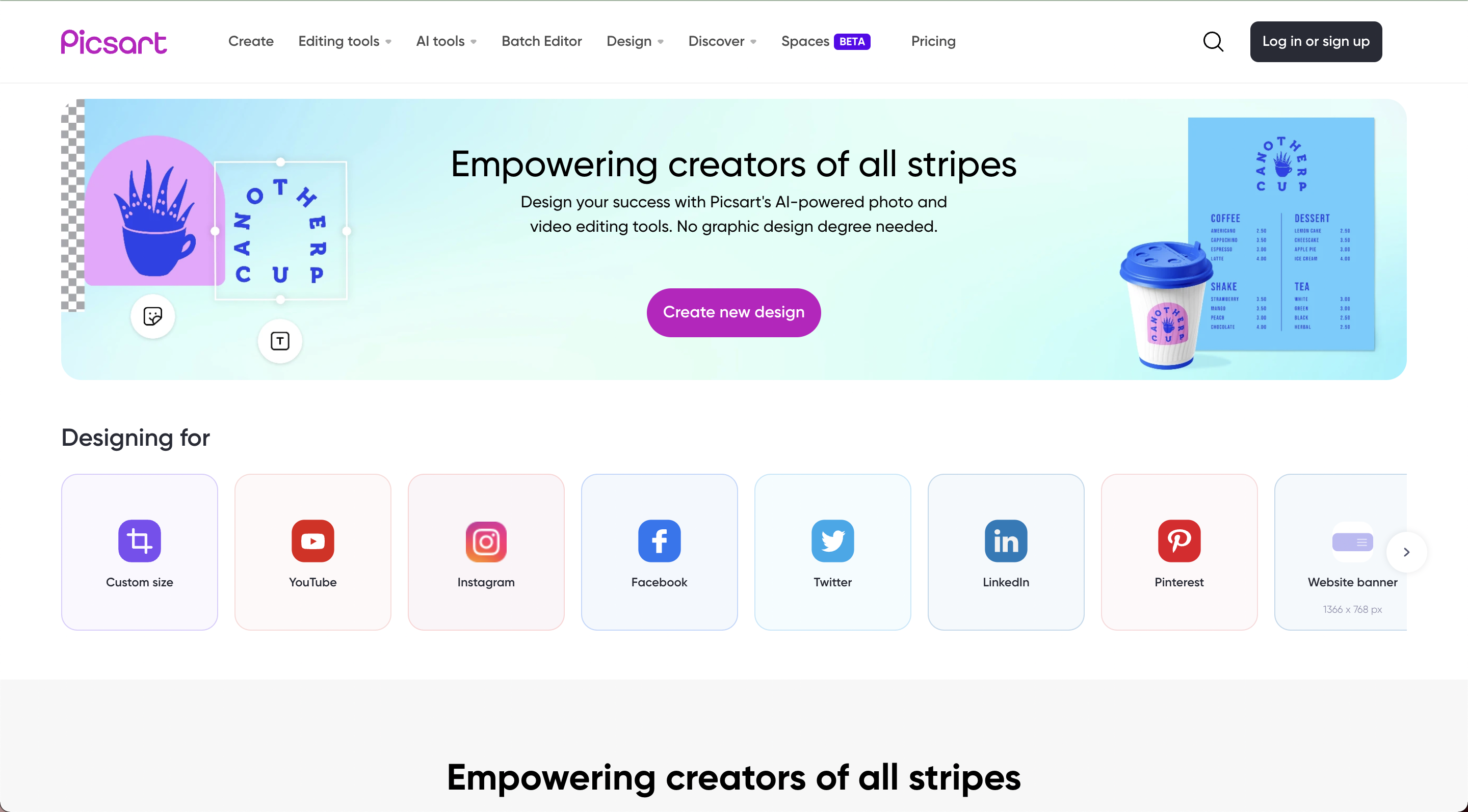
Picsart is an all-in-one creative platform that offers a wide range of tools and features for photo editing, graphic design, and artistic creation. With a rich library of filters, effects, stickers, and fonts, users can easily transform their images and designs into captivating works of art.
Picsart's user-friendly interface and comprehensive features make it the perfect tool for both beginners and experienced creatives, enabling them to express their ideas and enhance visual content.
Key Features of Picsart
Comprehensive photo editing tools
Graphic design features and templates
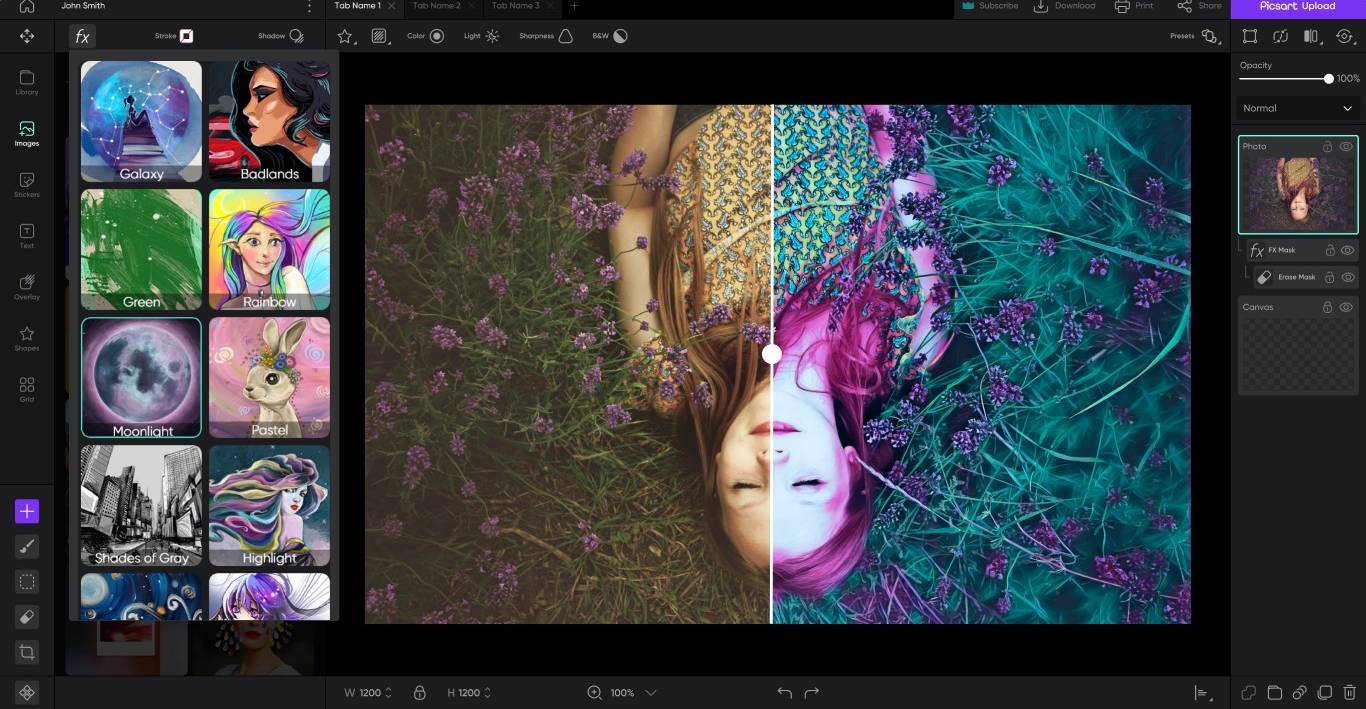
Extensive library of filters, effects, stickers, and fonts
Collage maker and photo grid tools
Drawing and painting tools
Creative challenges and community
Mobile app and web platform
Benefits and pain points of Picsart
Enhances creative expression and output
Streamlines photo editing and design workflow
Offers a wide range of tools and features for various purposes
Provides a platform for collaboration and learning
Simplifies the creation of professional visual effects
Encourages skill development and creative growth
What Makes Picsart Special?
Multi-project management: Work on multiple projects simultaneously and keep your project files and assets organized with precision.
Content library and presets: Save object properties as presets for repeated use. Create your own library using single or multiple design elements. Collage: Use our collage objects to summarize your profession, events, mood boards, or work projects into perfect collages.
Layering: With our advanced layering scheme, you can directly access each layer to edit files.
Multi-selection and advanced manipulation of objects: Work on multiple objects simultaneously, making your photo editing process more efficient.
Selection masks: Apply edits to pre-selected areas of images to create custom masks.
Transformation tools: Manipulate vector objects by applying advanced transformation tools.
Offline mode: Access most tools and downloaded resources even when offline.
Picsart Applications:
Perform quick edits on images, such as adjusting colors, cropping, retouching, tweaking contrast and brightness, and more.
Apply popular filters and effects to your photos.
Remove unwanted objects from images.
Use AI tools to remove backgrounds with one click.
Create wallpapers, posters, YouTube banners and thumbnails, brochures, birthday cards, and social media visuals.
Collect and share your professional portfolio on our social platform.
Picsart Pricing: