Script Planner Assistant▸
 AI Apps
 AI News
Xnapper: Desktop Screenshot Beautifier for Social Sharing
Xnapper: Desktop Screenshot Beautifier for Social SharingIntroduction
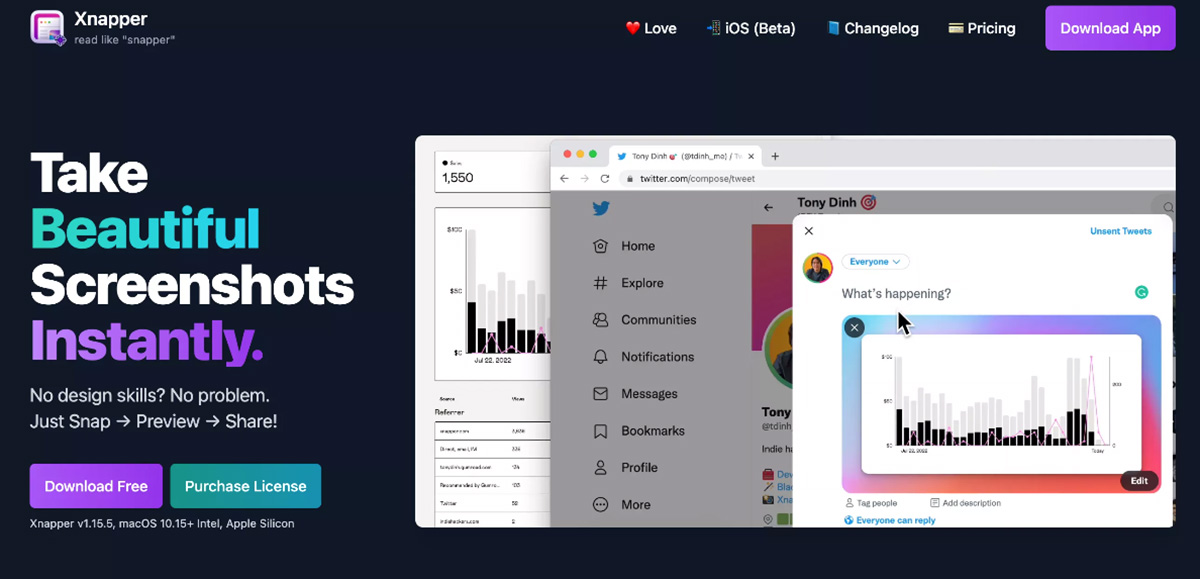
Xnapper is a screenshot assistant tool that lets you customize and capture unique screenshots. Available for Mac and iOS, you can personalize screenshot backgrounds, change border radius, and even add your own watermark. With just a few clicks, you can capture screenshots to share on your blog, social media accounts, or even add to presentations.
Xnapper Advantages:
Auto-balanced screenshots
Make your screenshots perfectly balanced with effortless ease.
Auto background color
Focus on your content. Xnapper will handle the rest.
Auto-hide sensitive information
Emails, credit card numbers, IP addresses, API keys... hide them with one click.
Easily select and copy text
Powered by the built-in macOS Vision engine.
Xnapper Features:
Custom global shortcuts
Custom background gradients/images
Window capture (press space)
Arrows, shapes, text, blur
Screenshot history
Open from file and clipboard
Social media sizes and ratios
Presets, custom settings
Compress output images
Fast on-device text recognition
Upload to cloud
(Coming soon)
Beautiful and fast native macOS app
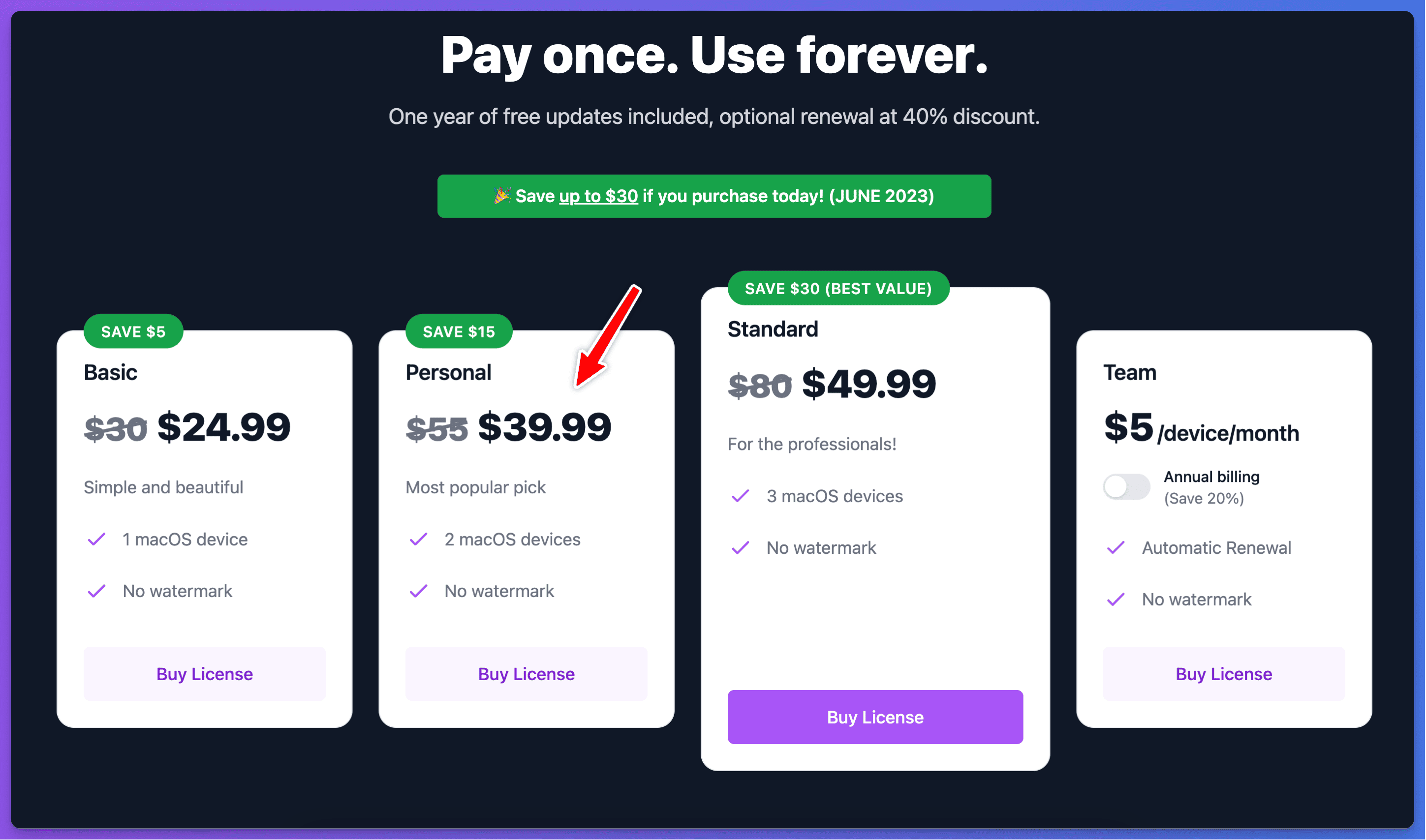
Xnapper Pricing