
 Script Planner Assistant▸
 AI Apps
 AI News

SVGConverter: Free Online Vector SVG Conversion Tool
SVGConverter: Free Online Vector SVG Conversion ToolIntroduction
SVGConverter, a free online vector graphic SVG conversion tool, can convert regular images such as PNG, JPG/JPEG, BMP, TIFF, WEBP, AVIF, and PDF into vector graphics in SVG, ai, EPS, and PDF formats. The generated full-color vectors will not lose any details.
SVG Converter outperforms virtually every vectorizer and traditional vector software on the internet (such as Adobe Illustrator and CorelDraw) in terms of vector quality, vectorization speed, usability, and the features it offers.
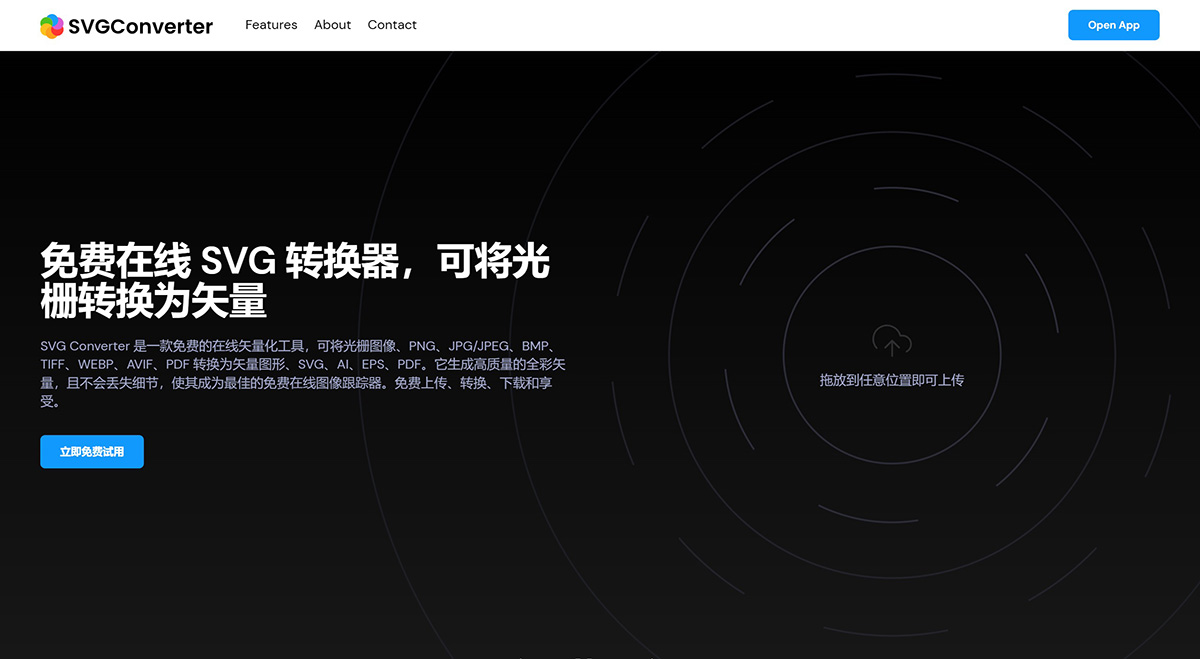
SVGConverter Features:
Ultra-fast vectorizer: quickly process and generate vectors within seconds
Pixel precision: adjust pixel-level details in the output vector image
Simple interface: the enhanced and refined user interface allows users to quickly vectorize images
Multiple export options: convert to various vector formats (SVG, AI, PDF, and EPS)
Input file formats: supports PNG, JPG/JPEG, BMP, TIFF, WEBP, PDF (transparent)
Unlimited colors: generate full-color vector graphics with more than 512 colors
Custom palette: create and/or select a custom palette to readjust colors
Multi-layer: generate multi-layer (stacked) and edge-to-edge (non-stacked) vectors
Adjust vectors: view, edit, connect, and delete elements in an easy-to-use editor
SVGConverter Usage Steps:
Step 1: Visit the SVGConverter official website on the homepage.
Step 2: Click the "Upload Image" button and select the image file to be converted, or drag the image to be converted into the upload box.
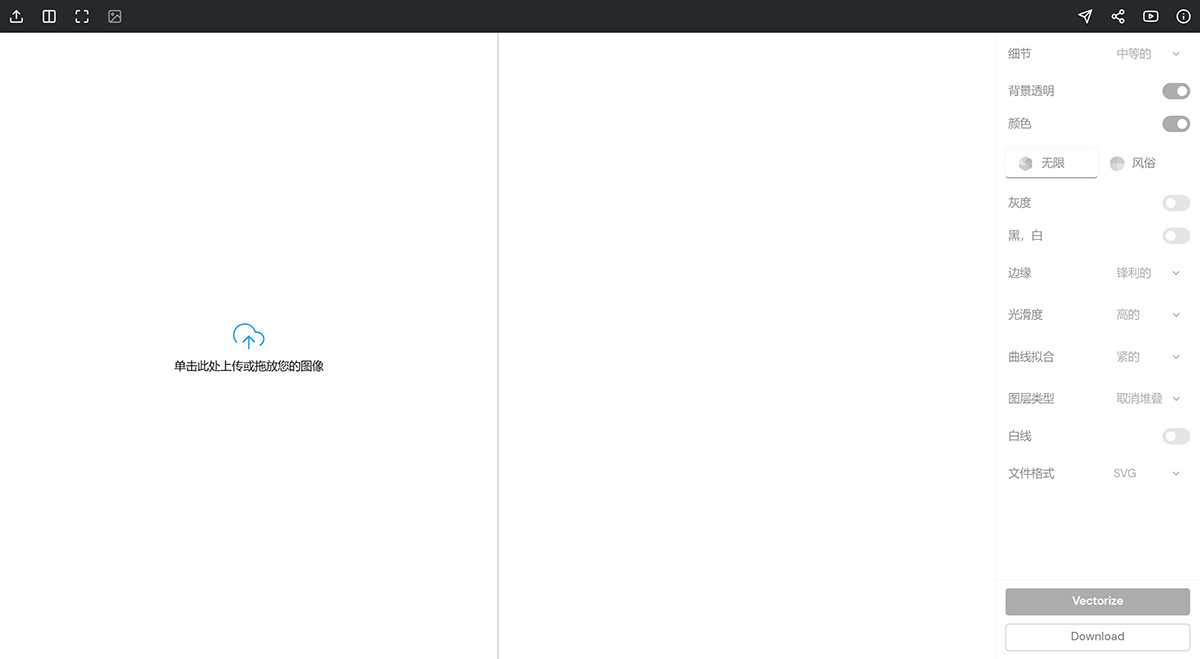
Step 3: Select the output vector graphic type (such as SVG, AI, PDF) and other parameters on the right.
Step 4: Click the "Vectorize" button to convert, and SVGConverter will automatically convert the image into a vector graphic.
Step 5: After the conversion is complete, click the "Download" button to download the vector graphic file.
SVGConverter Applications:
Redraw your old drawings, charts, and anime characters. Use SVGConverter's powerful and ultra-fast processing algorithms to recreate and refine your creations, and digitize scanned sketches with the help of grayscale filters.
Add artistic effects to your photos, snapshots, and portraits. Use SVGConverter's advanced image tracer to easily convert raster images into creative vector graphics while preserving pixel-level details in the image.
Vectorize signatures, diagrams, and maps into a specified number of colors. Automatically minimize artifacts, errors, and noise in bitmaps. SVGConverter adjusts the colors in the result by creating a custom palette, requiring no editing or illustration skills.
Upgrade your LOGO, graphic designs, and pre-press materials. Improve and enhance low-quality scanned images to make them clear and smooth media. Convert your designs into high-resolution scalable vector graphics suitable for printing, embroidery, and commercial use.
Bring new life to your art, picture frames, and canvases. Process and reproduce your artwork with edge-to-edge precision. SVGConverter converts your work (from oil paintings to digital art) into a more flexible and scalable format that appears uniform across all displays and environments.













