
 Script Planner Assistant▸
 AI Apps
 AI News

FisherAI: Auto Summarize, Web & Video Translation
FisherAI: Auto Summarize, Web & Video TranslationIntroduction
Fisherai is a Chrome extension designed to boost learning efficiency. With a single click, it supports automatic summarization, webpage and video translation, multi-turn conversation, and other capabilities.
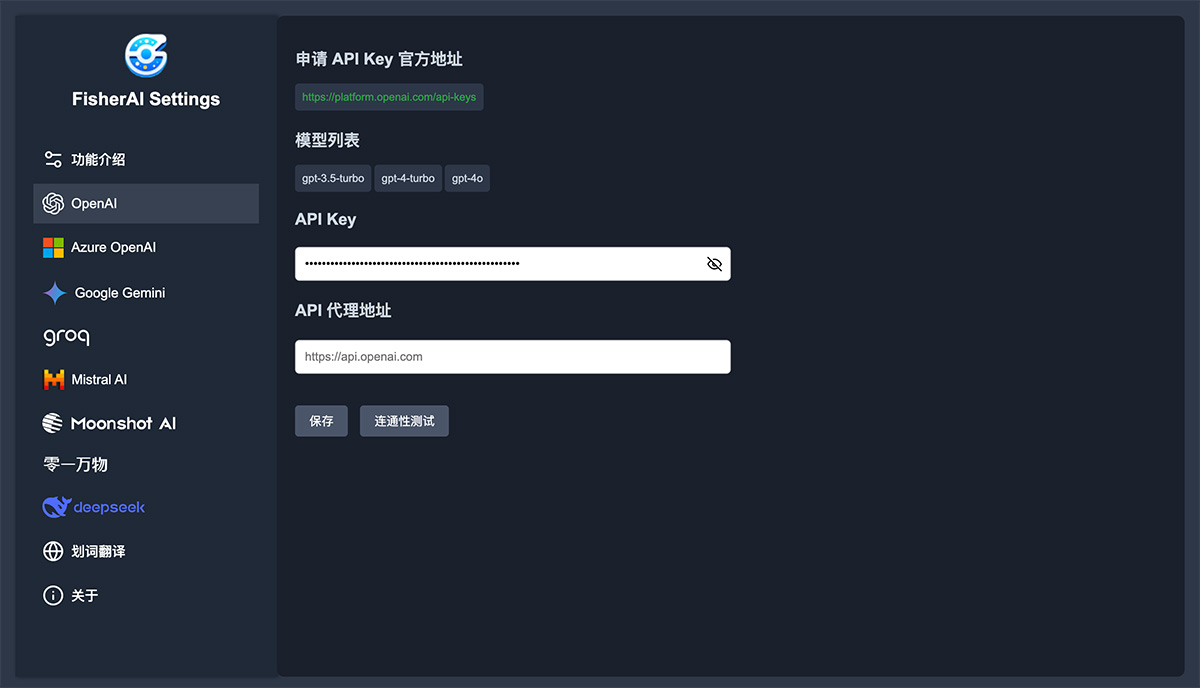
FisherAI supports multiple large language models, including gpt/azure/gemini/deepseek/mistral/groq/yi/moonshot, among others.
FisherAI Features:
One-click automatic summarization
One-click web translation
One-click video translation
Custom model/API key/API proxy address
Supports common LLM family models
Supports multi-turn conversations
Supports image sharing
Supports selection-based translation
Supports typing '/' to trigger quick functions, including translation, summarization, polishing, image-to-text, and code explanation.
FisherAI Installation Guide
Installing the FisherAI extension is very simple:
Visit the FisherAI page on the Chrome Web Store and click Install.
Alternatively, download the source code and load the unpacked extension on the Chrome Extensions page (chrome://extensions/).
FisherAI Usage Instructions
After installing the extension, you can access all features by clicking the FisherAI icon in the top-right corner of your browser. Specific feature usage is as follows:
Automatic summarization
Web translation
Video translation
Please refer to the changelog below for other features.















