
 Script Planner Assistant▸
 AI Apps
 AI News

Veo: Google's Powerful Video Generation Model
Veo: Google's Powerful Video Generation ModelIntroduction
Google Veo is our most powerful video generation model to date. It can generate high-quality videos of more than one minute at 1080p resolution, in a wide range of cinematic and visual styles.
It accurately captures the nuance and tone of a prompt, delivering an unprecedented level of creative control—understanding prompts for a range of cinematic effects, such as timelapse or aerial shots of landscapes.
Our video generation model will help make it possible for everyone to create tools that make video production accessible to all. Whether you're an experienced filmmaker, an aspiring creator, or an educator looking to share knowledge, Google Veo brings new possibilities to storytelling, education, and beyond.
In the coming weeks, some of these capabilities will be made available to selected creators through a new experimental tool, VideoFX, at Labs.google. You can join the waitlist now.
In the future, we'll also bring some features of Google Veo to YouTube Shorts and other products.
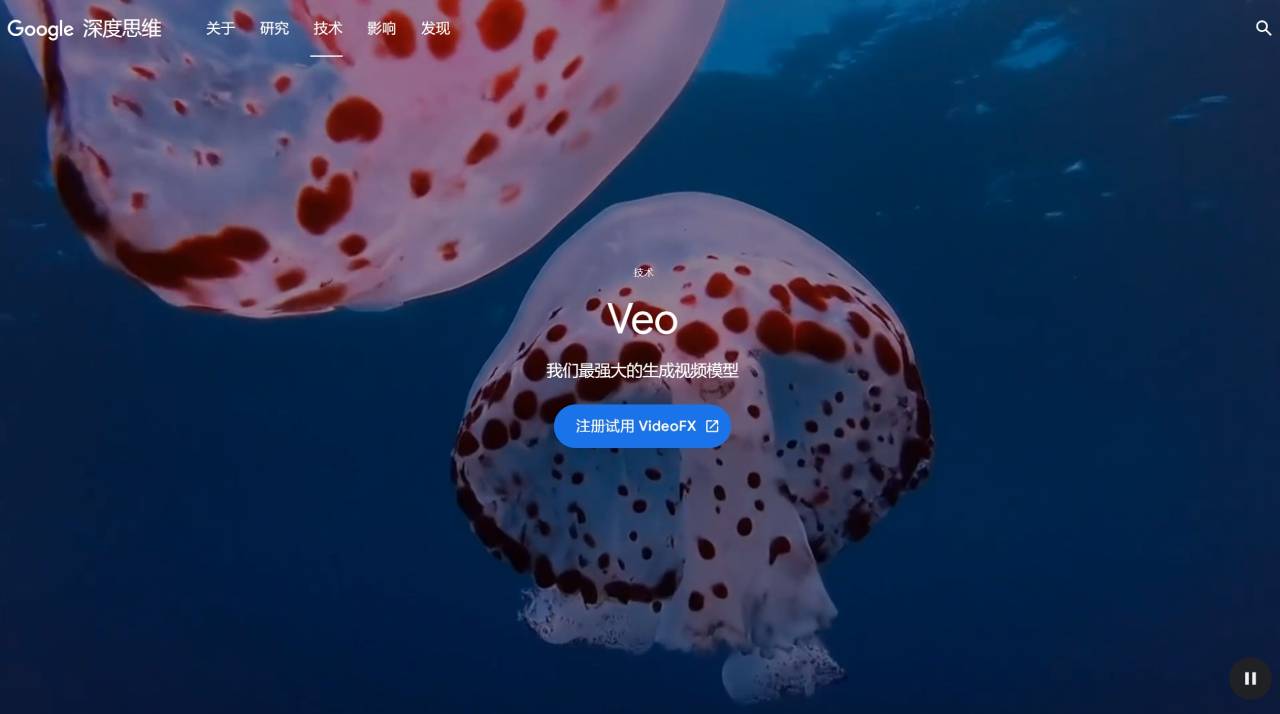
Google Veo Features:
Better Understanding of Language and Visuals:
To produce coherent scenes, generative video models need to accurately interpret text prompts and combine that information with relevant visual references.
With a deep understanding of natural language and visual semantics, Google Veo generates videos that closely follow the prompt. It accurately captures the nuance and tone of phrases, rendering intricate details in complex scenes.
Cinematic Control:
When given both an input video and an editing command—for example, adding a kayak to an aerial shot of a coastline—Google Veo can apply this command to the initial video and create a new edited video.
In addition, it supports masked editing, allowing you to change specific regions of a video when you add a masked area to the video and text prompt.
Google Veo can also generate a video using an image as input along with a text prompt. By providing a reference image combined with a text prompt, it enables Google Veo to generate a video that follows both the image's style and the user's prompt instructions.
The model is also capable of producing video clips and extending them to 60 seconds or longer. It can accomplish this with a single prompt, or by providing a series of prompts that together tell a story.
Consistency Across Video Frames
Maintaining visual consistency is a challenge for video generation models. Characters, objects, and even entire scenes can flicker, jump, or unexpectedly morph between frames, breaking the viewing experience.
Google Veo's cutting-edge latent diffusion transformer reduces the occurrence of these inconsistencies, keeping characters, objects, and styles in place, just as they would be in real life.
Built on Years of Video Generation Research
Google Veo is built on years of work on generative video models, including Generative Query Networks (GQN), DVD-GAN, Imagen-Video, Phenaki, WALT, VideoPoet, and Lumiere, as well as our Transformer architecture and Gemini.
To help Google Veo more accurately understand and follow prompts, we've also added more detailed captions to each video in the training data. To further improve performance, the model uses high-quality compressed video representations (also known as latent images), making it more efficient as well. These steps enhance overall quality and reduce the time required to generate videos.











