
 Script Planner Assistant▸
 AI Apps
 AI News

Lingban AI: An All-in-One AI Assistant for Any Webpage
Lingban AI: An All-in-One AI Assistant for Any WebpageIntroduction
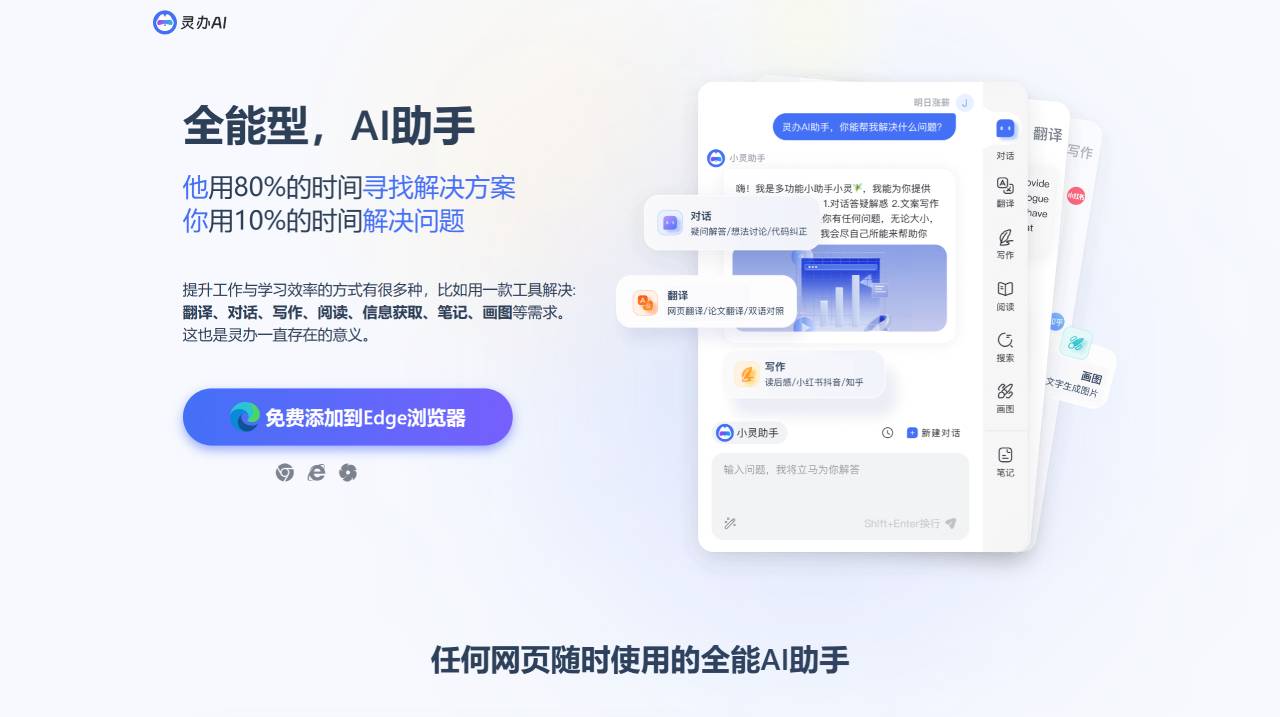
Lingban AI, free! A learning and office AI assistant—a tool that meets needs such as translation, conversation, writing, reading, information retrieval, note-taking, and drawing. Talk to Lingban AI to get answers to all your questions and get inspired with copywriting ideas. Lingban AI can create content efficiently.
Lingban AI Features:
An all-around AI assistant available on any webpage at any time
Select text anywhere on a webpage
A quick swipe gives you instant actions—translate words and paragraphs, explain terms, and grasp information fast, so efficiency never has to wait.
Instant translation of foreign words and paragraphs
Clearly explain words and paragraphs, and supplement your knowledge
Quick actions with a multifunction floating window
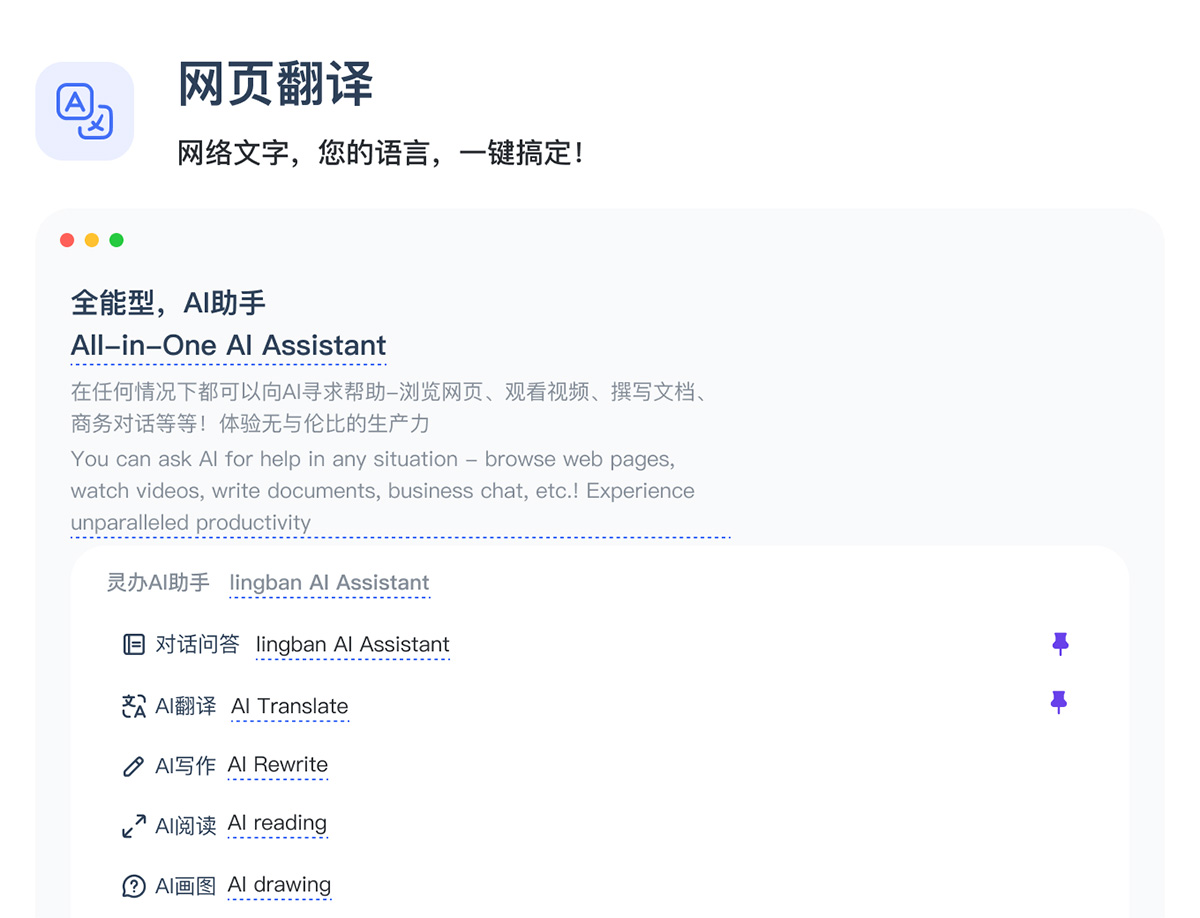
Supports webpage translation, bilingual comparison, and source/translation display
Smooth translation across more than 60 languages—truly helping you break down the walls of information!
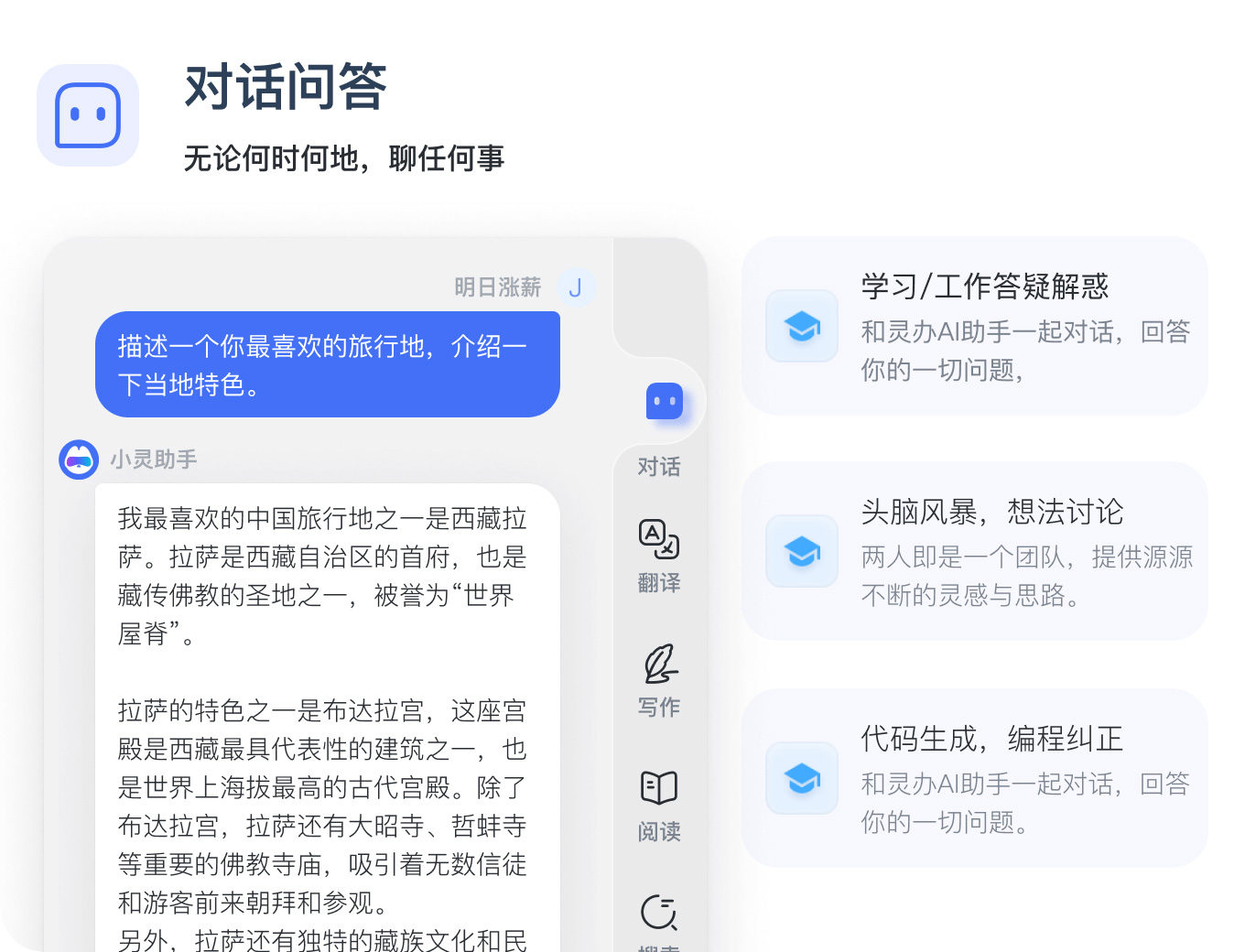
Conversational Q&A
Real-time web access! Answers across multiple domains: whether it's math calculations, code fixes or generation, table generation, or everyday life questions, Lingban can provide the answers. Chat with the Lingban AI assistant to get answers to all your questions, spark copywriting ideas, ask anything, and get solutions instantly!
Lingban AI can create content efficiently—whether it's articles, titles, sentences, or short essays, it generates them quickly. Pick the scenario you need and get high-quality output!
AI Search: No ads, straight to results—quickly access information across the web.
Prompt Templates: Trigger a prompt template with "/" for efficient office work.
How to use Lingban AI?
1. Click the "Add to Chrome" button and pin it to the toolbar.
2. Click the Lingban icon on the right side and log in to your account.
3. Start working efficiently with Lingban!
Tip: Click the Lingban icon on the right side of your browser to bring up Lingban's sidebar. Drag the sidebar to adjust the assistant's width.
There are many ways to boost work and study efficiency—for example, using a single tool to handle translation, conversation, writing, reading, information retrieval, note-taking, and drawing. That's the reason Lingban exists.















