
 Script Planner Assistant▸
 AI Apps
 AI News

ChatPPT: Turn an Outline into a Full Presentation with One Click
ChatPPT: Turn an Outline into a Full Presentation with One ClickIntroduction
Tama Chatpptis an intelligent PPT creationtool based onai technology, designed to help users quickly generate professional-grade presentations. By inputting a piece of text or keywords, Tama ChatPPT can automatically generate an entire PPT file, greatly improving work efficiency and the quality of PPT creation3. This tool supports importing and exporting multiple file formats, making it convenient for users to use in different scenarios. In addition, Tama ChatPPT also features intelligent chart generation, speech writing, and animation effect addition, further enhancing the practicality and appeal of PPTs.
Tama ChatPPT includes one-click PPT generation, eliminating tedious design and layout processes, and provides hundreds of millions of materials for completely free use, addressing the font copyright risks that professionals may encounter when creating PPTs. It also features robust smart optimization capabilities, automatically adjusting PPT layout, font size, and colors to ensure optimal display across different devices and screens.
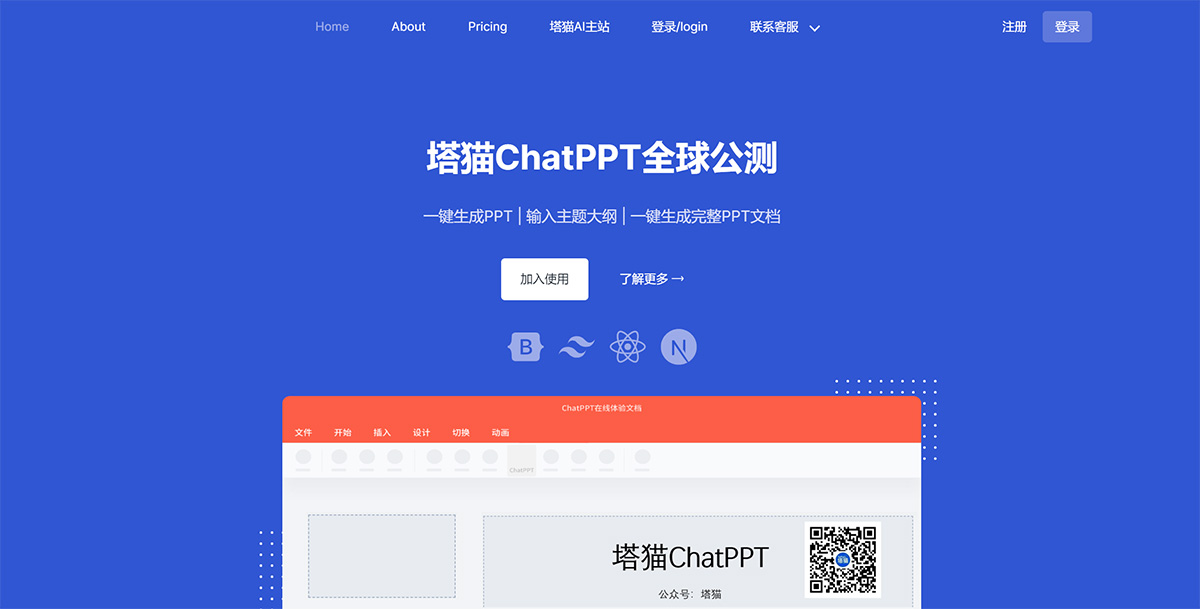
Main features of Tama ChatPPT:
Intelligent Content Generation: Leveraging advanced natural language processing technology, it understands user input intent and automatically transforms text input into well-structured, professionally designed PPT documents. Users only need to provide keywords, outlines, or complete manuscripts, and ChatPPT can automatically generate presentations with a professional appearance and structure2.
Ease of Operation: Users can complete online PPT generation, editing, beautification, and layout via simple conversational input, supporting over 400+ types of operations. In addition, ChatPPT supports importing and exporting multiple file formats, making it convenient for users to use in different scenarios6.
Personalized Customization: ChatPPT supports custom templates, color schemes, and font styles to meet the needs of different industries and scenarios4. Users can also adjust content style and tone according to their needs, making the PPT more aligned with personal or brand identity.
Interactive Features: Provides multiple interactive functions such as real-time chat, online Q&A, and voting, allowing users to communicate with the audience during presentations and answer questions in real time.
Intelligent Chart Generation, Speech Writing, and Animation Effects: Adds Intelligent Chart Generation, Speech Writing, and Animation Effects: Adds In addition to basic PPT creation features, ChatPPT also offers intelligent chart generation, speech writing, and animation effects, further enhancing the professionalism and appeal of presentations.
Support for Multiple Scenarios: Suitable for generating various types of PPT documents, with advantages such as simple operation and fast generation speed, meeting the needs of different users and scenarios.
Tama ChatPPT is suitable not only for individual users but also for enterprise teams, helping to improve team work efficiency and innovation capability. Its emergence marks a revolution in the field of PPT creation, enabling even non-professionals to easily produce high-quality, professional-grade PPT presentations.
As an efficient, convenient, and intelligent PPT creation tool, Tama ChatPPT leverages AI technology to provide users with a brand-new PPT creation solution, greatly simplifying the PPT creation process and improving creation efficiency and quality.















