
 Script Planner Assistant▸
 AI Apps
 AI News

Stylar AI: Controllable AI Image Design Tool
Stylar AI: Controllable AI Image Design ToolIntroduction
Stylar ai is a powerful image generation tool that provides users with unparalleled control over image composition and style. One of Stylar's main features is its predefined styles, which allow you to customize designs without the need for complex style prompts. This makes it easy for users of all skill levels to create beautiful and professional images.
Stylar AI also offers layering, positioning, and sketching tools for intuitive and precise control over image content. These features make it easy for you to create complex compositions and achieve the precise image layout you want.
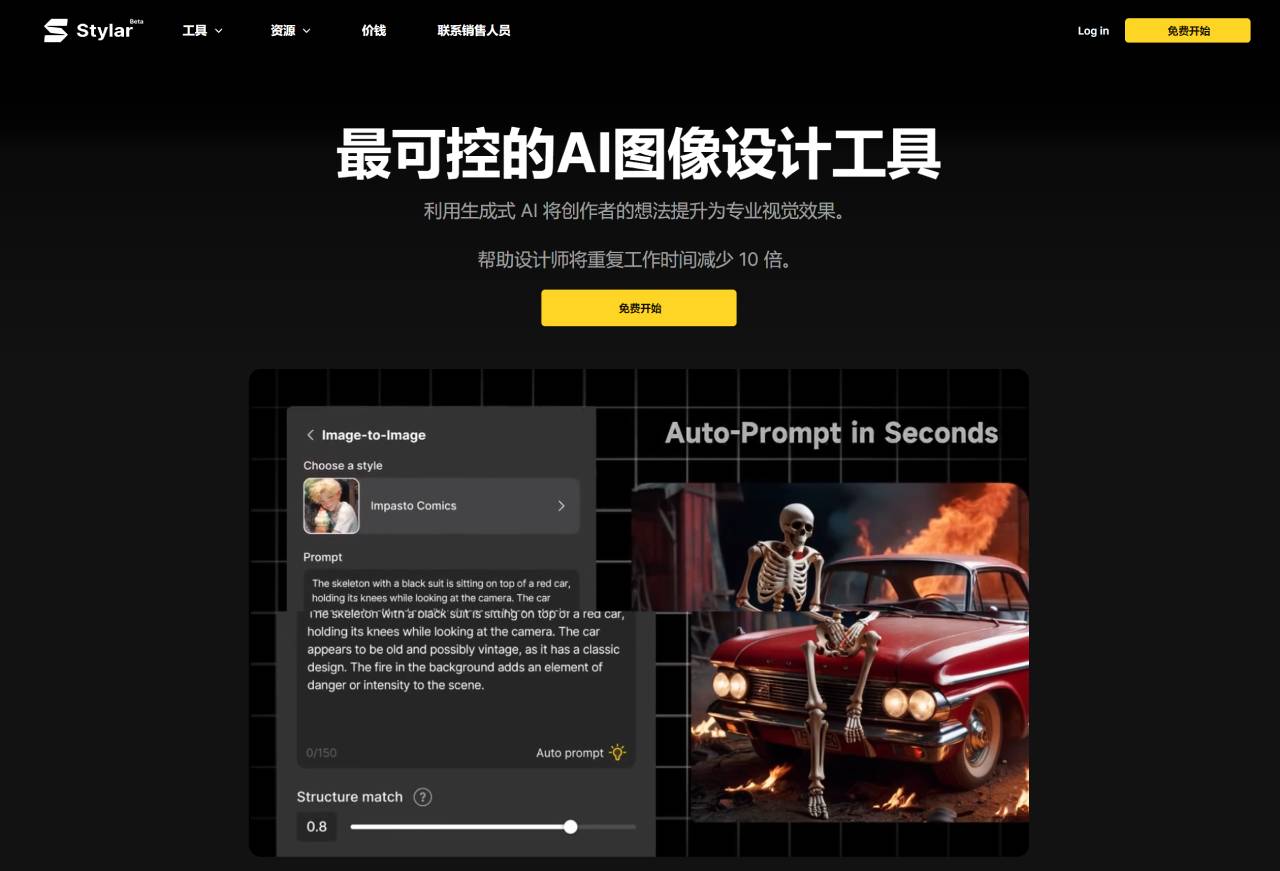
Stylar AI Main Features:
Predefined styles that make it easy to customize designs without complex style prompts.
Provides layering, positioning, and sketching tools so users can intuitively and precisely control image content.
Precise adjustment of image layout through drag-and-drop.
Convert materials into new styles while preserving the composition structure.
Chat with the Stylar assistant in natural language to easily write prompts.
The auto-selection tool can segment images into multiple layers and save them as assets for future use.
One-click automatic repair and enhancement of image clarity and artifact correction.
Supports exporting works at resolutions up to 6144px × 6144px, ensuring designs can be used across various media.
How to Use Stylar AI?
Visit the Stylar official website.
Click the "SIGN UP" button in the upper left corner of the page to register.
On the registration page, click "Accept Invitation".
After completing registration, enter the backend. The platform offers 7 different design styles for you to choose from, such as illustrations, LOGOs, interior design, realistic photography, characters, tattoos, etc. Choose a style type according to your preference to create or modify original images online.
After selecting a style, click "Stylarize with it" to enter the editing interface.
Above the canvas frame, click the size and select an appropriate size for creation.
Enter the prompt. The Style intensity value can use the system's default value. Click "Stylarize".
The system will generate 4 images at once. Click on one of them and select to drag it into the canvas.
There are several editing tools above the canvas, including background removal, lasso tool, brush tool, eraser tool, and local selection tool. Similar to PS tools, you can freely repaint on the canvas.
Click background removal, and the image matting effect is very impressive.
It also supports image-to-image generation. Click "Image-to-Image" to generate similar style images based on prompts, with excellent control over style consistency.
The system supports dozens of commercially usable artistic fonts, which is amazing. It's a foolproof operation with no need to worry about hardware configuration or complex workflow.
The above is the basic usage process of Stylar. Hope it helps you.
Stylar also provides special creative tools for Midjourney users, WebUI users, and image creators to simplify and enhance their design process. Stylar AI features a user-friendly interface suitable for users of all skill levels. Whether you are a professional designer or a beginner, you can easily create stunning and stylized images.














