Script Planner Assistant▸
 AI Apps
 AI News

Clipconverter_云技派,专注ai人工智能!
Clipconverter_云技派,专注ai人工智能!Introduction
ClipConverter - Convert online videos to mp4, mp3, and download them. ClipConverter is a tool for downloading online videos from YouTube and other platforms, helping us easily download online videos from various platforms and save them locally.
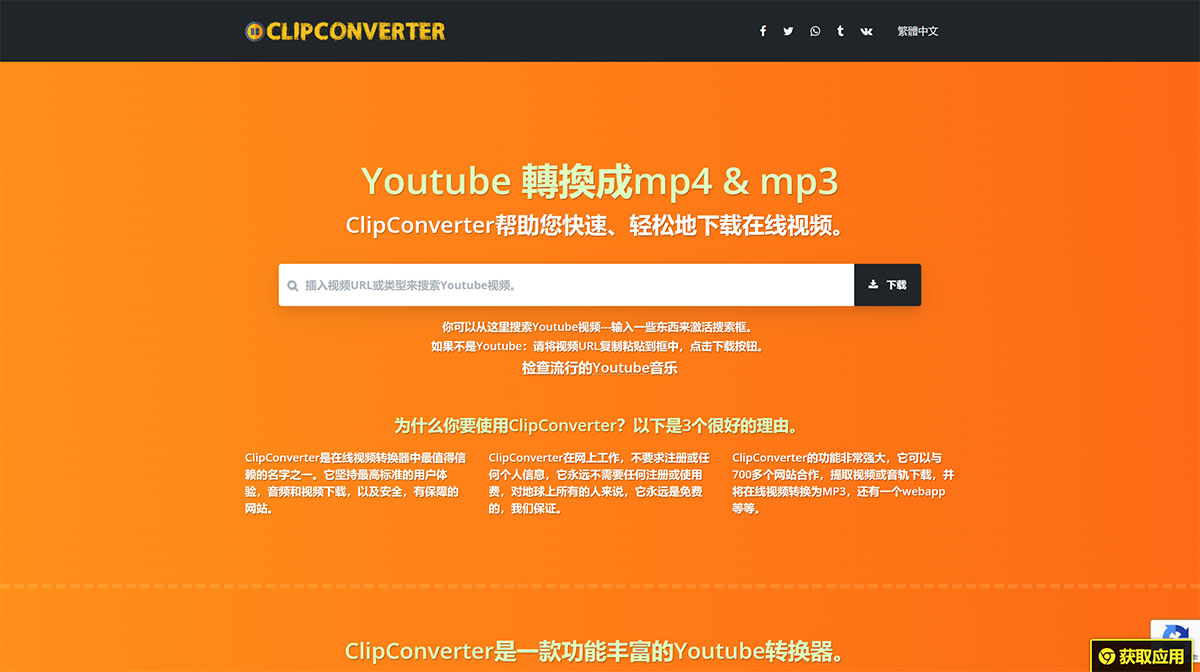
ClipConverter supports mainstream platforms such as YouTube, Facebook, and Twitter. It is also very easy to use—simply copy and paste the video link, click to parse and download, and it will parse out the video download address for you to download. It is completely free, requires no registration or login, and will not ask you to register personal information. It also supports batch conversion and downloading multiple videos from YouTube playlists.
Why should you use ClipConverter?
ClipConverter is one of the most trusted names among online video converters. It upholds the highest standards of user experience, audio and video downloads, and provides a safe and secure website.
ClipConverter works online and does not require registration or any personal information. It will never charge any registration or usage fees—it is always free for everyone, guaranteed.
ClipConverter is extremely powerful, working with over 700 websites to extract video or audio tracks for download, converting online videos to MP3, and offering a web app, among other features.
ClipConverter is a feature-rich YouTube converter:
ClipConverter is one of the oldest names in the online video converter and downloader scene. So here we present our own clean and secure version, ready to help anyone download online videos and convert them to MP3. Our website will not annoy you with ads or pop-ups, there are no redirects or malware download attempts—this is a clean, safe, and secure user experience with only the best in mind.
ClipConverter is a web-based application, so it can be installed on your computer or mobile device. Simply use the "Add to Home Screen" feature in your browser. ClipConverter supports web app installation via Chrome, Opera, or Microsoft Edge (not IE) browsers, working seamlessly on modern Android or Windows devices. The application requires no updates throughout its lifecycle, and it takes up virtually no space on your device because it uses the browser to operate. Check it out, and if you are not satisfied, remove it with one click.
Bookmarks/Shortcuts
Another great way to access ClipConverter is by using a quick shortcut, also known as a bookmark. It is a simple browser bookmark—drag and drop it into your bookmarks bar, and it's ready to go. After that, open YouTube or any other online video, then click the bookmark. You'll be amazed to find yourself back here, with the video information already loaded and download links displayed. This is a simple and quick access hack that lets you skip the URL copy-and-paste process—that's all.