Script Planner Assistant▸
 AI Apps
 AI News

TransDuck: AI Audio & Video Processing Expert
TransDuck: AI Audio & Video Processing ExpertIntroduction
TransDuck is a video translation tool primarily designed for video creators, aimed at helping creators quickly produce videos tailored for different regions and languages, achieving broad content distribution. It provides video upload functionality and supports translation of any video, not limited to videos on certain video platforms.
TransDuck Features:
Speech Recognition: Automatically recognizes human voices in audio/video content and generates original subtitles through AI technology. Thanks to platform optimization, the accuracy of these subtitles and the reasonableness of sentence segmentation are superior to most similar products on the market.
Subtitle Translation: Integrates AI translation with multiple professional translation engine technologies, and dynamically selects the most suitable translation engine based on content from different domains, so users get the best translation results without having to make a choice.
AI Dubbing: Leverages AI technology to dub text. Beyond basic text-to-audio functionality, the platform also provides video dubbing algorithms that can more accurately align with the video visuals, achieving consistency between the translated video dubbing and the on-screen content.
Voice Separation: Uses advanced AI technology to process user-uploaded audio/video. It extracts the background music and human voice from the audio, supporting better speech recognition and the ability to preserve background music during audio/video translation.
Audio Translation: Users upload audio, and TransDuck directly generates translated audio for you. Users can download the original subtitles, translated subtitles, and the dubbed translated audio of the uploaded file.
Video Translation: Users upload a video or enter the URL of a video website, and the platform automatically completes subtitle recognition, translation, and dubbing. Once processing is finished, users can download the original subtitles, translated subtitles, translated audio, translated video, and more.
Cloud Processing: Provided as a SaaS service, users do not need to prepare expensive GPU servers, learn AI-related knowledge, or configure their own environment. Simply upload the content to be processed to complete audio and video handling.
API Support: Provides functionality in API form. You can write scripts and use the API to combine our audio and video processing capabilities with your own business to form automated workflows, or integrate them into your information systems to implement your own business processes.
How to Use TransDuck?
Upload Translation
Users can use the 【Upload Translation】 feature to upload their own videos for translation.
1. Click the 【New Task】 button in the interface to open the new task configuration box:
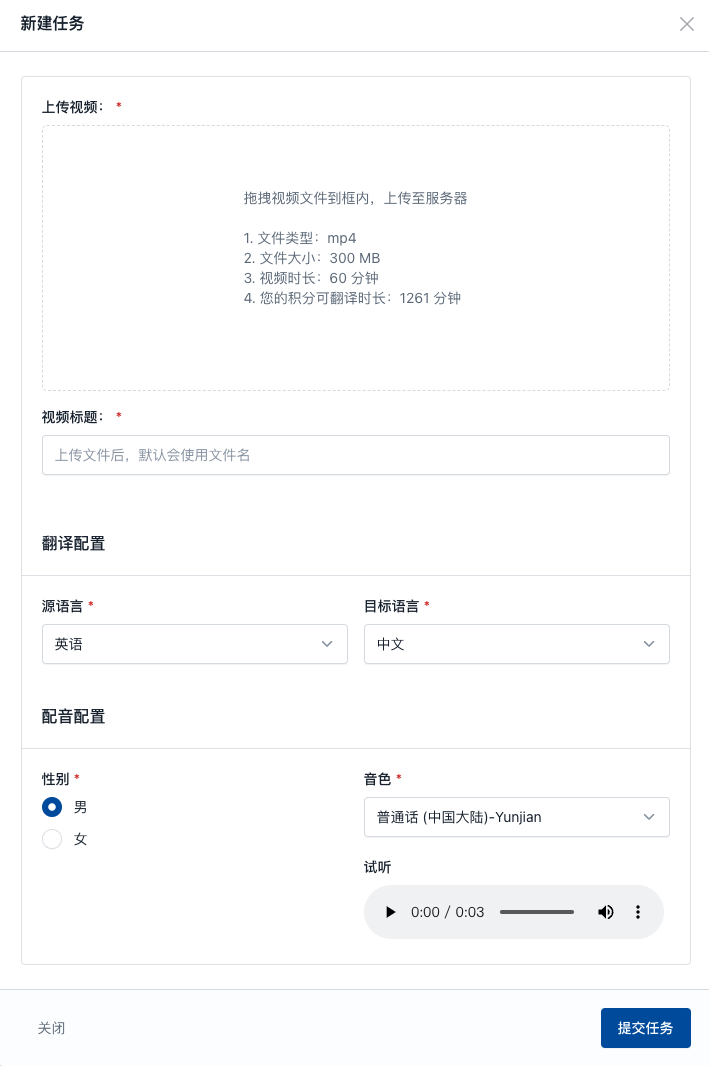
2. After uploading the video, complete the important configurations for video translation, including:
Translation Configuration: The original language of the video's speech and the language you want to translate it into
Dubbing Configuration: The voice tone used for dubbing after translation
3. TransDuck provides voice tone previews. It is recommended to audition them first and select your preferred tone before submitting the task.
4. After submitting the task, users can refresh the page to check the task processing progress.
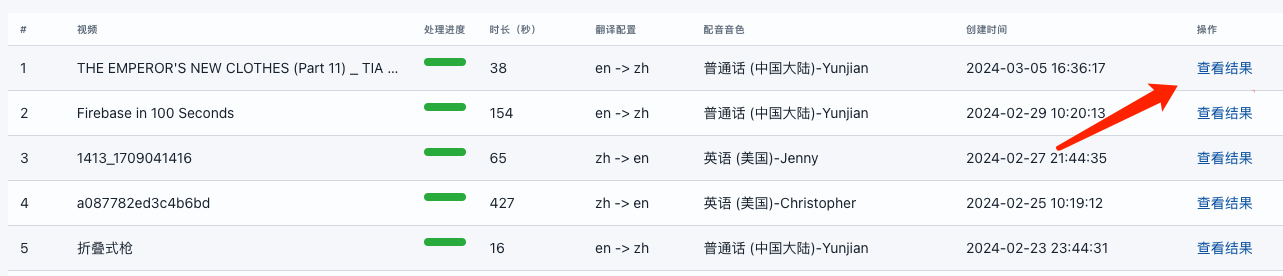
5. Once the task is processed, users can click the 【View Results】 link:
6. In the popup box, we can 【Preview Online】 the translated result video.
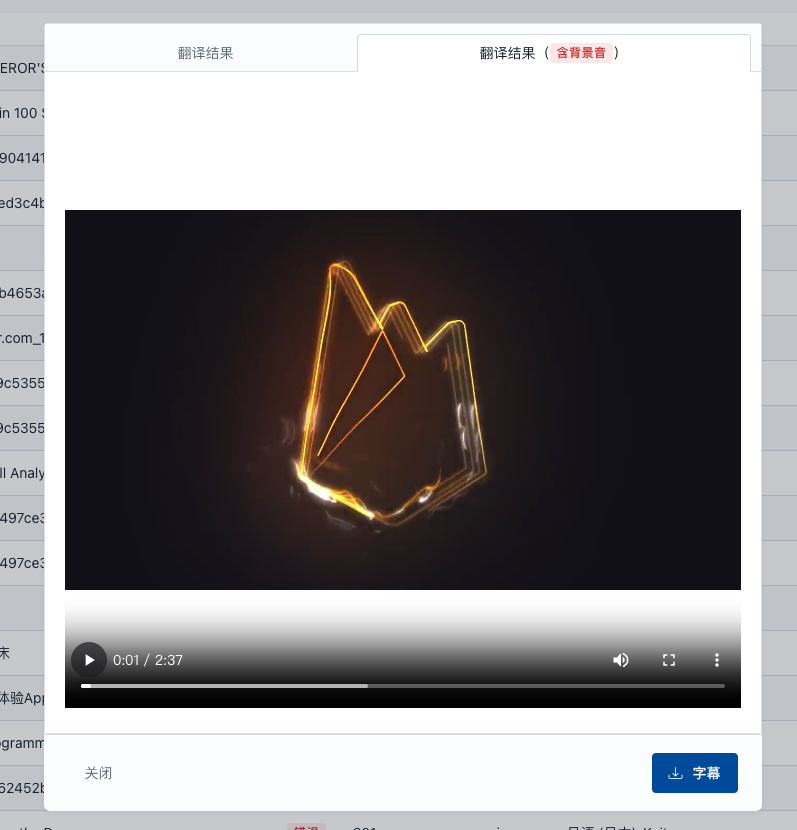
In this popup box, users can also download the video, download subtitles, etc.
One-Click Translation
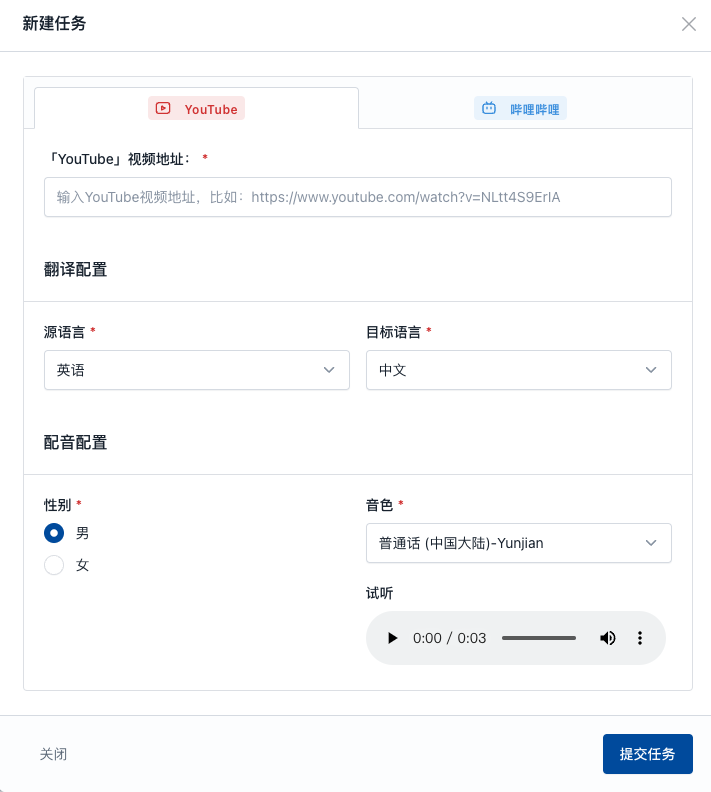
The 【One-Click Translation】 feature is an enhancement of the 【Upload Translation】 feature. If you have videos already published on online video platforms, or if there are videos on platforms that you need to translate, you can directly submit the URL and the entire process from downloading to translation will be automated.
To use this feature, refer to Upload Translation—just replace uploading a video with entering the video URL, as shown below: