
 Script Planner Assistant▸
 AI Apps
 AI News

MyVocal.AI: AI Voice Cloning, Text-to-Speech & Text-to-Song
MyVocal.AI: AI Voice Cloning, Text-to-Speech & Text-to-SongIntroduction
MyVocal.ai is an AI-powered tool that offers multiple features related to AI voice cloning, text-to-speech, and AI music creation. It allows users to clone their own voices for singing or speaking and promises to create a unique pitch for every voice clone, which can help users stand out in content creation or singing projects. The tool is available for free.
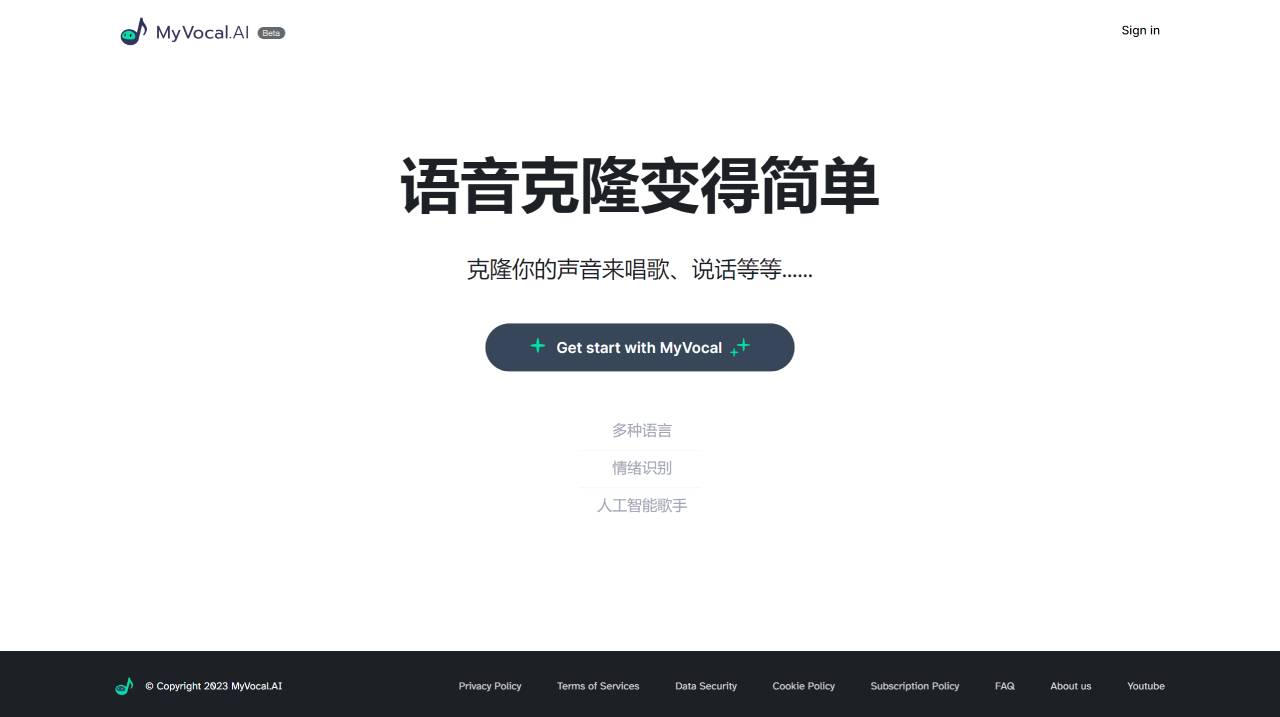
Core Features of MyVocal.ai:
Voice Cloning: Users can record their own voice within the platform, use existing voice templates to clone their voice, or upload existing recordings to clone their voice. The voice cloning process reportedly takes less than 60 seconds.
Text-to-Speech Function: MyVocal.ai also offers the functionality to convert written text into spoken words in the user's own cloned voice.
Custom Music Creation: Users can upload their own voice data for training, unrestricted by conversational content, and use the cloned voice to sing through the custom music feature. MyVocal.AI uses emotion recognition technology to automatically detect the emotional content of the input and identify which emotions to focus on when generating the voice.
Applications of MyVocal.ai:
Singing: Clone your voice and use it for singing recordings or performances
Content Creation: Use the cloned voice to create podcasts, voiceovers, or video content
Personalized AI Voice: Have an AI-powered voice that represents your unique vocal characteristics
How to Use MyVocal.ai?
To use MyVocal.ai, follow these steps:
1. Register or Log In:
You can register or log in with your email address. After registering, the login/registration link will be sent to your inbox within 60 seconds.
2. Choose Your Voice Cloning Method:
Record your voice within the platform.
Use pre-existing voice templates to clone your voice.
Upload pre-existing recordings to clone your voice.
Leverage the text-to-speech feature: MyVocal.ai offers the functionality to convert written text into spoken words in your own cloned voice.
3. Customize Music Creation:
You can upload your own voice data for training, unrestricted by conversational content, and use the cloned voice to sing through the custom music feature.
MyVocal.ai currently supports multiple languages, including English, Spanish, French, German, Italian, Dutch, Portuguese, Russian, Japanese, Korean, Chinese, and Arabic. The goal of MyVocal.ai is to provide an easy-to-use interface and powerful features that allow users to create text-to-speech content and sing using their AI voice clones.














