
 Script Planner Assistant▸
 AI Apps
 AI News

Fitten Code: Free, Fast & Accurate AI Coding Assistant
Fitten Code: Free, Fast & Accurate AI Coding AssistantIntroduction
Fitten Code is an AI programming assistant based on Fitten LLM, supporting over 80 mainstream programming languages including Python, C++, Javascript, Typescript, Java, and more. It also offers rich IDE support, including Visual Studio Code, JetBrains series IDEs, etc. Fitten Code AI assistant is currently completely free for individual users.
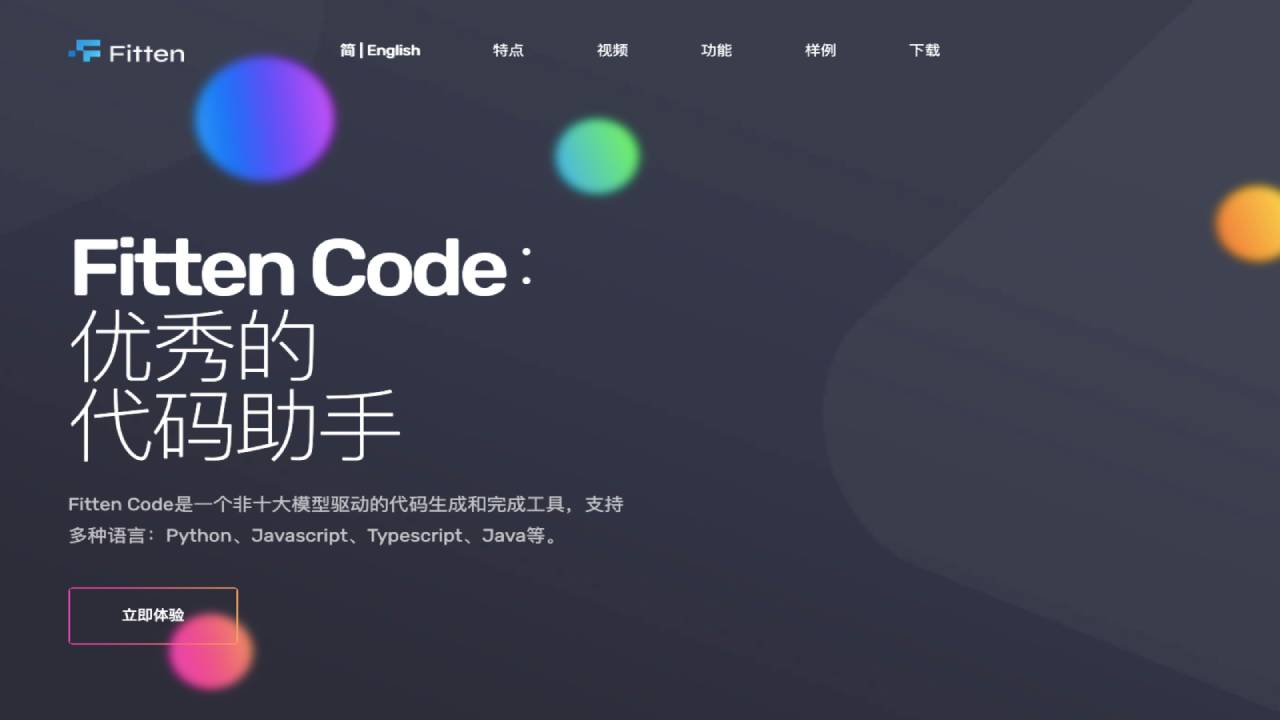
Main Features of Fitten Code:
Automatic Code Completion: Supports automatically completing missing parts of code, greatly improving coding efficiency.
Generate Code from Comments: Capable of automatically generating relevant comments based on the code written by users, providing clear and easy-to-understand explanations and documentation.
Intelligent Code Completion and Intelligent Code Q&A: Features intelligent code completion and intelligent code Q&A capabilities, helping developers write and understand code more efficiently.
Automatic Comment Addition, Automatic Test Generation, Intelligent Code Error Detection: Capable of automatically adding comments to code, automatically generating test cases, and intelligently identifying potential defects in code.
Support for Multiple Programming Languages: Including but not limited to JavaScript, Python, HTML, CSS, etc.
Code Formatting: Focuses on code formatting features, helping maintain clean and consistent code.
GPT-Driven Code Generation and Completion Tool: Powered by GPT, designed to make coding easier and more enjoyable.
Automatic Unit Test Generation, Bug Detection, Automatic Test Case Generation: Reduces the workload of developers and improves code quality and development efficiency.
Conversational Chat to Solve Programming Problems: In addition to basic code generation and completion features, it can also solve problems encountered during programming through conversational chat.
How to Use Fitten Code?
1. Install Fitten Code: First, you need to install the Fitten Code plugin in a supported IDE (such as Visual Studio Code, PyCharm, IntelliJ IDEA, etc.). According to evidence, Fitten Code supports multiple mainstream IDEs, including but not limited to Visual Studio Code.
2. Choose a Programming Language: Fitten Code supports over 80 programming languages, including but not limited to Python, Javascript, Typescript, Java, C, C++, etc. Users can choose the appropriate programming language based on their project requirements.
3. Utilize Fitten Code's Features: Fitten Code can automatically generate code, help debug bugs, automatically complete code, generate comments, edit code, explain code, generate tests, and find bugs. These features can help developers save time and improve development efficiency.
4. Conversational Chat to Solve Programming Problems: In addition to programming assistance features, Fitten Code also provides conversational chat services to help solve problems encountered during the programming process.
5. Optimize the Programming Experience: Fitten Code is committed to optimizing the programming experience, starting from source code construction, helping developers complete coding tasks more quickly, accurately, and with higher quality.
As a feature-rich AI programming assistant that supports multiple programming languages and IDEs, Fitten Code provides efficient code generation and completion capabilities through its self-developed large code model, aiming to improve developers' development efficiency and code quality.












