
 Script Planner Assistant▸
 AI Apps
 AI News

Youchuan: Official Chinese Desktop Client for Midjourney
Youchuan: Official Chinese Desktop Client for MidjourneyIntroduction
Youchuan is the official Chinese version of Midjourney launched in China, a desktop client software for artificial intelligence image generation that allows users to generate images through simple text descriptions.
Youchuan supports team collaboration and advanced controls, and offers a variety of pricing plans. Users can get started by visiting Youchuan's official website and downloading a free trial version, or use it directly online without any download or installation. Youchuan supports both Mac and Windows operating systems, and also supports direct online use, meaning users can experience its creative features in the browser, enjoying cross-platform flexibility and the convenience of instant use.
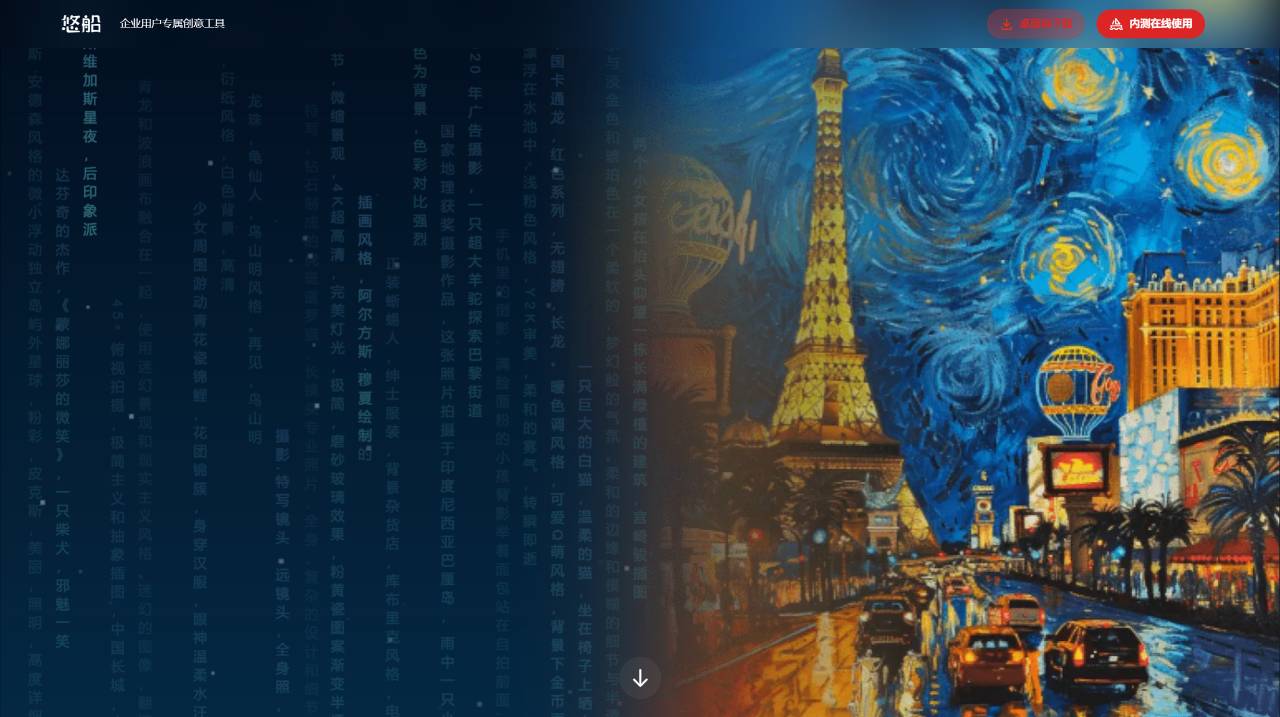
Features of Youchuan AI Image Generation:
Text-to-Image: Users can generate images through simple text descriptions, indicating that the software has powerful text-to-image conversion capabilities.
Collaborative Creation: Supports team collaboration, meaning multiple users can work on the same project simultaneously and complete creative tasks together.
Advanced Controls: Provides advanced control features, which may include detailed settings and adjustments for generated images to meet the needs of different users.
Multiple Pricing Plans: Offers a variety of pricing plans based on different needs and service scopes to accommodate the budgets of different users.
Multi-Platform Use: Supports Intel and Apple M-chip Macs as well as Windows desktop clients, and provides an option for direct online use, allowing users to experience its features in the browser without downloading or installing anything, increasing the software's usability and convenience.
Clean User Interface: After a successful login, users enter the drawing interface, which is very clean and easy for users to quickly get started and use.
Steps to Use Youchuan AI Image Generation:
1. Download and Install: First, users need to install and configure the Youchuan software on their personal computers. Since Youchuan is open-source software, this process may present some challenges.
2. Log In and Enter the Drawing Interface: After a successful login, users will enter the drawing interface. This interface is designed to be very clean, mainly consisting of a "Start Imagining" button in the upper left corner and an input box at the bottom of the page. There are also settings options on the right side of the input box.
3. Generate Images: On the drawing interface, users only need to click the "Start Imagining" button in the upper left corner, then enter the keywords or descriptions they want to generate in the input box. After completing the input, press the "Enter" key on the keyboard to send the request and start generating images.
4. Team Collaboration and Advanced Controls: Youchuan supports team collaboration and advanced control features, meaning users can share projects, manage permissions within their team, and perform more detailed image generation settings.
Youchuan is currently still in the beta testing phase and is not yet available to general users. An enterprise invitation code or use of an enterprise email or school/institutional email is required to apply for registration. In terms of registration, Youchuan currently only supports registration using an enterprise email, and approval can be granted almost immediately. Users with WeCom (enterprise WeChat) can log in directly to view the confirmation email sent by Youchuan. Additionally, during the beta period, Youchuan also offers the opportunity to generate images for free, up to a maximum of 100 images.
Youchuan AI image generation desktop client software is mainly aimed at creative workers, designers, artists, and other groups. With its powerful text-to-image conversion capabilities, team collaboration support, advanced control options, and multi-platform usage features, it provides users with an efficient, convenient, and flexible creative tool.















