
 Script Planner Assistant▸
 AI Apps
 AI News

Video Candy: Free Online Video Editor
Video Candy: Free Online Video EditorIntroduction
Video Candy is an online video editor that provides a range of tools for editing and enhancing videos. It offers various features such as reverse video, rotate video, loop video, flip video, stop motion maker, video converter, audio converter, screen recorder, compress video, trim video, merge video, crop video, resize video, add music, change speed, and mute video. Video Candy is designed to be user-friendly, free to use, and accessible directly through a web browser without requiring an account.
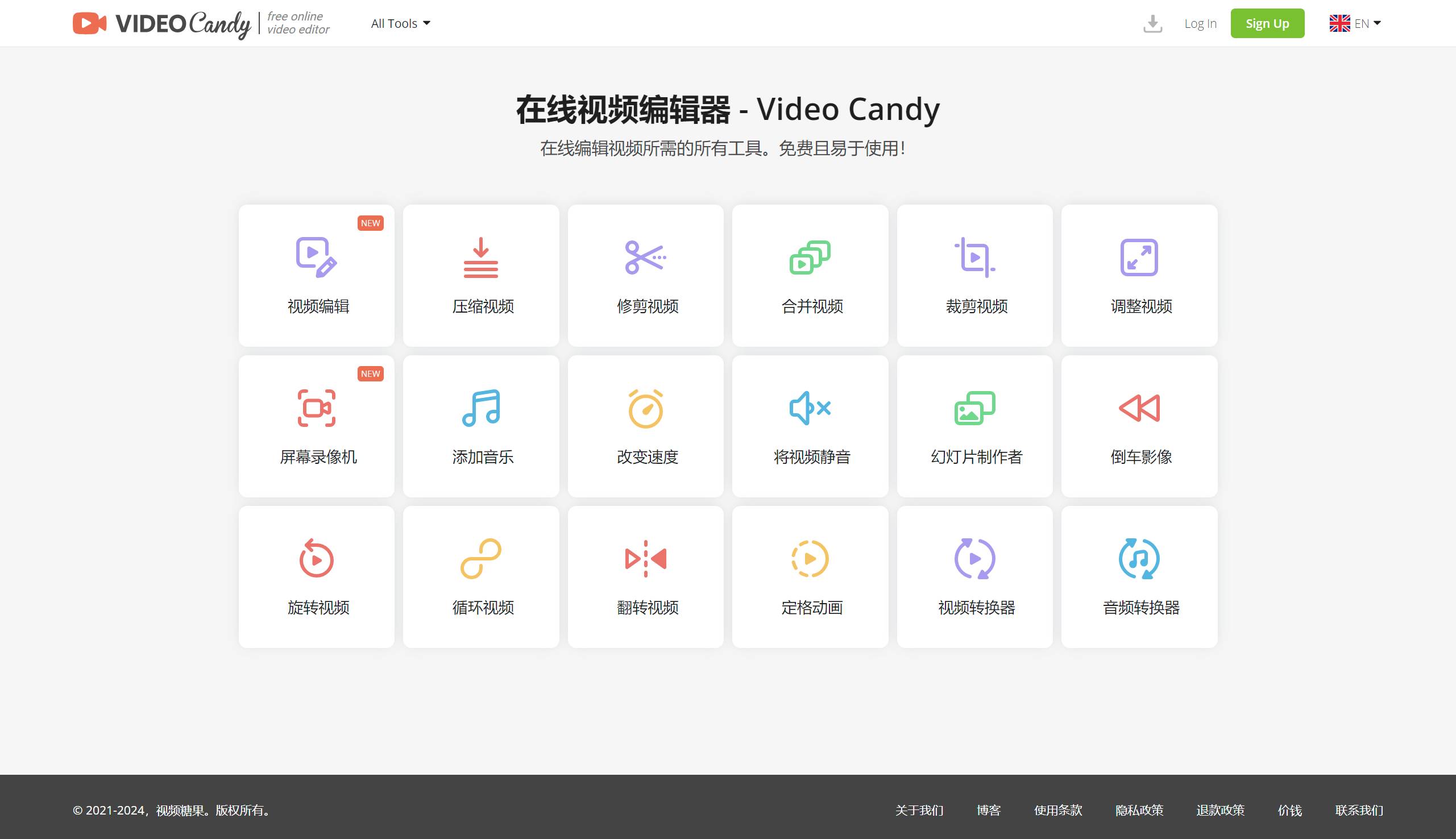
One of Video Candy's standout features is its ability to edit videos up to 2GB and export videos without watermarks. It also includes a video compression tool that reduces video size without significantly degrading quality. In addition, it provides a video trimming tool for extracting or removing segments from videos, as well as a slideshow maker for creating engaging visual content.
Furthermore, Video Candy allows users to create stop motion videos, rotate, flip, and loop videos, providing versatility in video editing. It also offers audio and video conversion capabilities, making it a comprehensive tool for various video editing needs.
Advantages of Video Candy:
Video Candy's user interface is intuitive and easy to navigate, suitable for users with varying levels of video editing experience.
No registration or account creation is required, meaning users can start editing videos immediately without any delays.
Video Candy performs well in processing and exporting videos. Despite being a browser-based platform, it offers a smooth editing experience, and the final output maintains a high level of quality.
100% free.
Supports 4K.
File size supports 2GB or more
Limitations of Video Candy:
No user account - therefore, if your browser experiences issues, such as reformatting your computer or deleting all history, cookies, and browser cache, your files may be lost forever.
If you switch to another computer, you will not be able to access your previous files.
The video compression feature does not allow you to adjust the degree of compression; it simply compresses to the maximum extent, which also results in quality loss.
Video Candy is particularly useful for content creators, businesses, and individuals looking to enhance videos for social media platforms and other online channels. Its ease of use and range of features make it a valuable resource for those seeking to improve the quality and engagement of their video content.
Overall, Video Candy serves as a convenient and versatile online video editing tool that caters to a wide range of editing needs, from basic trimming and resizing to more advanced features like stop motion animation creation and audio/video conversion. While there may be some limitations, such as the lack of an option to reduce GIF file size, the benefits of Video Candy far outweigh these minor drawbacks. If you are looking for a versatile, easy-to-use, and affordable video editor, Video Candy is definitely a worthy option to consider.















