
 Script Planner Assistant▸
 AI Apps
 AI News

AI Linggan PPT: Generate Presentations with One Click
AI Linggan PPT: Generate Presentations with One ClickIntroduction
aiLinggan pptis an artificial intelligence-based one-click slide creation tool that helps users quickly and conveniently generate PPT files. Developed and launched by the Linggan PPT team, the tool leverages intelligent algorithms and a template library to rapidly produce high-quality, visually appealing slides. It supports exporting source files, allowing users to generate a PPT with a single click by simply entering a sentence.
AI Linggan PPT integrates a variety of practical AI office tools to meet your needs in PPT slide design, AI drawing, AI voiceover, AI long-form writing, and more.
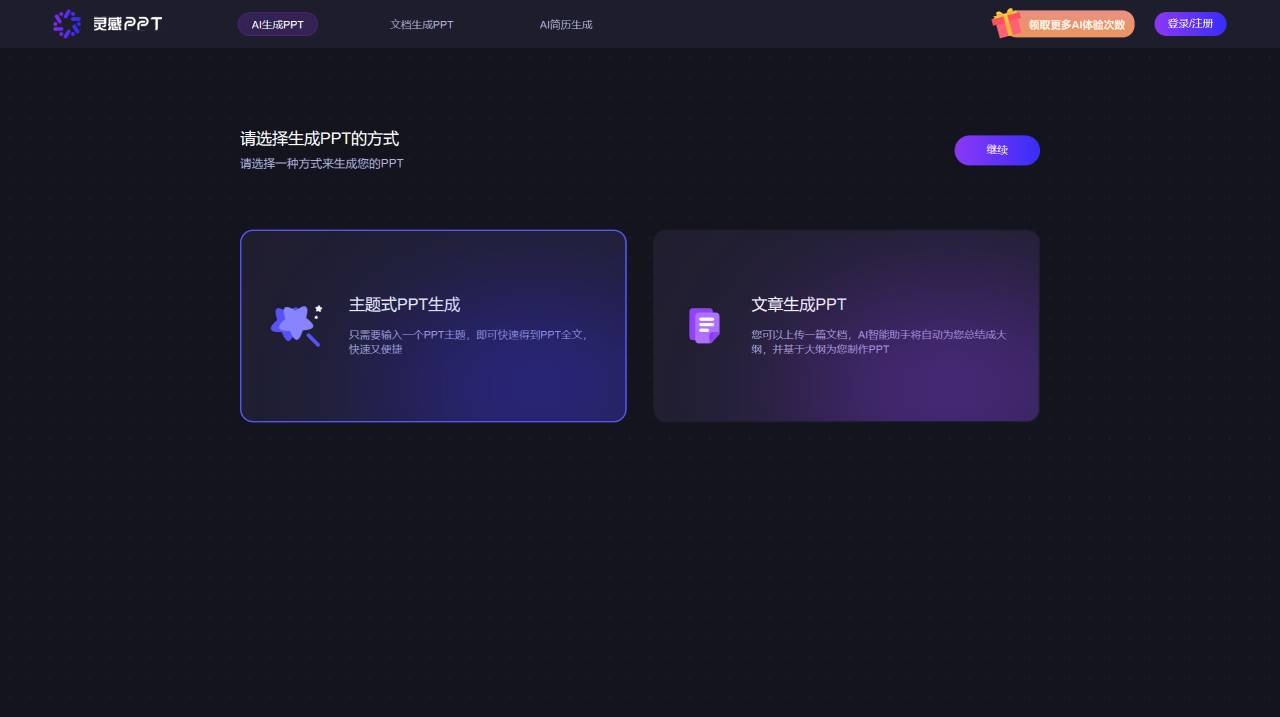
AI Linggan PPT Features:
Intelligent Layout: Optimizes text and images through intelligent algorithms, making slide layouts more reasonable and aesthetically pleasing.
Rich Templates: Provides a diverse slide template library covering fields such as business, education, and technology, allowing users to choose templates based on their needs.
Multimedia Support: Allows importing various media elements such as images, audio, and videos to enhance slide presentation.
Online Collaboration: Supports multi-user online collaborative editing, making it easy to share and modify slide content.
Free to Use: Offers a free trial version, allowing users to experience it before deciding whether to purchase the premium version.
Other Features of AI Linggan PPT:
Document to PPT: Upload a document file to quickly and automatically summarize and generate a content outline. AI intelligently extracts document segments, organizes and generates core chapter points, with fully automated PPT layout—turn documents into PPT in just one minute!
AI drawing: The AI drawing feature adopts the SD framework, integrates numerous mainstream drawing models, and provides image-oriented generation and intelligent image search capabilities.
AI Voiceover: With text-to-speech capability, it offers 10+ AI presenters in different styles and languages, allowing you to generate real-person audio in various styles anytime, anywhere, adding vocal charm to your PPT.
How to Use AI Linggan PPT:
1. Visit the Linggan PPT official website.
2. Click "Online Use" or "Login/Register" to register and sign in to your account.
3. After logging in, enter the desired PPT topic description and send the conversation request.
4. Linggan PPT will generate a PPT based on your requirements, including ideas, table of contents, chapters, etc., and users can fill in content as needed.
5. After completing the creation, click the export button to download and save the generated PPT file or export it as a PDF.
Compared with other PPT design inspiration websites, AI Linggan PPT places greater emphasis on automated generation and intelligent operations, while platforms like PresentationGuru, Slideshare, and Behance offer abundant design inspiration and tutorials to help users create attractive presentations.















