
 Script Planner Assistant▸
 AI Apps
 AI News

GoEnhance AI: AI Video Enhancer for Video-to-Anime Conversion
GoEnhance AI: AI Video Enhancer for Video-to-Anime ConversionIntroduction
GoEnhance ai is an AI-driven video-to-anime-style AI video enhancement tool, specifically designed to enhance and upscale images and videos to achieve greater detail and quality. It leverages advanced artificial intelligence techniques to analyze images and videos, identify features and patterns, and generate higher-resolution versions with more detail.
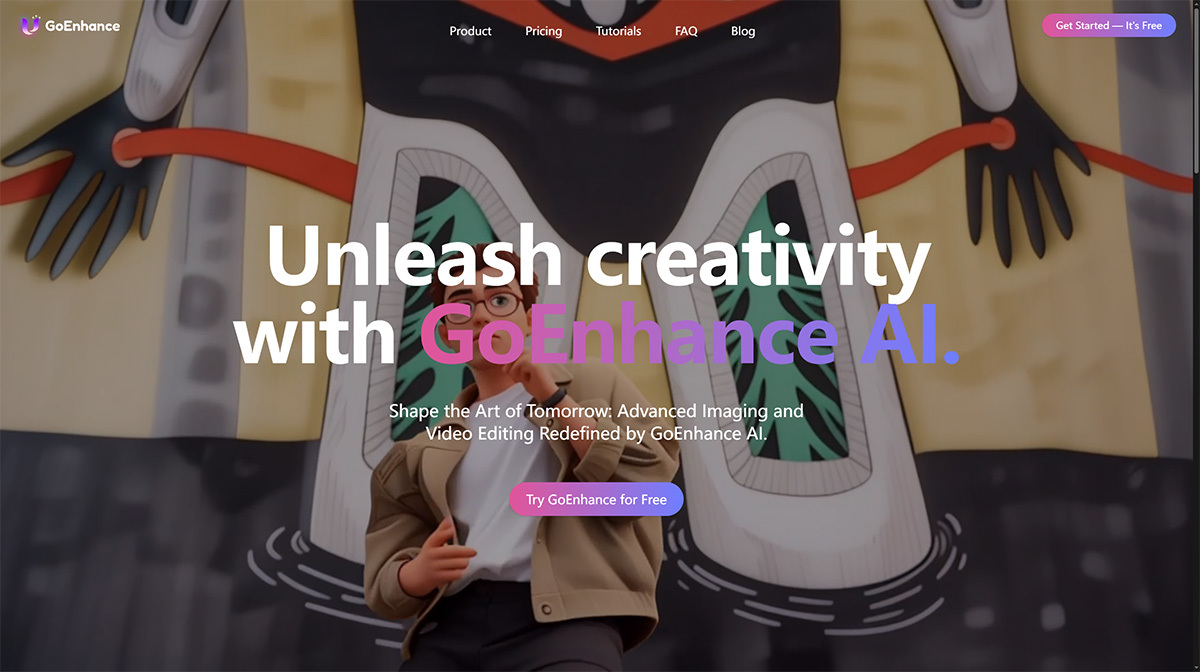
The platform offers a variety of features, such as converting videos into different animation styles, including pixel art, flat anime, comic, and cartoon styles. It also allows users to increase the resolution of videos and improve image quality. By leveraging machine learning and computer vision techniques, GoEnhance AI can enhance blurry or pixelated images and upscale them up to 8 times their original resolution.
GoEnhance AI Features:
Video-to-Video Conversion: GoEnhance AI offers a tool that allows users to transform videos into various styles, such as pixel style and anime style. Users can upload a video and choose from a range of available styles to achieve the desired transformation.
Image Upscaling and Enhancement: The platform includes an image upscaler and enhancer that can enlarge images while boosting their clarity and detail. It reduces blurriness and pixelation, resulting in improved image quality. Users can upload the images they wish to enhance and adjust settings to guide the enhancement process.
Animation Style Conversion: GoEnhance AI can convert videos into different animation styles, including pixel art and flat animation. This feature allows users to apply unique and detailed enhancements to their videos, transforming them into animated masterpieces.
How to Use GoEnhance AI?
To use GoEnhance AI, follow these general steps:
1. Access the Platform: Visit the GoEnhance AI website or platform to get started.
2. Choose a Feature: GoEnhance AI offers two main features: converting videos into various animation styles and enhancing/upcaling images using AI.
3. Video to Animation: If you want to convert a video into a different animation style, explore the video-to-animation platform. This feature allows you to choose from various styles, such as pixel art and flat animation, to give your video a unique and detailed enhancement.
4. Image Upscaling and Enhancement: If you want to enhance and upscale an image, use the image upscaler and enhancer. Upload the image you wish to enhance and follow the instructions provided on the platform. You can choose to adjust settings to guide the enhancement process.
Subscription Plans: GoEnhance AI offers both free and paid subscription plans. The free plan includes some tokens that can be used for video-to-video conversion and image upscaling within the platform. Paid subscriptions provide additional benefits, such as increased token limits, faster generation, more concurrent jobs, and access to premium features. To learn more about subscription plans, click the "Upgrade" button on the platform.












