
 Script Planner Assistant▸
 AI Apps
 AI News

Deforum: Auto-Generate Animated Videos from Text Descriptions
Deforum: Auto-Generate Animated Videos from Text DescriptionsIntroduction
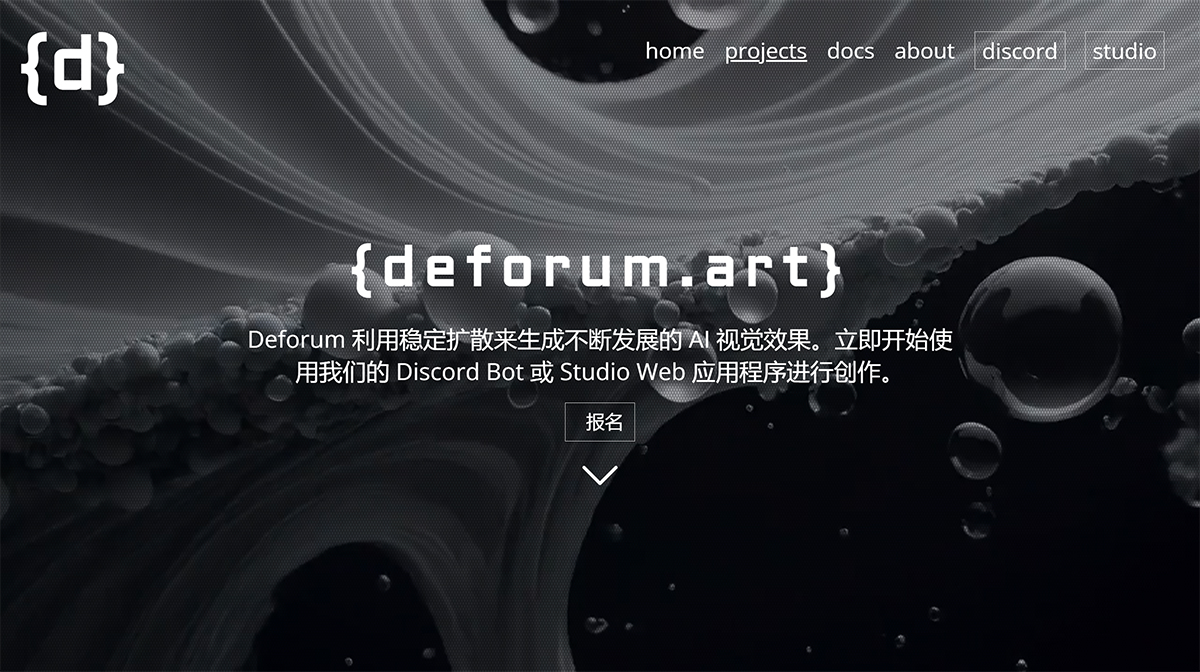
Deforum is a free, open-source software tool used to create animated videos using Stable Diffusion (an artificial intelligence technique). It leverages Stable Diffusion's image-to-image capability to generate a series of images and stitch them together to create video. By applying small transformations to each image frame, Deforum creates the illusion of continuous video 1 2. It is a powerful tool that allows users to create 2D, 3D, interpolation, and artistic-style videos. Deforum is integrated into the Automatic Web UI, offering advanced features such as video style transfer, motion effects, and frame upscaling 3.
Deforum Features:
Deforum Stable Diffusion is more than just another tool in the vast field of AI and machine learning. It is a unique combination of features and capabilities. Let's explore some of its most notable features!
User-friendly interface: The familiar Google Colab interface ensures that even newcomers to the world of AI can navigate with ease.
No installation hassle: With Google Colab, there is no complex installation or setup required. Available anywhere: All you need is a browser and an internet connection to dive into Deforum Stable Diffusion.
Flexibility: For those who prefer to run it locally, Deforum Stable Diffusion offers robust local runtime support.
Enhanced performance: Local runtime can fully harness the power of your machine, ensuring faster computation and better performance.
Offline access: No internet connection required—work anytime, anywhere.
Diverse Capabilities
Interpolation and animation: Generate stunning, visually striking effects.
CLIP conditioning: Integration with OpenAI's CLIP for enhanced results · Palette conditioning: Ensure your output matches your desired aesthetic.
Rich Customization
Tailored results: With over 100 settings in the main inference notebook, you can fine-tune to achieve the perfect result. · Experiment-friendly: Try different settings, experiment with different combinations, and let your creativity run wild. Community-driven
Open-source spirit: Being open-source 3 means it thrives on community contributions.
Continuously evolving: With community support, Deforum Stable Diffusion is always growing, improving, and adapting.
Deforum Applications:
Deforum Stable Diffusion is about more than just creating beautiful images. Its applications are increasingly broad and diverse, making it a leader in versatile image synthesis in the field of AI-driven art.
Text-to-image: Transform text prompts into stunning visual effects.
High-quality output: Harnessing the power of Stable Diffusion models, the generated images are first-class in quality. Artistic freedom: Unleash your imagination and make it real.
Image Modification
Enhancement and optimization: Improve existing images, add details, or modify them based on text prompts.
Reimagining art: Use Deforum Stable Diffusion to give existing artwork a completely fresh makeover.
Animation Creation
Bring images to life: Create captivating 2D and 3D animations.
Dynamic visual effects: From subtle movements to complex animations, the possibilities are endless.
RANSAC Animation
Unique feature: RANSAC animation offers a unique way to visualize and understand data.
Interactive learning: A great tool for both educators and learners.
How to Use Deforum?
To use Deforum, you can follow these general steps:
1. Install Stable Diffusion: Before using Deforum, you need to install Stable Diffusion. You can find instructions on how to install Stable Diffusion on the official website or through online tutorials.
2. Install the Deforum extension: After installing Stable Diffusion, you can install the Deforum extension. In the Stable Diffusion UI, go to the Extensions tab, search for "Deforum" under the "Available" section, and click "Install" 1.
3. Configure Deforum settings: Once the Deforum extension is installed, you can configure the settings to customize your animated videos. This includes setting camera parameters, prompts, and other options. The specific settings and options may vary depending on the version of Deforum 2 you are using.
4. Create animations: Once the settings are configured, you can start creating animations. Deforum uses Stable Diffusion's image-to-image capability to generate a series of images and stitch them together to create video. It applies small transformations to each image frame to create the illusion of motion 2.
5. Render and export: After creating the animation, you can render it and export it as a video file. The rendering process will generate the final frames of the animation based on your chosen settings. You can then use Stable Diffusion's export function 3 to save the rendered frames as a video file.
Please note that the steps above provide a general overview of how to use Deforum. The specific details and options may vary depending on the version of Deforum you are using and the specific features you want to use. It is recommended to refer to the official documentation, tutorials, or guides for more detailed instructions and examples .
Deforum is popular among artists and developers for its ability to generate AI animations and its user-friendly interface. It has been used to create a variety of animations, including NFT animations and videos synchronized with music at concerts.











