Script Planner Assistant▸
 AI Apps
 AI News

Weibo Miaopai Video & Image Downloader
Weibo Miaopai Video & Image DownloaderIntroduction
Weibo, Miaopai, Oasis (Lvyu), Xiaokaxiu, Huangka video and image online parsing & download tool. It supports parsing the real video addresses from Weibo and Miaopai. The parsed videos from Oasis (Lvyu) and Xiaokaxiu have no watermark, and it supports downloading videos and video covers to your local device. It works on both mobile phones and computers, making it easy to save Weibo images and videos to your phone album.
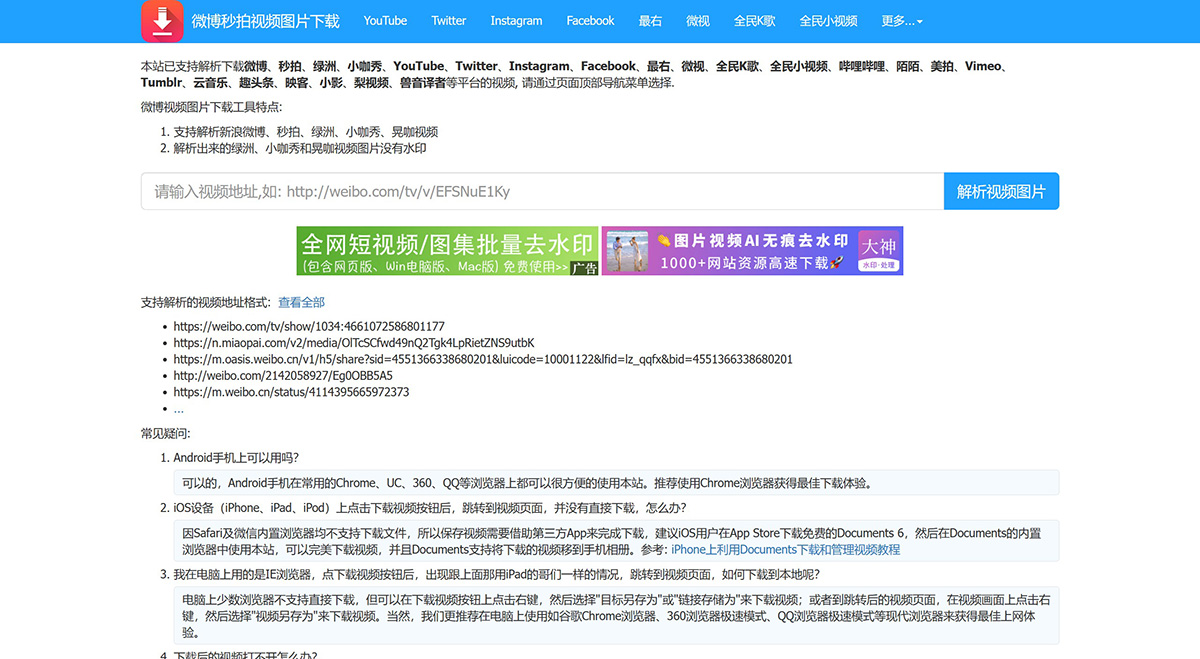
Supports parsing and downloading videos from Weibo, Miaopai, Oasis (Lvyu), Xiaokaxiu, Bilibili, YouTube, Twitter, Instagram, Zuiyou, Weishi, Quanmin K Ge, Quanmin Xiaoshipin, Momo, Meipai, Facebook, Vimeo, Tumblr, Cloud Music, Qutoutiao, Inke, Xiaoying, Pear Video, Shouyin Yizhe and other platforms. Please select via the navigation menu at the top of the page.
Weibo video & image download tool features:
Supports parsing videos from Sina Weibo, Miaopai, Oasis (Lvyu), Xiaokaxiu, and Huangka
Parsed videos and images from Oasis (Lvyu), Xiaokaxiu and Huangka have no watermark
Frequently Asked Questions:
1. Can it be used on an Android phone?
Yes. On Android phones, this site works well on commonly used browsers such as Chrome, UC, 360, QQ, etc. We recommend using Chrome browser for the best download experience.
2. On iOS devices (iPhone, iPad, iPod), after clicking the download video button, it jumps to the video page instead of downloading directly. What should I do?
Because Safari and the built-in WeChat browser do not support downloading files, you need to use a third-party app to save the video. We recommend iOS users download the free app "Documents 6" from the App Store, then use this site in the built-in browser of Documents. This allows you to download videos perfectly, and Documents supports moving the downloaded videos to your phone album. Reference: Tutorial on using Documents to download and manage videos on iPhone.
3. I'm using IE browser on my computer. After clicking the download video button, the same situation occurs as the iPad user mentioned above—it jumps to the video page. How do I download it locally?
A few browsers on the computer do not support direct downloading, but you can right-click on the download video button and select "Save Target As" or "Save Link As" to download the video; or on the redirected video page, right-click on the video and select "Save Video As" to download the video. Of course, we recommend using modern browsers on your computer such as Google Chrome, 360 Browser in Speed Mode, QQ Browser in Speed Mode, etc. for the best browsing experience.
4. What should I do if the downloaded video cannot be opened?
This rarely happens. It's usually a file extension issue. Simply change the file extension of the downloaded file to .mp4 and it will play.