
 Script Planner Assistant▸
 AI Apps
 AI News

SingClaw AI: Desktop AI Data Assistant with Long-Term Memory
SingClaw AI: Desktop AI Data Assistant with Long-Term MemoryIntroduction
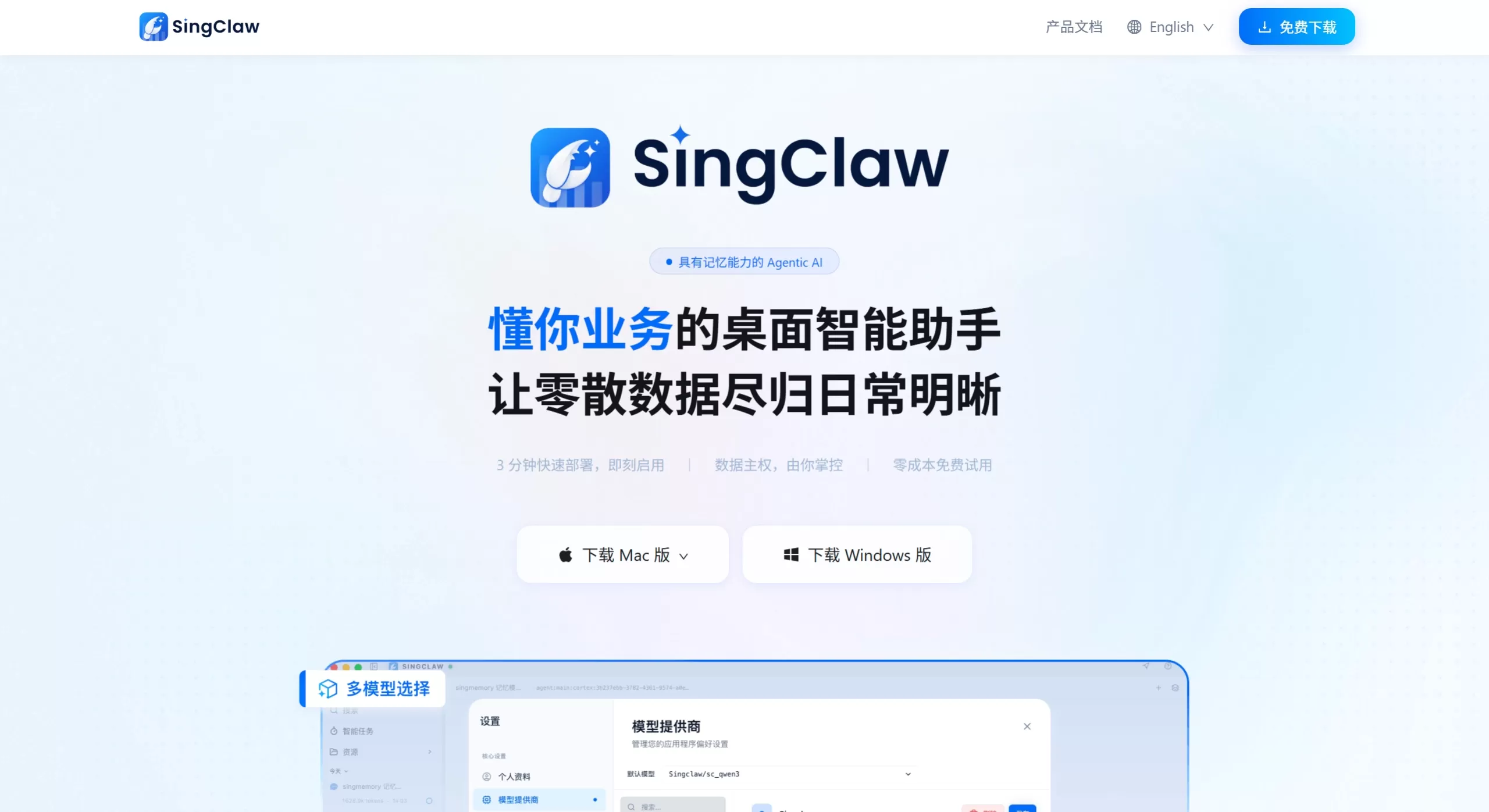
SingClaw ai is a desktop AI agent installed on Mac or Windows that comes with long-term memory capabilities. It's mainly built to help with data analysis for e-commerce, retail, and cross-border industries. No SQL writing or BI dashboard configuration is needed — simply drag and drop an Excel file or connect your store backend to get started. Unlike those tools that only respond when you ask, this one actively monitors inventory, ad, and conversion data, proactively pushing "the 3 things you should do first today" every morning, turning the data directly into actionable recommendations.
Features
SingMemory system: Continuously remembers your business context, past decisions, and areas of focus. The longer you use it, the better it understands you — no need to explain everything from scratch each time.
Multi-source data integration: Drag and drop to upload Excel or CSV files, or connect Taobao, Douyin, Amazon, Shopify, Feishu group chats, and more. Fields are automatically recognized with no configuration required.
Four-layer analysis loop: Descriptive (what happened) → Diagnostic (why) → Predictive (what will happen) → Prescriptive (what to do) — going from looking at data to delivering concrete action plans in a single flow.
Daily business briefing: The system automatically monitors data changes and pushes today's priorities, root-cause analysis, and actions before you even open your computer — for example, "Inventory only lasts 3 days, restocking is mandatory today."
Conversational analysis: Drill down, compare, and generate charts by asking questions in plain language. Get things done in one sentence, no SQL required.
Local security architecture: Data is physically isolated and processed locally, never uploaded to third-party servers. You retain full control over your sensitive business information.
Multi-platform integration: Can connect with Feishu, WeCom, WeChat, Telegram, and WhatsApp. Simply @ it in a group chat to query data.
Intelligent data cleaning: Automatically detects null values, outliers, and duplicates, flagging dirty data and eliminating the manual preprocessing step.
Use Cases
Daily e-commerce operations: Automatically tracks GMV, ROI, repurchase rate, and conversion funnels. Receive a morning business briefing, with real-time alerts for stockouts or ad anomalies.
Multi-platform consolidated analysis: Drag Taobao, Douyin, and independent-site order tables in, and the system automatically merges them by product ID, making it easy to compare new-customer conversion rates across channels.
Automated daily and weekly reports: Once linked to a Feishu bot, core metrics and anomaly alerts from the previous day are pushed on schedule. Teams see results directly in the group chat — no manual screenshots or report-making needed.
Small teams / individual sellers: No data team required. Ask in natural language, "Which 10 products had the highest profit last month?" — the AI calculates it directly with no manual pivot tables.
Anomaly troubleshooting: When a metric suddenly drops, the system automatically traces the root cause — for example, pinpointing "conversion rate dropped because the bounce rate on a certain product's detail page increased by 38%."
HR resume screening: Bulk-import resumes, then filter by keywords, extract highlights, and run comparative analysis — surface the top candidates in minutes.
SingClaw AI Pros and Cons
Pros
Truly proactive: No need to ask — it watches the data for you, surfaces issues first, and turns report-reading into receiving instructions.
Zero technical barrier: Business users can run deep analysis in plain language, with no SQL or BI setup needed.
Local data security: Runs on the desktop, not in the cloud. Sensitive e-commerce data is physically isolated for worry-free compliance.
Gets smarter about your business: The memory system accumulates business logic, so analyses increasingly fit real-world needs over time.
Cons
Limited brand awareness: Compared to big-name BI tools or established SaaS, brand influence and ecosystem development are still in the early stage.
Learning curve: Some advanced features (such as when to invoke sessions_spawn and exec) require some exploration at first, and the official docs could be more detailed.
Occasional memory recall issues: CZ Memory sometimes doesn't get triggered, requiring you to repeat context.
Desktop-only: Currently only Mac/Windows clients are available; no mobile or pure web version yet.
FAQ
Q: How is SingClaw different from ordinary AI chat tools?
A: It's not a single-turn Q&A tool — it's an Agent Partner with long-term memory that remembers your business context and decision-making habits, and proactively delivers insights.
Q: Is the data secure? Will it be uploaded to the cloud?
A: All data is processed locally with physical isolation — no cloud upload. No worries about trade-secret leaks or being used for model training.
Q: Can I use it if I don't know SQL?
A: Absolutely. Just ask questions in everyday language, and the system will auto-identify fields, apply filters and sorting, and deliver conclusions and charts.
Q: Which e-commerce platforms are supported?
A: Mainstream platforms like Taobao, Tmall, Douyin, Amazon, and Shopify are all supported, along with local Excel and CSV files.
Q: Is deployment complicated?
A: Local installation on Mac/Windows completes in under 3 minutes. Free to start, with zero configuration to get going.
Q: Can it push scheduled reports?
A: Yes — connect it to Feishu or WeCom, set up scheduled tasks, and core metrics plus anomaly alerts are pushed automatically every morning.
How to Install and Use SingClaw AI
Download and install: Visit singclaw.ai, download the Mac or Windows client, and complete local deployment in 3 minutes.
Connect data: Drag and drop local Excel/CSV files, or connect e-commerce platforms, data warehouses, or Feishu group chats. Fields are auto-recognized — no configuration needed.
Ask in natural language: Just type plain-language questions in the dialog box, such as "Which product had the highest add-to-cart conversion rate in the last 7 days?" The system automatically drills down, compares, and charts the results.
Enable auto-monitoring: Once configured, the system continuously watches for metric anomalies in the background and pushes a business briefing every morning.
Set up scheduled push: Connect a Feishu/WeCom bot, set the push schedule and content, and reports are delivered automatically to the team group.
Save analysis templates: Turn frequently used analysis logic into reusable templates. New data can be plugged straight in, so even new team members can produce professional reports quickly.
SingClaw AI vs. Competitors
| Comparison Dimension | SingClaw | Julius AI | ChatCSV |
|---|---|---|---|
| Product positioning | Memory-enabled AI desktop analysis agent that proactively pushes business briefings | AI data-science assistant supporting complex statistics and code execution | Lightweight CSV conversation tool aimed at non-technical users |
| Deployment | Local desktop app (Mac/Windows); data processed locally | Cloud SaaS, browser-based, supports direct database connection | Cloud web app, runs in the browser |
| Memory capability | SingMemory long-term memory that continuously accumulates business context and decision patterns | Learning Sub Agent that automatically learns database schema | Session-level history; no long-term business memory |
| Analysis mode | Proactive — automatically generates daily briefings and highlights action items | Reactive — runs analysis only after the user asks | Reactive — entirely dependent on user prompts |
| Data sources | Local files, e-commerce platforms, Feishu/WeChat, data warehouse systems | CSV, Excel, Google Sheets, PDF, databases | Primarily CSV files |
| Technical depth | Natural-language conversation + built-in e-commerce templates (GMV, ROI, funnel) | Python/R code generation and machine-learning models | Basic stats + auto charts; no coding capability |















