
 Script Planner Assistant▸
 AI Apps
 AI News

LTX Studio: Make Movies with AI in One Click
LTX Studio: Make Movies with AI in One ClickIntroduction
LTX Studio is an artificial intelligence-driven filmmaking tool that allows users to transform text-based prompts into AI-generated videos. All you need to do is enter a simple text prompt and a creative idea, and it can help you generate a complete script. LTX Studio then leverages AI technology to turn text-based prompts into polished video content within seconds.
LTX Studio is designed to be very user-friendly, offering users a comprehensive set of editing tools that let them outline their story ideas and refine them with unmatched control. It can generate scripts, storyboards, and characters based on the text prompts provided by the user. These tools include adjusting the appearance of AI-generated actors, creating unique backgrounds, and editing the characters that appear in the video.
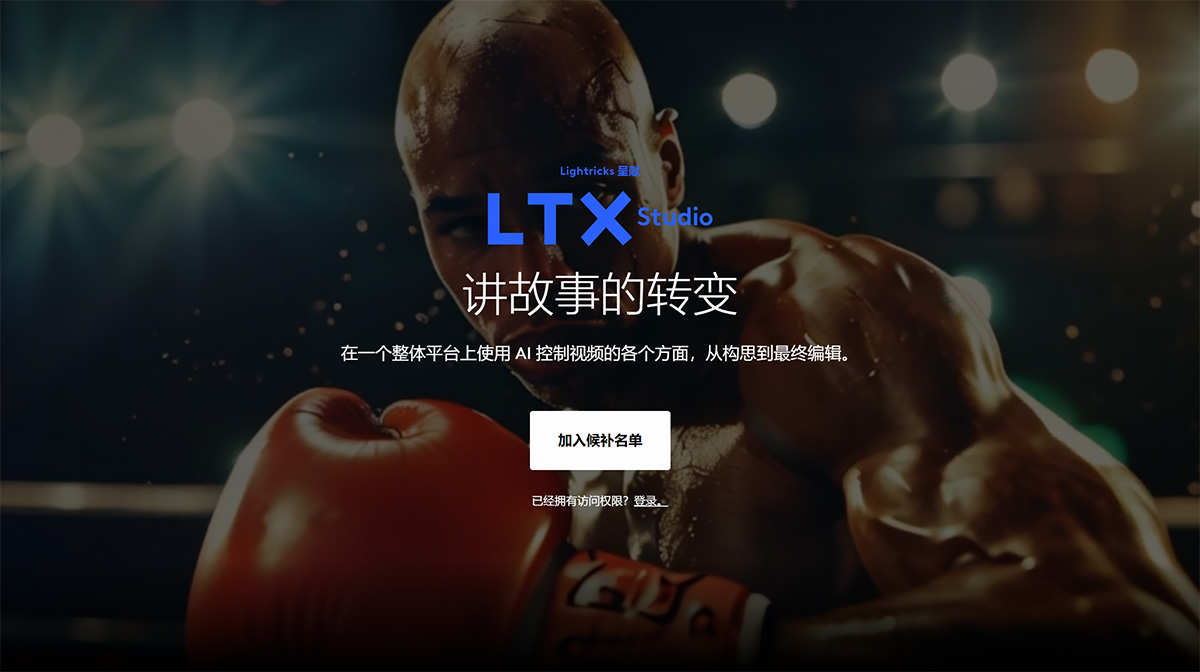
Main Features of LTX Studio:
Frame Control: Use dedicated ai to precisely guide every scene, including specific camera angles.
AI Storytelling: Transform a simple idea or a complete script into a detailed video production.
Character Consistency: Generate characters and maintain consistent identity and style across every frame.
Automatic Editing: Create the final cut of your video project—with effects, music, and voiceover—with just one click.
How to Use LTX Studio:
To use LTX Studio, follow these general steps:
1. Visit LTX Studio: LTX Studio is a web-based tool, so you can access it through a web browser on your PC, tablet, or smartphone. Visit the LTX Studio website to get started.
2. Sign Up or Log In: If you are a new user, you may need to register for an account. If you already have one, please log in with your credentials.
3. Create a New Project: After logging in, click "New Project."
4. Enter a Text Prompt: LTX Studio uses text prompts to generate AI-driven videos. Enter your text prompt in the provided field. This can be a script, a story outline, or any other text you want to turn into a video.
5. Customize the Video: LTX Studio offers a range of editing tools for customizing the AI-generated video. You can adjust the appearance of AI-generated actors, create unique backgrounds, and edit the characters that appear in the video. Explore the different options and adjust them according to your preferences.
6. Preview and Finalize: Once you are satisfied with the customization, preview the video to see how it looks. If everything looks good, finalize and save the video.
7. Download or Share: Once the video is finalized, you can download it to your device or share it directly from LTX Studio to various platforms.
LTX Studio is developed by Lightricks, an Israeli company known for its photo and video editing applications. The company aims to provide powerful tools for professionals in filmmaking, pre-production, and advertising, enabling them to bring their creative ideas to life, share their creative vision, and amplify their stories.
It's worth noting that LTX Studio is currently in beta, and access may be limited. You may need to join a waitlist. The company plans to make LTX Studio available to everyone in the near future, currently for free.











