
 Script Planner Assistant▸
 AI Apps
 AI News

AipaiJianji: All-in-One Video Editing Tool
AipaiJianji: All-in-One Video Editing ToolIntroduction
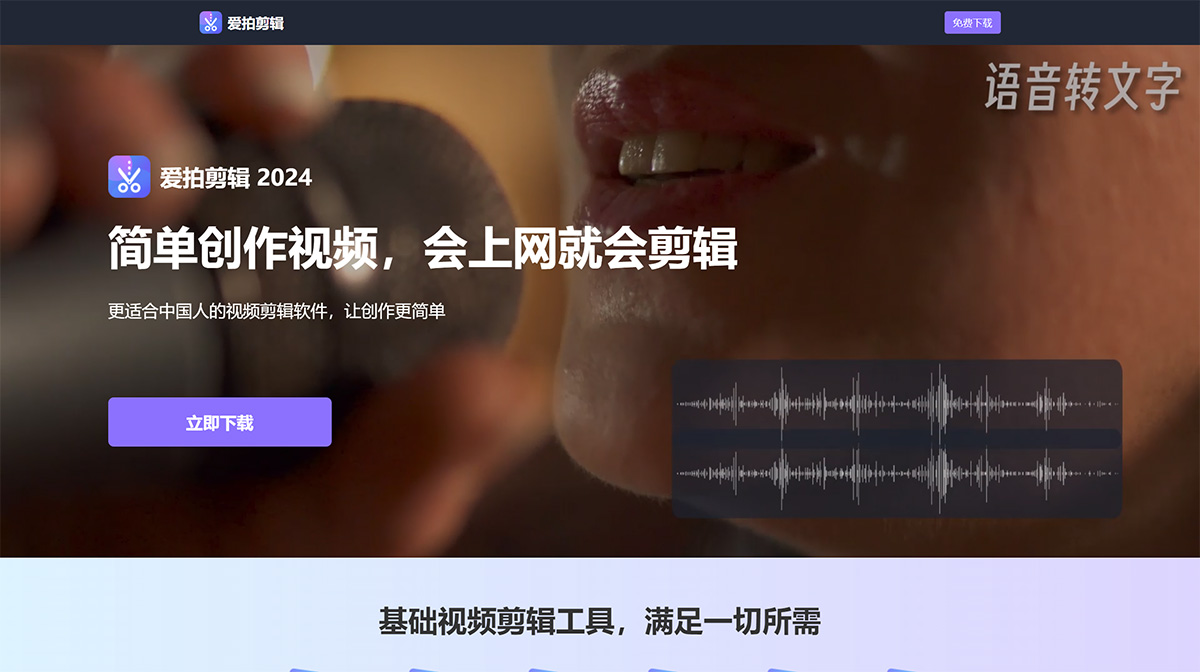
爱拍剪辑, a versatile video editing tool designed for beginners, enables you to produce videos with ease. If you can browse the web, you can edit videos. It's a video editing software more suited for Chinese users, making video creation simpler than ever.
爱拍剪辑 Key Features:
Simple and Easy to Use: Intuitive layout, supports multiple aspect ratios, one-click cover text addition
Intuitive interface layout with simple interactive operations
Easy-to-use cut, copy, paste, delete, merge, and split operations
Supports various aspect ratios, suitable for domestic video creation platforms
Supports one-click addition of covers, text, intros, and outros
Efficient and Clear: Multi-track editing with real-time preview for clear content visibility
Operations align with Chinese video aesthetics, icons, and text
Supports real-time preview, what you see is what you get
爱拍剪辑 supports multi video tracks, audio tracks, and text tracks for editing, making complex projects easy to handle
Simply drag and drop to add and adjust various material clips on the timeline
One-click hide, mute, and lock for video and audio tracks
Main track auto-snap enhances operational freedom
爱拍剪辑 supports batch text editing, quickly processing all text or subtitle content on the same text track
Supports track preview, allowing you to view each frame on video and picture-in-picture tracks
Simple Operation: Audio separation, auto-save, preset color adjustment and other features to meet various simple editing needs
【Audio Separation】Easily separate video and audio tracks in video clips
【Auto-save Drafts】Automatically save each operation step, allowing you to edit unfinished videos freely
【Picture-in-Picture】Play multiple different videos simultaneously to create simple picture-in-picture effects
【Mosaic Effect】Use mosaic to blur faces, phone numbers, and other private or specific information
【Voiceover】Record voiceovers in real-time and add them to tracks, with noise reduction for video and audio clips
【Watermark Removal】Includes Gaussian blur and various other watermark removal techniques
【Preset Color Adjustment】爱拍剪辑 supports pre-setting multiple basic parameters such as brightness and contrast for repeated use
【Video Adjustment】Supports one-click video splitting, merging, freezing, cropping, reversing, color adjustment, mirroring, and rotation
【Project Material Folder】Helps users organize and manage material clips used in the current project
【Draft Recycle Bin/History】Users can revert to previously saved operation steps
Versatile and Powerful: Powerful video creation features like video templates and green screen cutout to meet various complex editing needs
【Speech to Text】Intelligent subtitle recognition, with full or selective clip recognition to improve text matching efficiency
【Text-to-Speech】Supports over 40 voice types with adjustable speed and pitch
【Mask】Various mask types including rectangle and circle to make video creation easier
【Project Files】Supports importing and exporting project files for editing videos on different computers
【Green Screen Cutout】爱拍剪辑 supports green screen cutout for video backgrounds, creating unique videos
【Video Templates】Can be exported as templates; next time you only need to replace video and text clips, while transitions, color grading, and duration remain unchanged, greatly improving work efficiency
【AI Portrait Cutout】One-click automatic extraction of portrait content from video clips
【Template Library】爱拍剪辑 provides a large number of templates for various scenes and types, ready for quick application
【Material Pack】Save picture-in-picture, text, music, and other materials as local presets for reuse
Rich and Diverse: Provides various materials to assist in video content creation
【Text】Offers multiple text animations, style fonts, and text templates for free creative expression
【Stickers】Provides particles, backgrounds, fireworks, holiday-themed, and other trending materials with continuous updates
【Filters】Provides cinematic filters and supports LUT filter usage, with batch application to enhance video quality;
【Transitions】Offers dynamic transitions in various styles with batch application support, making video scenes more engaging
High-Quality Compatibility: Supports higher quality and more video formats for import and export
【Custom Parameters】Customize export video resolution, frame rate, and bitrate; supports 4K ultra-high resolution and 60fps export;
【Fast Export】Quickly complete project rendering and upload, and supports batch export of multiple project files
【Universal Import】爱拍剪辑 supports all mainstream video, audio, and image formats: MP4, AVI, MPEG, WMV, MKV, MPG, RMVB, M4V, 3GP, FLV, TS, M4V, VOB, F4V, MP3, WAV, MKA, OGG, FLAC, AAC, JPG, PNG, TIF, BMP, SVG...















