
 Script Planner Assistant▸
 AI Apps
 AI News

MoneyPrinter: Auto-Generate Short Videos
MoneyPrinter: Auto-Generate Short VideosIntroduction
MoneyPrinter is an automated money-making project that automatically creates YouTube short videos. Simply input the video text, and MoneyPrinter will automatically generate related short videos.
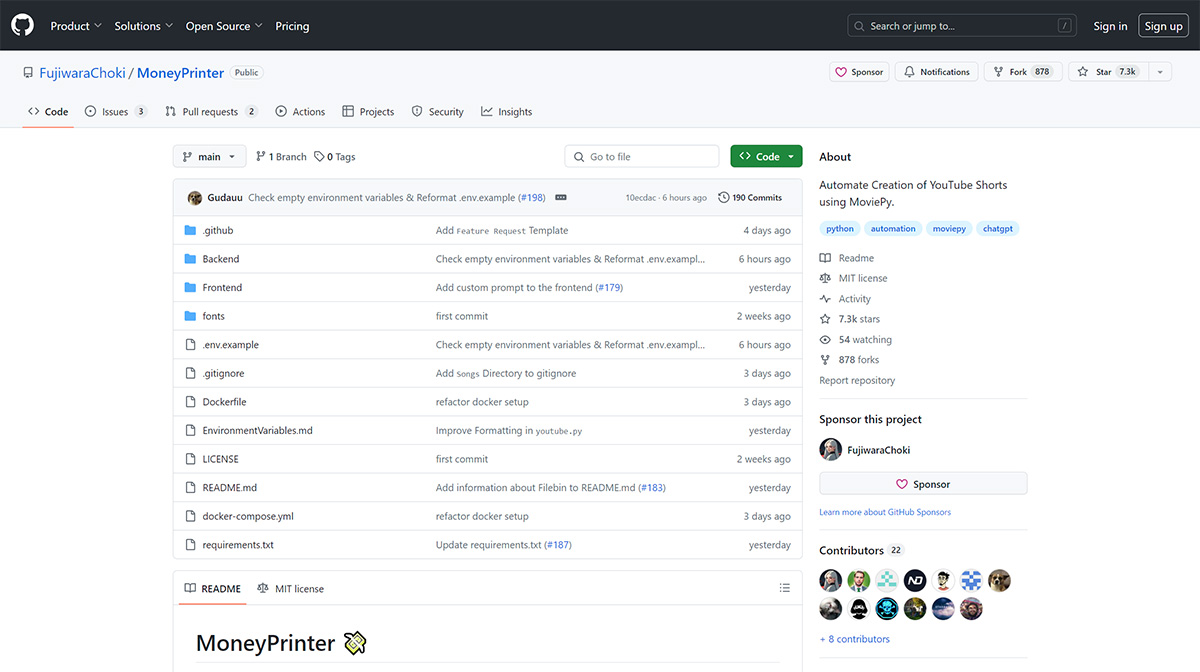
MoneyPrinter Main Features:
Automatic Video Generation: Just provide a video topic to automatically create related YouTube Shorts locally.
Music and Font Customization: You can upload your own MP3 file archive and fonts to customize the video music background and fonts.
Automatically upload the generated videos to YouTube.
How to Use MoneyPrinter:
1. Copy the .env.example file to .env and fill in the required values
2. Open http://localhost:3000 in your browser
3. Enter the topic you want to discuss
4. Click the "Generate" button
5. Wait for the video to be generated
The generated video is located at MoneyPrinter/output.mp4. The entire process requires little to no video editing skills from the user—only simple operations and waiting for the program to complete its work.
MoneyPrinter is a powerful video processing library capable of editing videos, adding music backgrounds and text, etc. To use your own music, compress all MP3 files into a ZIP file and upload it somewhere. Provide a link to the ZIP file on the front end, or you can move the MP3 files into the folder directly.
The technology behind MoneyPrinter primarily relies on the Python programming language and the MoviePy video editing library, along with the YouTube API for video uploads, making the entire workflow from video concept to publishing automated and seamless.














