Script Planner Assistant▸
 AI Apps
 AI News

Chosic: Free Royalty-Free Background Music Downloads
Chosic: Free Royalty-Free Background Music DownloadsIntroduction
Chosic is a website that offers a rich variety of music tools. It not only makes it easy to find song names, lyrics, and playlist information, but also features thousands of royalty-free music tracks. Here you can find all kinds of music styles and genres, including Vlog, motivational, fun, gaming, happy, sad, relaxing, calm, intense beat, romantic, cinematic, rock, pop, jazz, classical, and more, meeting a wide range of emotional and thematic needs. You can also search by music name or select a music type depending on your project needs, whether you want something romantic, fun, or calm, among other styles.
Chosic music is available for free download and can be used for commercial purposes, as long as you credit the source where it is used.
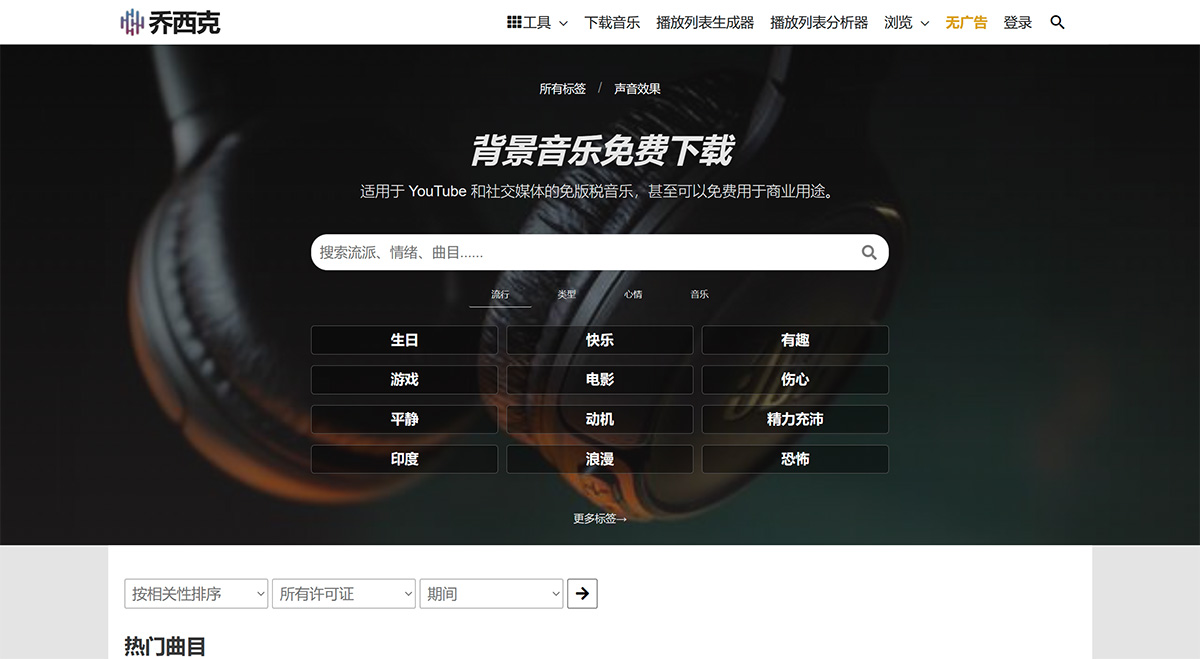
How to use Chosic?
1. Go to the Chosic free background music download page, and use the search field to enter keywords to find relevant music.
2. Each music file found through Chosic search provides related information such as cover art, title, artist, download count, license, and waveform. Every track can be previewed directly, and you can click on the timeline to quickly listen to later sections. If you like it, click the "Download" button to enter the download page.
3. After entering the download page for a single track on Chosic, click the "Free Download" button in the middle to download the MP3 file for free.
4. During the download, a licensing reminder will pop up. If attribution is required, the license text is also provided below for you to copy directly and paste into your video or project. It is very convenient and clear.
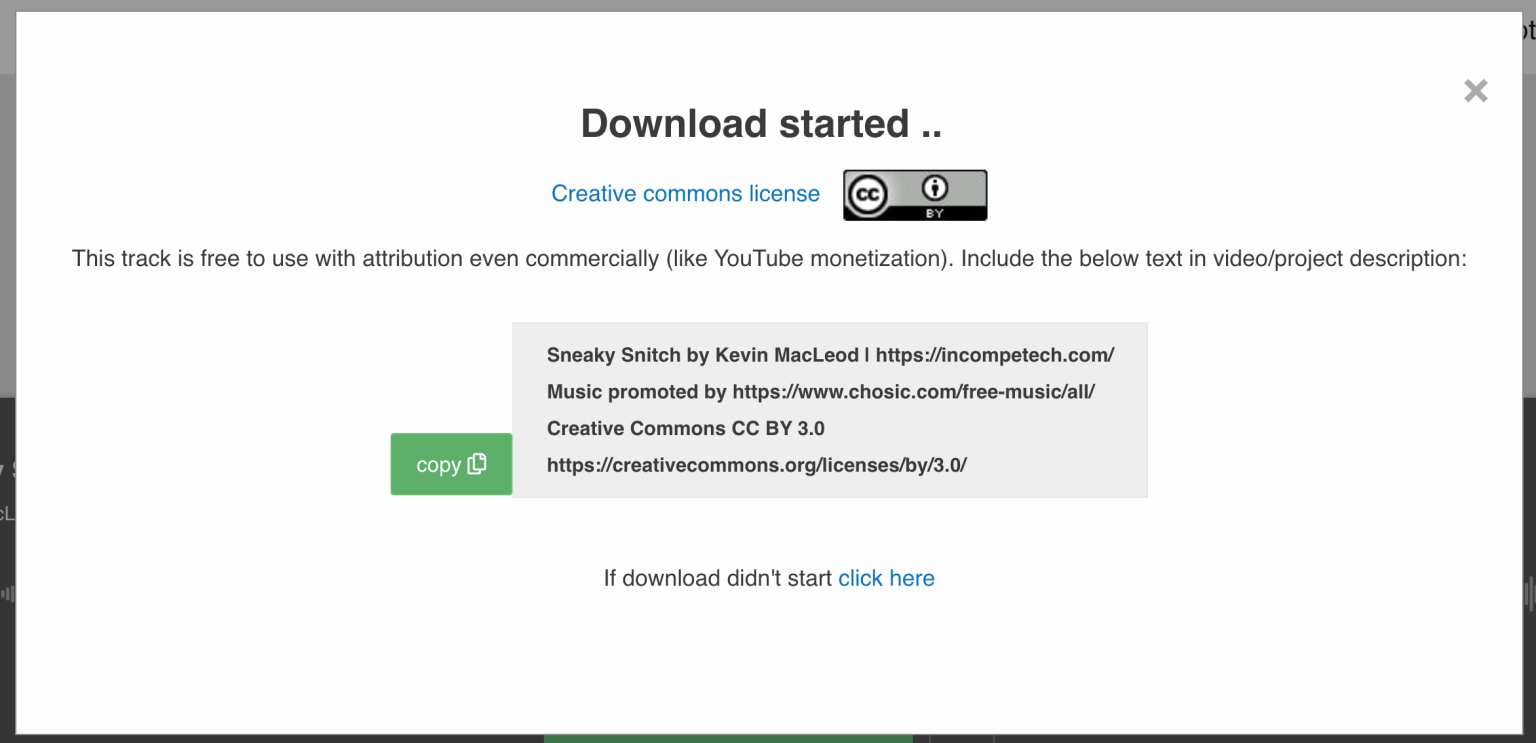
The music resources collected on the Chosic website can all be previewed and played online, and can be downloaded without registration. The vast majority of the music uses Creative Commons (CC) licensing and requires attribution. Chosic provides a citation that can be quickly copied and pasted—just place this content in your video description field when using the music.