Script Planner Assistant▸
 AI Apps
 AI News

Yesicon: An Iconify Library with Chinese Search Support
Yesicon: An Iconify Library with Chinese Search SupportIntroduction
There are countless icon search websites out there, but almost all of them are in English. Most of the time, if you want to search for an icon, you have to first use a translation tool to translate your keywords into English before searching.
Yesicon curates a selection of 158 open-source, free icon sets including Google Material Icons, Microsoft Codicons, and Fluent UI System Icons. It uses the ChatGPT API to translate the 210,000 icon names from Iconify and expand them into Chinese keywords, allowing users to search for the icons they want using Chinese. It serves as an icon library platform, with the website supporting multiple languages including Chinese and English, and offering search functionality.
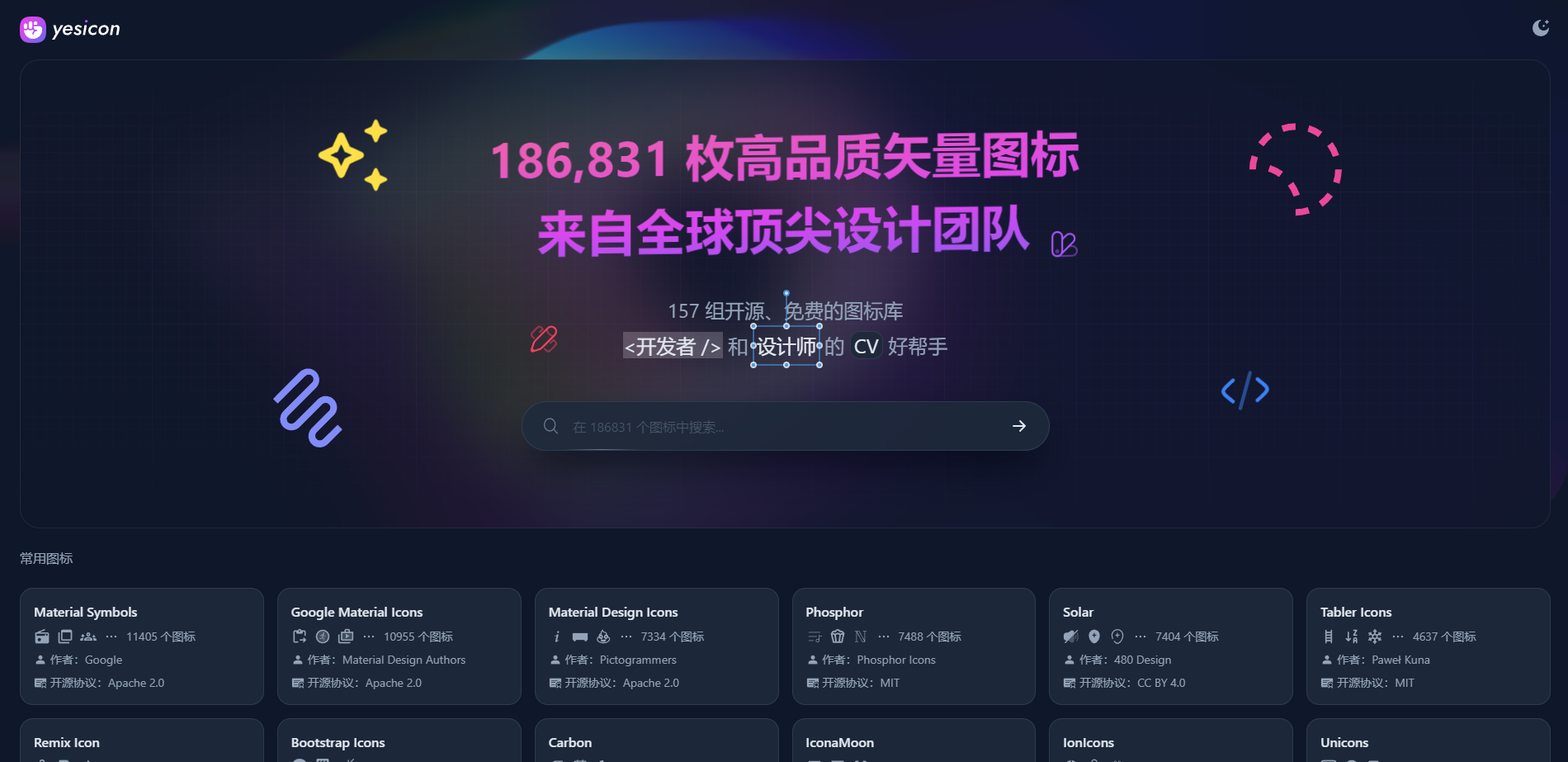
In addition to supporting Chinese search, the following features of Yesicon are also well worth exploring:
Category and style filtering under each icon library
Freely change the color and size of icons
One-click copy or download of SVG / PNG / DataURL
Directly copy Iconify plugin code for TailwindCSS / UnoCSS
Iconify-related component code copying for four major front-end frameworks
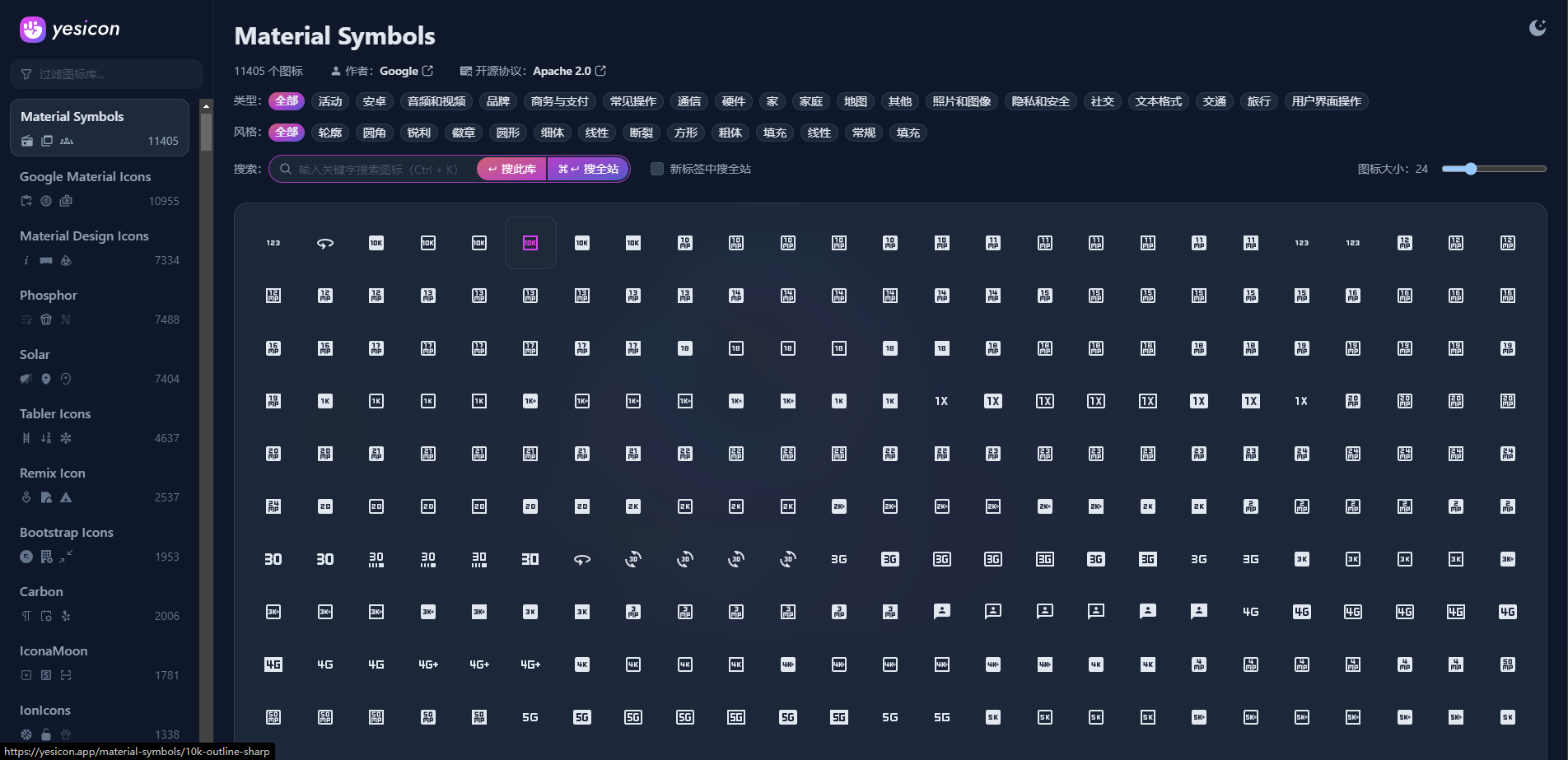
Yesicon brings together various popular open-source icon sets that were previously scattered across the web onto a single platform. It also provides a Chinese interface, making it more friendly for Chinese-speaking users. Yesicon offers a total of more than 180,000 icon assets. Users can browse the website using categories or keywords to find the icons they need, preview them, adjust their size and color, and freely choose between SVG, PNG, or DataURL file formats for download. If you want to use it with frameworks such as Twilwind CSS, UnoCSS, Unplugin Icons, Iconify, React, Vue, Svelte, or Solid, Yesicon can also generate the corresponding code, which is very convenient.
All icons in Yesicon are open-source and free to use, including for commercial projects. Regarding icon licensing, Yesicon clearly marks the key information for each icon, such as the author, license, icon count, and original link. Users who download icons from Yesicon can also be aware of the scope of use to avoid copyright infringement.
How to use Yesicon?
Search icon sets through multilingual search, perform rich filtering by type and style, quickly customize icon color, size, and code style, and copy and download with one click for developers and designers.