
 Script Planner Assistant▸
 AI Apps
 AI News

AnyWebP: Convert WebP to JPG/PNG
AnyWebP: Convert WebP to JPG/PNGIntroduction
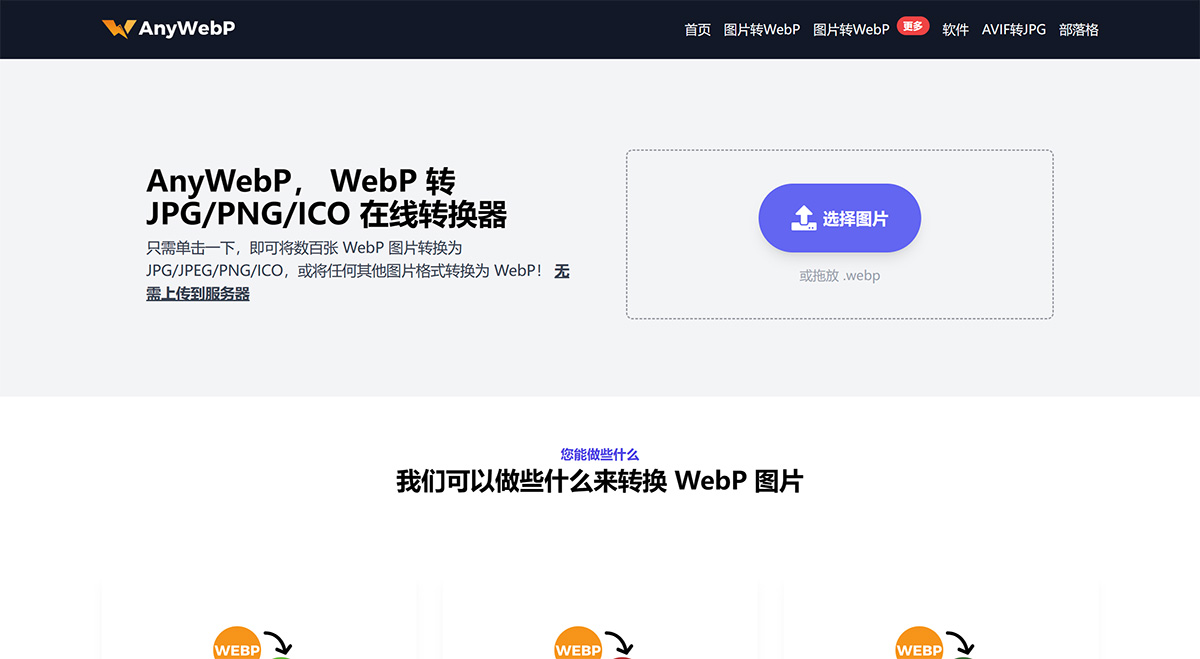
AnyWebP is an all-in-one WebP converter available online, on Windows, and on Mac. It is a tool that can convert WebP to standard JPG/JPEG/PNG and ICO. At the same time, it can also convert other image formats to the WebP image format. Batch processing is supported! Simply upload any number of WebP images and convert them with one click for automatic batch download. Based on pure JS technology, it can protect user privacy and security.
AnyWebP Features:
Convert WebP to JPG/PNG
Convert JPG/PNG to WebP
Fast, secure, and dependable
Free to use
Add hundreds of WebP or other image files for conversion
Google announced the WebP format in 2010 as a new image file format, and it has been around for more than 10 years. Like JPEG, WebP is a lossy compression format. However, at the same image quality, WebP offers better performance and compression efficiency than the JPEG format. Using WebP will significantly improve your website's loading speed. Because its file size is 25-35% smaller than typical JPEG images, more and more website owners are using the WebP image format.
Despite all these advantages, WebP is still held back by compatibility issues. Most offline image viewers (such as the typical Windows image viewer) cannot natively open WebP files. You cannot directly preview or edit WebP. Due to the lack of widespread adoption, these images are difficult to share. Imagine you have hundreds of WebP images; opening them one by one would be a hassle. The best and most practical approach is to convert them all to standard JPEG or JPG images.
After converting WebP to JPG or PNG through AnyWebP, you can:
Edit images using photo editing software
Share openable images with others.
Open images in any image viewer on Mac or Windows.
Why choose AnyWebP?
1. Fully featured: AnyWebP handles all work involving WebP conversion. From WebP to any format, or any format to WebP.
2. 24/7 Support: If you have any questions or concerns, please contact us. Just drop us an email, and we will reply within 24 hours.
3. Secure data: AnyWebP does not host any of your files. We use advanced VUE and JS technologies to process photos in the browser.
4. Batch processing: AnyWebP can convert hundreds of WebP files at once. Each file conversion takes only 1 second.













