Script Planner Assistant▸
 AI Apps
 AI News

Feiniao Office
Feiniao OfficeIntroduction
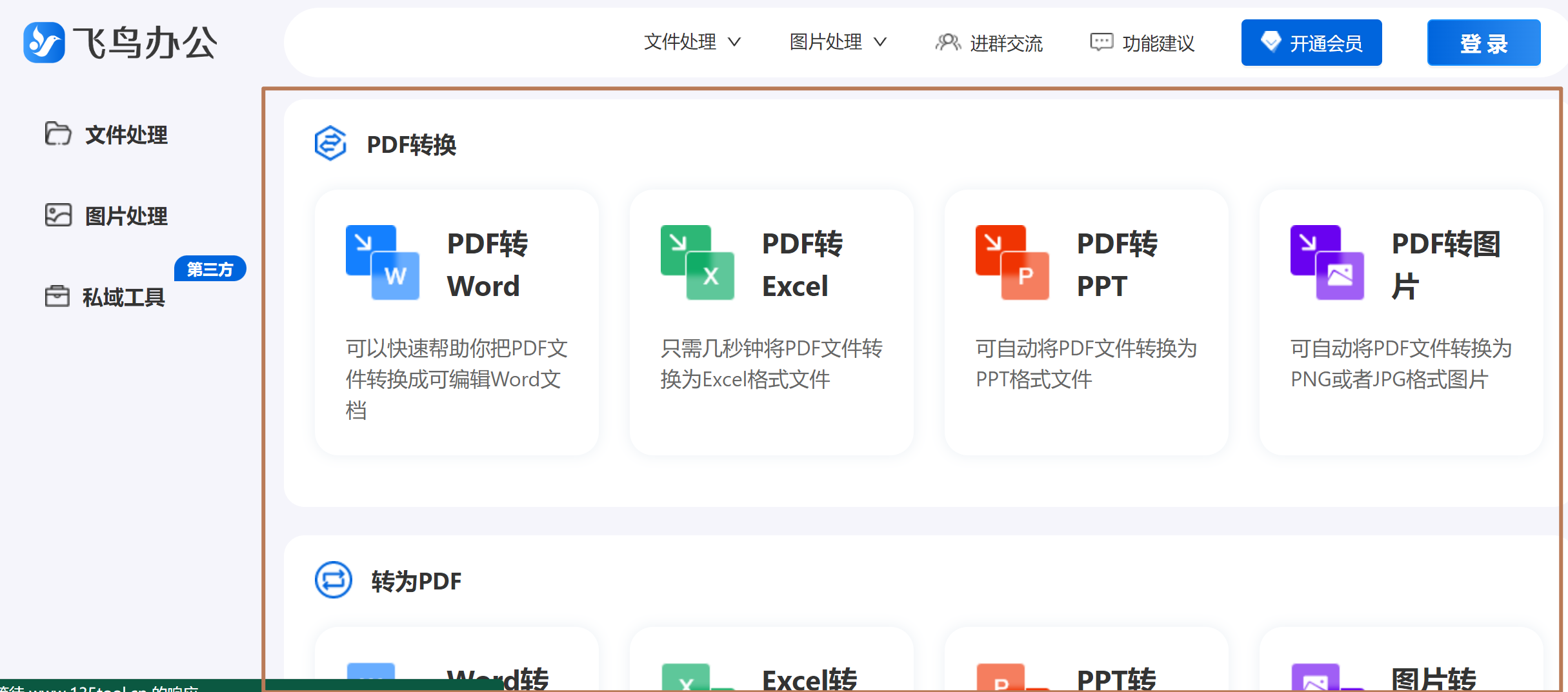
Feiniao Office is a newly launched office tools website under 135 Editor. Drawing on the strengths of various office tools websites currently available on the market and combining its own characteristics, Feiniao Office has specifically built file processing tools and image processing tools.
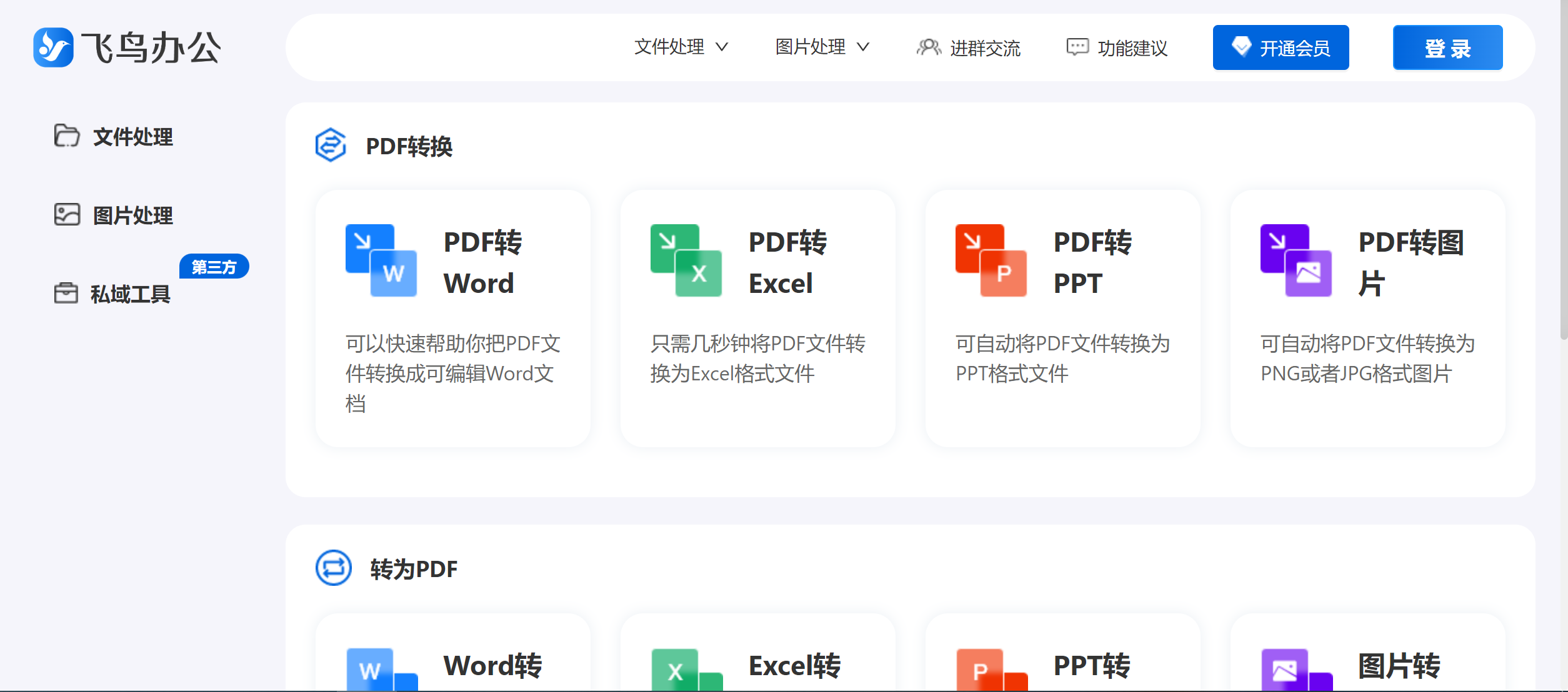
Feiniao Office Usage Scenarios:
Feiniao Office is suitable for office beginners who need to convert PDFs to and from different file formats. For common needs such as PDF conversion, image format compression, and enlargement, Feiniao Office can well satisfy your work requirements.
Feiniao Office Features:
The file processing tools include the following functions: PDF to Word, PDF to Excel, PDF to ppt, PDF to image, Word to PDF, Excel to PDF, PPT to PDF, image to PDF, PDF merge, PDF split, PDF compression, and PDF watermark adding.
The image processing tools include the following functions: smart background removal, smart ID photo generation, image eraser, image sharpening, image watermark adding, image format conversion, image compression, and image lossless enlargement.
Feiniao Office Advantages:
Batch Upload: Supports uploading multiple PDF files at once, greatly improving work efficiency.
High-Precision Conversion: Maintains the text, images, tables, and other elements of the original PDF file with high fidelity in the converted PPT.
Fast Processing: With powerful server performance, Feiniao Office can complete conversion tasks in a short time.
User-Friendly Interface: A clean and clear operation interface that allows even non-professionals to get started easily.
Multi-Platform Support: Whether you are using a computer, mobile phone, or tablet, you can smoothly use Feiniao Office for PDF to PPT conversion.
Feiniao Office Usage Process:
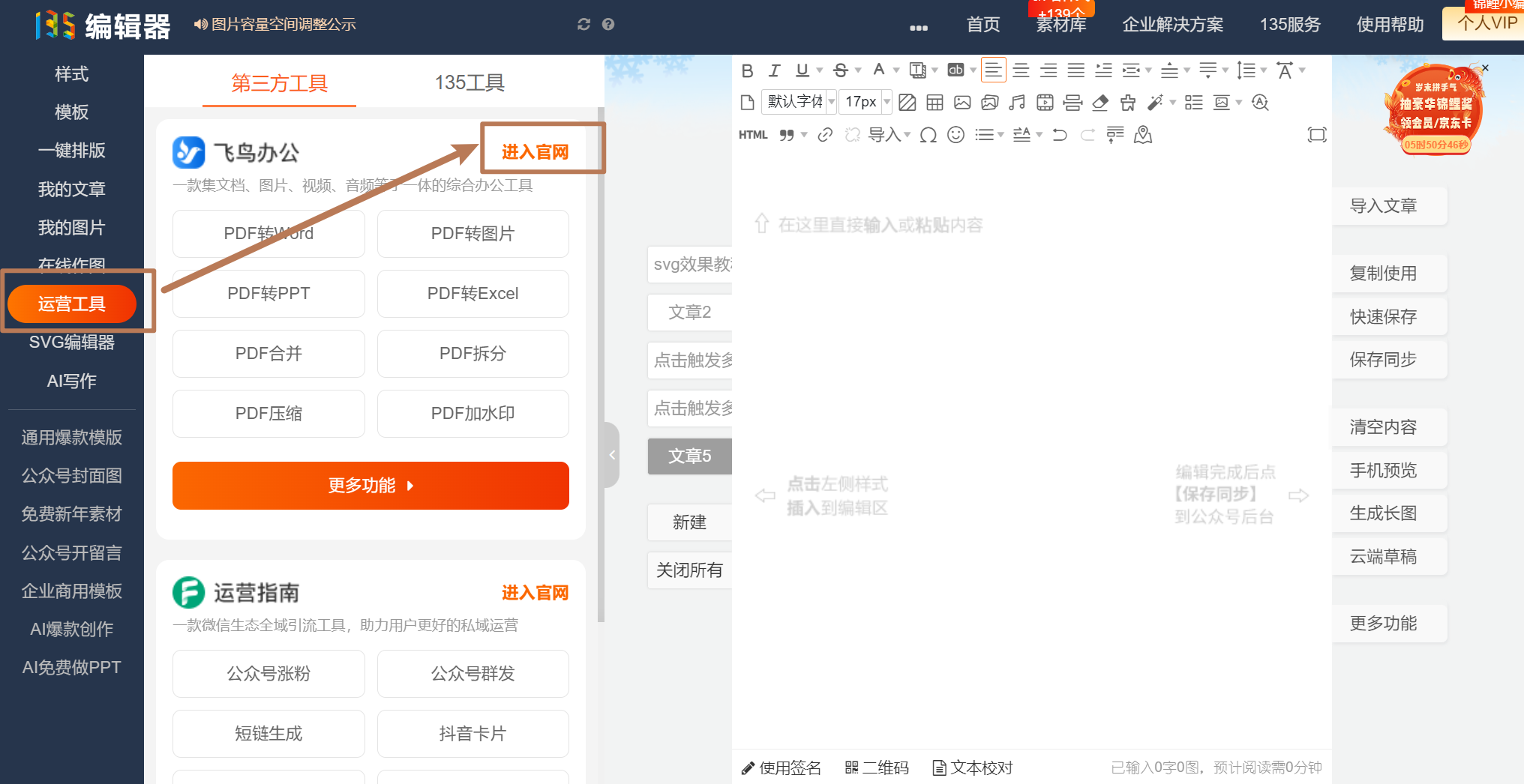
Step 1: Go to the 135 Editor official website (www.135editor.com), find [Operation Tools] - [Enter Official Website] in the left sidebar of the editor.
Step 2: Enter the Feiniao Office official website, choose either file processing tools or image processing tools according to your needs, then select the specific function and upload the document to be processed.