
 Script Planner Assistant▸
 AI Apps
 AI News

LightPDF_云技派,专注ai人工智能!
LightPDF_云技派,专注ai人工智能!Introduction
LightPDF is a free online PDF editor, converter, and reader powered by artificial intelligence. It offers cloud-based services for conveniently viewing, editing, converting, signing, annotating, merging, managing, and sharing PDFs, and it leverages AI to summarize and extract insights from uploaded PDFs, Word, Excel, and ppt documents.
With LightPDF, you can perform a variety of tasks such as viewing, editing, and converting PDF files, adding annotations and watermarks, merging multiple PDFs, compressing PDFs, and sharing and collaborating on PDFs with others. You can also use the ai chat robot for document-related queries.
LightPDF is free, with no limits on the number of uploads or chat sessions. In addition to the chat feature, LightPDF AI for Docs also provides a variety of PDF tools, such as converting to and from PDF format, editing, compressing, and adding watermarks.
LightPDF features a user-friendly interface that generates summaries, tables, conclusions, and outlines while seamlessly integrating references and navigation.
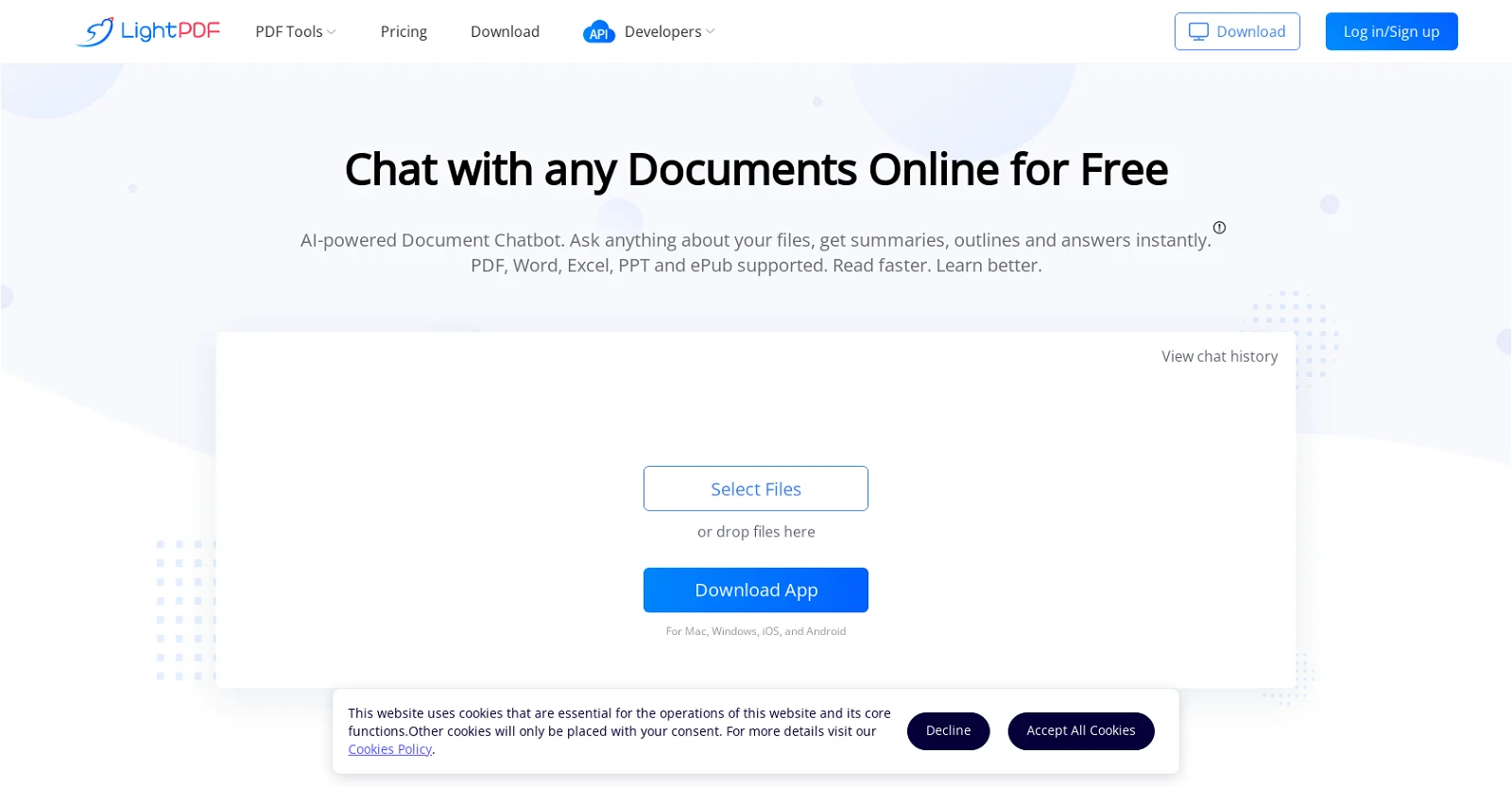
Core Features of LightPDF:
View, edit, and convert PDFs online
Sign and annotate PDFs
Merge multiple PDFs into a single document
OCR technology to convert scanned PDFs and images into text
Compress PDF files to reduce file size
Manage and organize PDFs
Share and collaborate on PDFs with others
AI chatbot for document-related queries
Applications of LightPDF:
Convert PDFs to Word, PPT, Excel, TXT, PNG, JPG, DWG, and EPUB
Edit and add watermarks, text, and markings to PDFs
Use OCR to convert scanned PDFs and images into editable text
Compress PDF files for easy sharing and storage
Merge multiple PDFs into a single document
Manage and organize PDFs on the cloud
Share and collaborate on PDFs with others
Get document-related assistance from the AI chatbot
How to Use LightPDF?
To use LightPDF, simply visit the website and choose from various PDF tools, such as converting from PDF, editing PDFs, adding watermarks, merging PDFs, and more. You can also upload, store, and access PDF files on the cloud, collaborate with others, and even use the AI chatbot for document-related queries.
LightPDF's AI chatbot can assist businesses with market trend analysis, financial reports, and business plans, and it can serve as a valuable aid for learning and creativity, helping users organize and brainstorm ideas.
LightPDF emphasizes document security and deletes files from its servers after processing, ensuring that user-submitted documents are not used for model training or service improvement. Overall, LightPDF AI for Docs enables users to work smarter and more efficiently, helping them quickly access information while reducing repetitive tasks.















