Script Planner Assistant▸
 AI Apps
 AI News

Xiumi (秀米)
Xiumi (秀米)Introduction
Xiumi is an article formatting tool for WeChat Official Accounts, dedicated to editing articles on the WeChat platform. It serves as a tool for article formatting and H5 production for WeChat Official Accounts, offering a wealth of template materials and formatting styles, powerful layout editing features, and making it easy to create articles and H5 pages for Official Accounts. The Xiumi editor comes with many original template materials, and its formatting styles are diverse and personalized. The Xiumi editor allows you to design article layouts with your own unique style. It also features two built-in production modes—Xiu Production and Article Formatting—offering a richer variety of page templates and components.
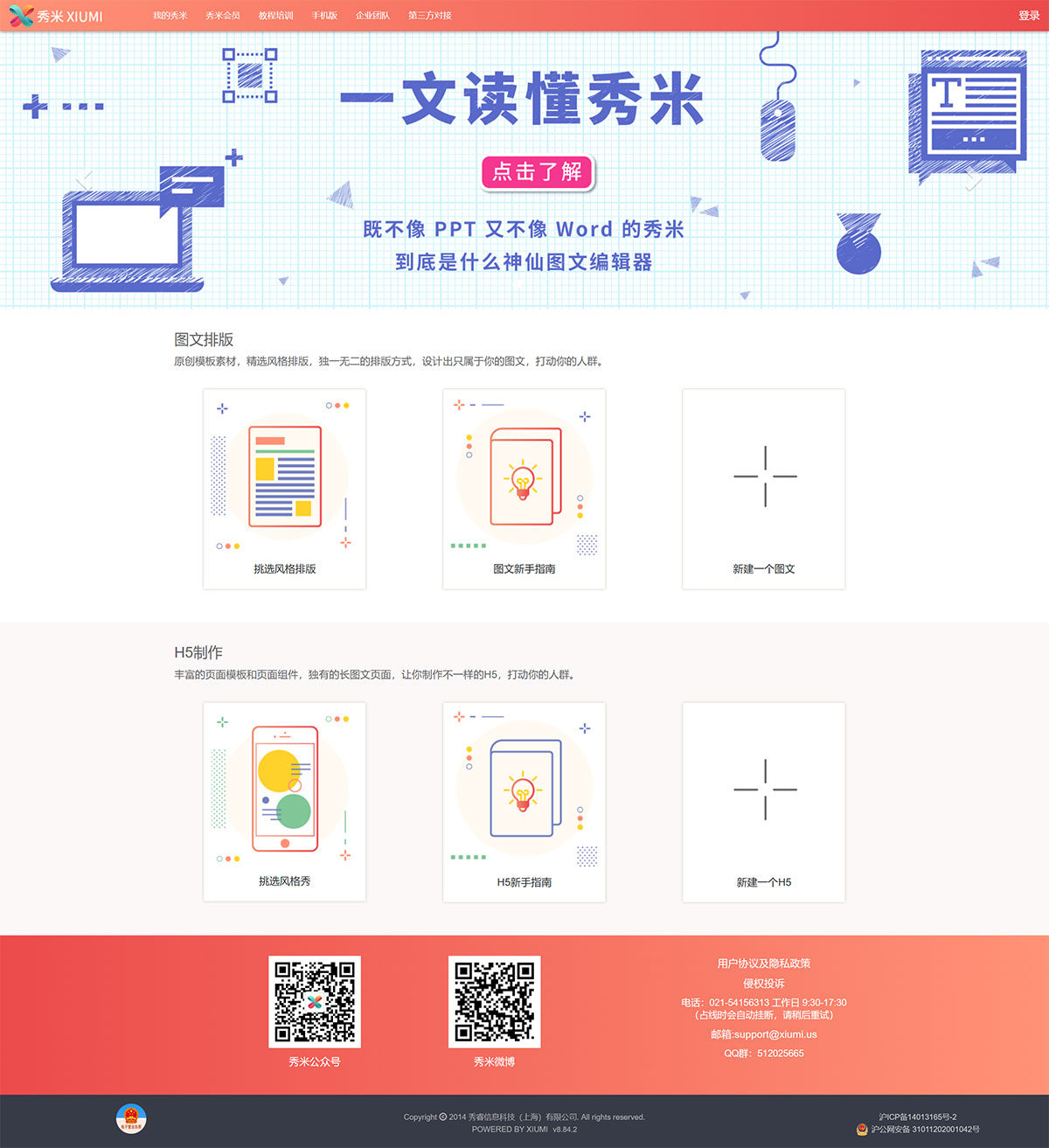
Xiumi Features:
Article Formatting: Provides a variety of original template materials and formatting styles, supporting the editing and adjustment of text and images.
Diverse Layouts: Supports multiple formatting styles, allowing users to create personalized article layouts.
H5 Page Design: Suitable for mobile marketing applications, enabling the creation of electronic photo albums, promotional brochures, and more.
Image Design: Built-in image design function, supporting the design of posters, covers, and other image types.
Multi-Article Sync: Supports single and multi-article synchronization, making it convenient to upload multiple articles to an Official Account at once.
Flexible Components: Each template and component can be customized, allowing users to quickly adjust positions.
One-Click Formatting:Xiumi also includes one-click formatting and quick editing features for article content, allowing users to easily edit and beautify existing content.
How to Use Xiumi
Register and Log In
Visit the Xiumi official website, then register and log in using your phone number and email.
Create a New Article
Choose a Template: On the "Article Formatting" page, pick a suitable template, or select "Create a New Design" to start from scratch.
Edit Content: Add text, images, and other materials in the editing area, and adjust the formatting.
Insert Images: Click "My Gallery" on the left to upload images, or insert them directly into the editing area.
Preview and Publish
Preview: Click the "Preview" button and scan the QR code with your phone to view the result.
Publish: After saving, you can choose to sync to the Official Account or copy and paste it into the Official Account backend to publish.
How to Sync Xiumi to an Official Account?
Create Content: Edit and create the desired article content in Xiumi.
Select Send: Choose the "Send" button on the toolbar at the top of the editing page.
Bind Official Account: If no Official Account is bound, you need to perform the binding operation first.
Select Official Account: After successful binding, select the Official Account you want to sync the article to.
Sync Operation: After confirming the Official Account, click the "Sync to Official Account" button to complete the operation.
In addition, Xiumi supports team collaboration features, allowing multiple users to edit and manage the same project, which is especially suitable for enterprises and teams. Users can also quickly generate content by importing Official Account article links.